Using 8480 Series Power Sensors 5
Keysight N1913/1914A User’s Guide 167
Editing frequency dependent offset tables requires the following steps:
1 Identify and select the table you want to edit.
2 Rename the table.
3 Enter the frequency and offset pairs.
4 Save the table.
Procedure
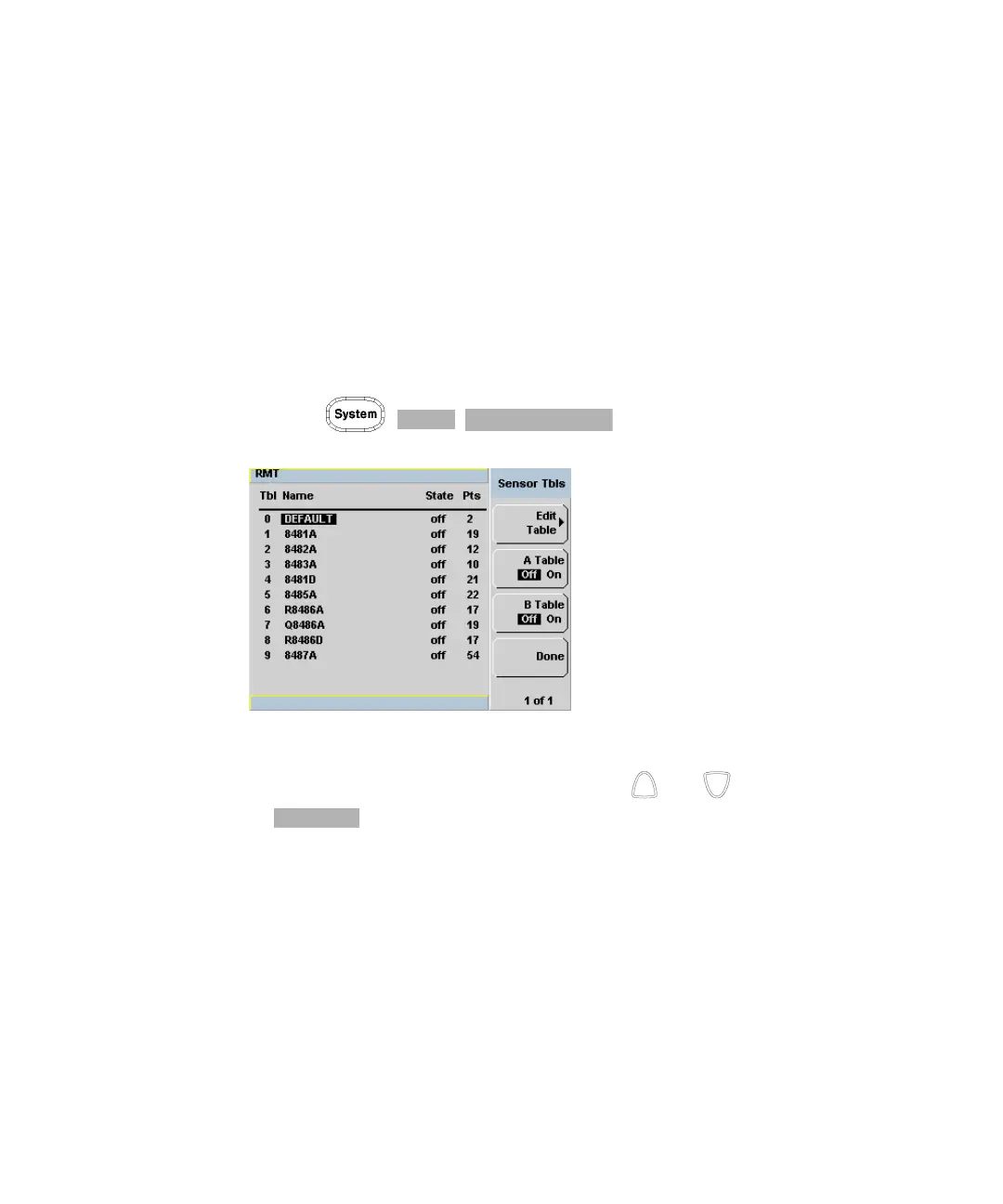
First select the table you want to edit as follows:
1 Press , , to display the Sensor Tbls screen.
Figure 5-9 “Sensor Tbls” screen
2 Choose the table you want to edit using the and keys. Press
to display the Edit Cal screen as shown in Figure 5-10.



 To Next Page