Introduction 1
Keysight N1913/1914A User’s Guide 45
Using the Remote Front Panel
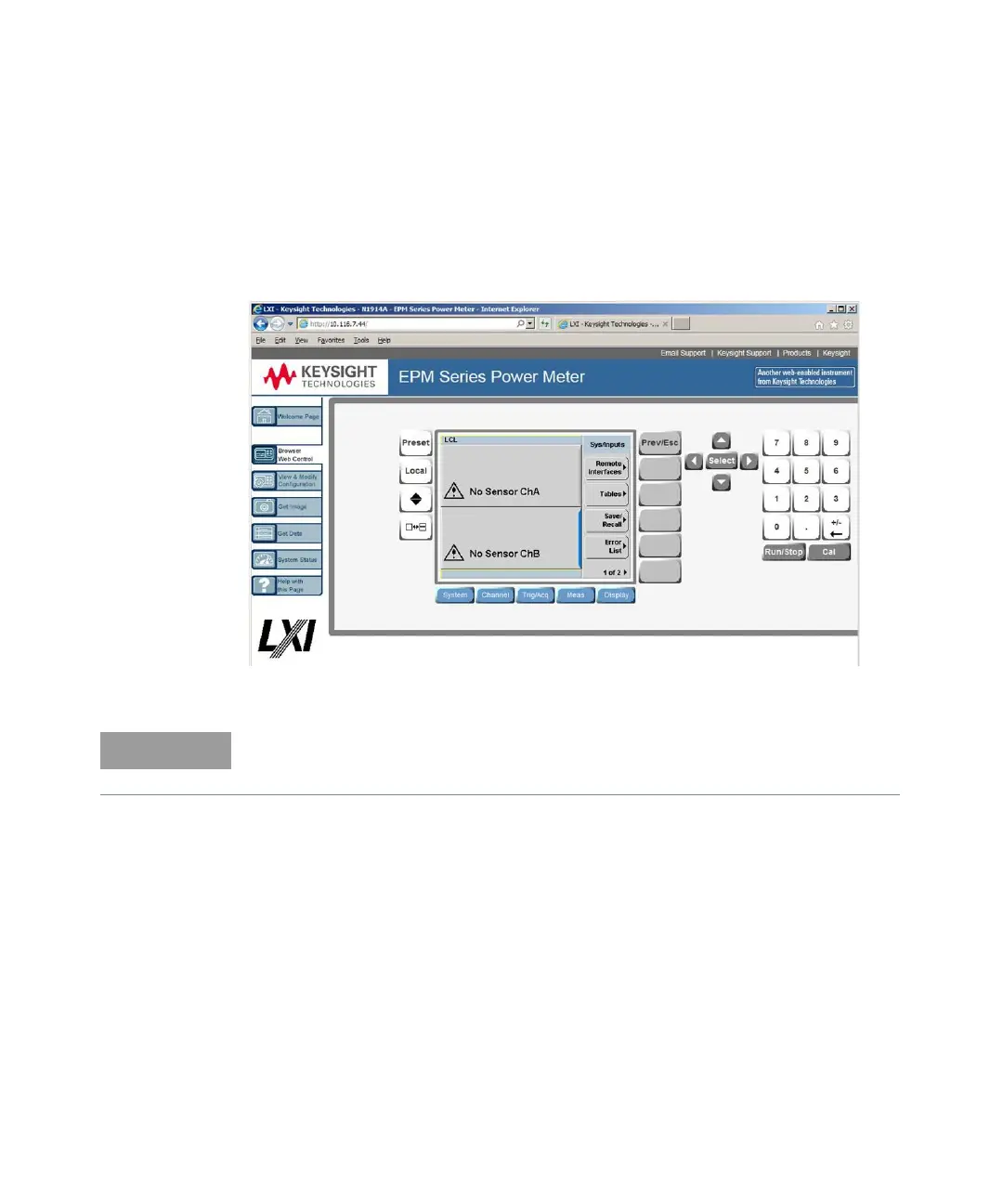
The instrument Web interface also provides a virtual front panel interface that can
be used to control the power meter remotely.
1 On the left of the Welcome Page, select Browser Web Control. The remote
front panel appears.
2 Click the front panel keys to control the instrument.
Java™ must be installed on the controlling PC for remote front panel operation.



 To Next Page