General Power Meter Functions 2
Keysight N1913/1914A User’s Guide 57
Setting the Measurement Frequency
Entering the frequency of the RF signal you are measuring optimizes the accuracy
and minimizes measurement uncertainty, especially when making comparative
measurements between signals.
Procedure
Set the measurement frequency as follows:
1 Press . On dual channel meters select the required channel.
2 Use the and keys to highlight the Frequency value field and press
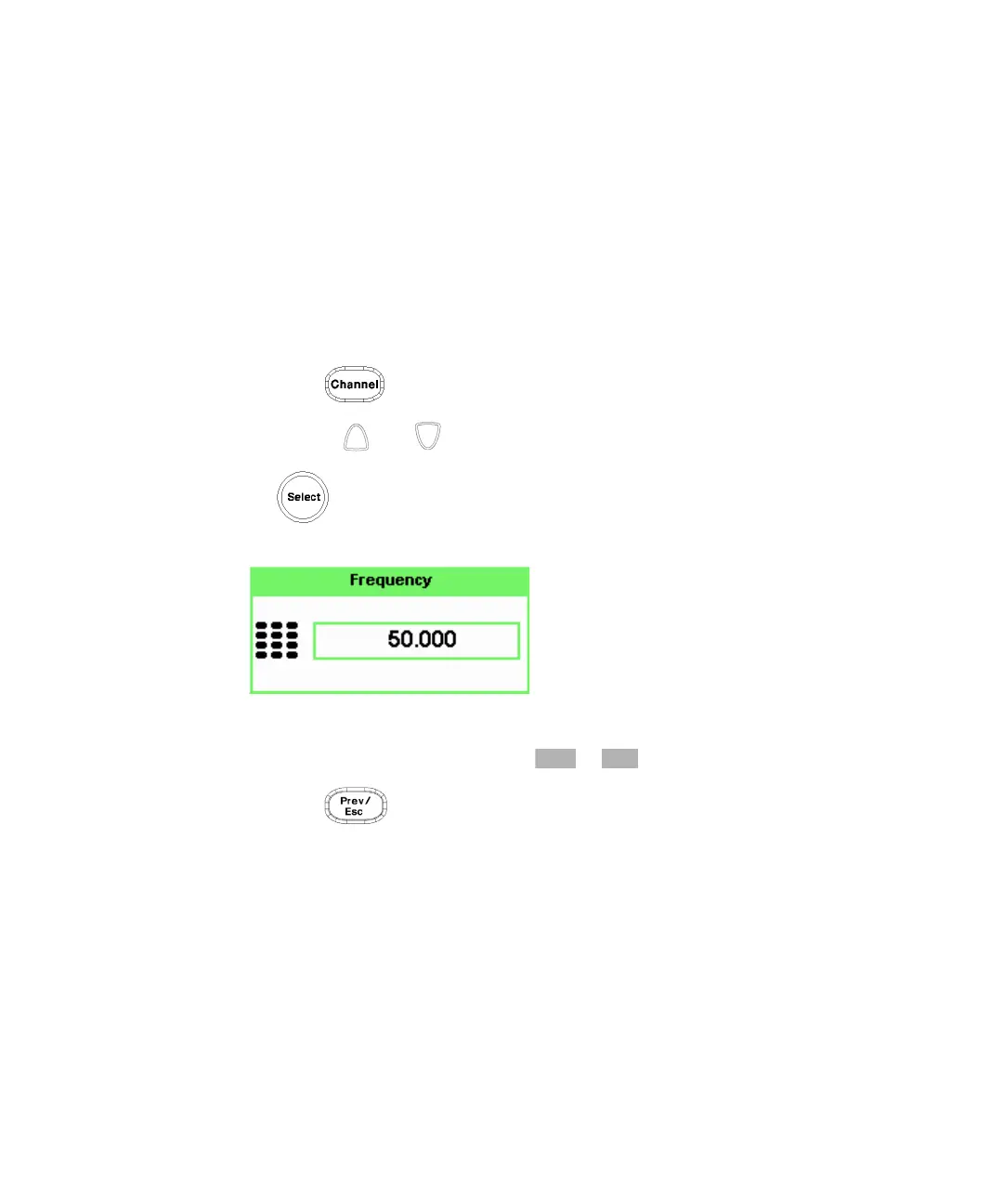
to display the Frequency pop-up. Use the numeric keypad to enter the
required value in the Frequency pop-up window.
Figure 2-1 Frequency pop-up
3 Confirm your choice by pressing or .
4 Press key to close the Channel Setup screen.



 To Next Page