2 General Power Meter Functions
88 Keysight N1913/1914A User’s Guide
Setting Limits
The power meter can be configured to verify the current measurement in any
measurement line against predefined upper and/or lower limit values. The range
of values that can be set for the upper and lower limits and the default values
depends on the measurement units in the currently selected measurement line
(see Table 2-3).
Table 2-3 Range of values for window limits
Procedure
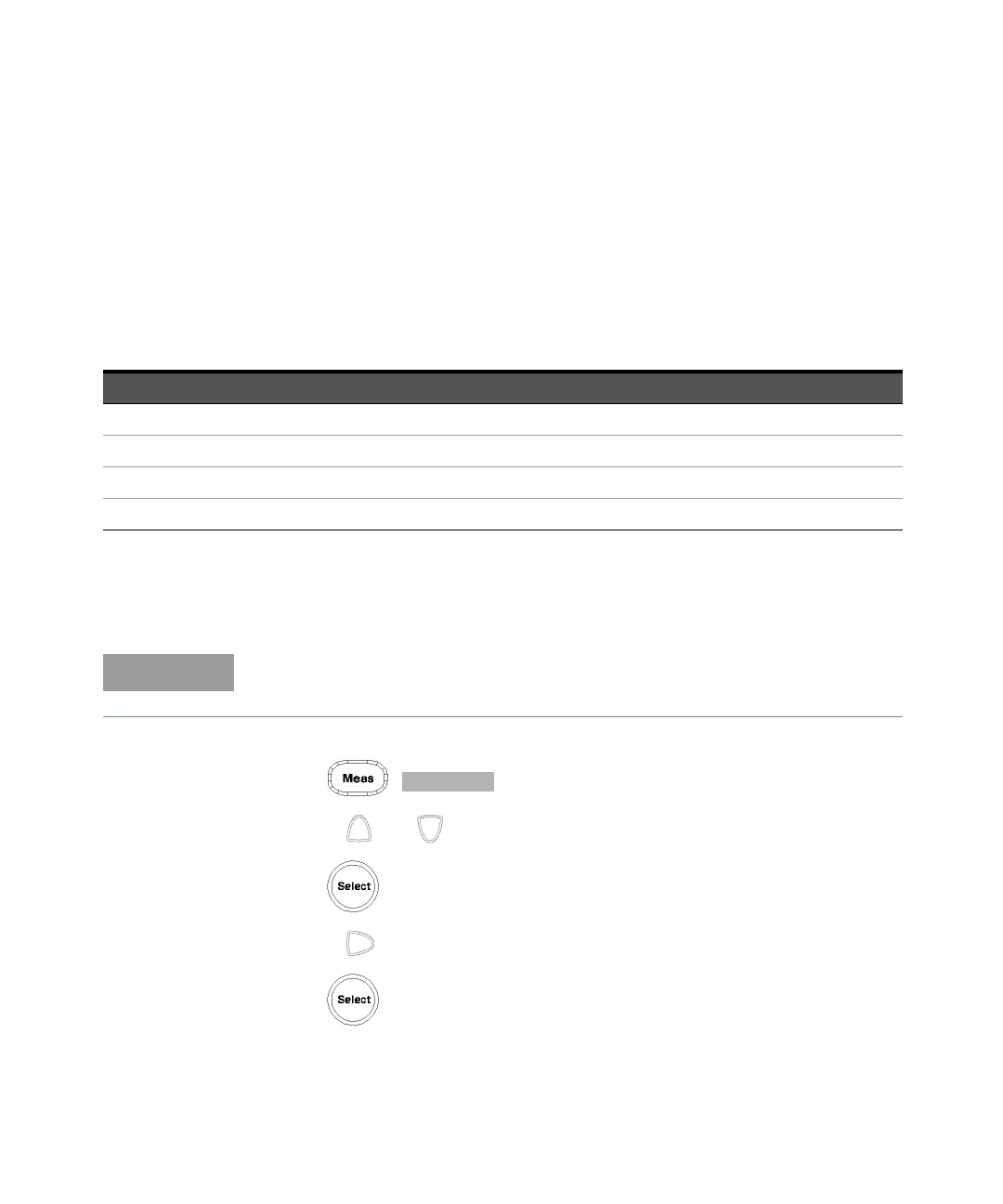
Set the limits as follows:
1 Press , to display the Measurement Setup menus.
2 Use the and keys to highlight the Limits: setting field.
3 Press to check the Limits: setting field.
4 Use the key to highlight the Minimum Limits: value field.
5 Press to display the Minimum Limit pop-up.
Window Units Maximum Minimum Defaul t Maximum Default Minimum
dB +200 dB –180 dB 60 dB –120 dB
dBm +230 dBm –150 dBm 90 dBm –90 dBm
% 999.9 X% 100.0 a% 100.0 M% 100.0 p%
W 100.000 XW 1.000 aW 1.000 MW 1.000 pW
Ensure you have selected the channel you wish to set up.



 To Next Page