1Introduction
50 Keysight N1913/1914A User’s Guide
Getting the Instrument Data
The instrument Web interface allows you to transport measurement readings from
the instrument to PC applications such as word and spreadsheet applications.
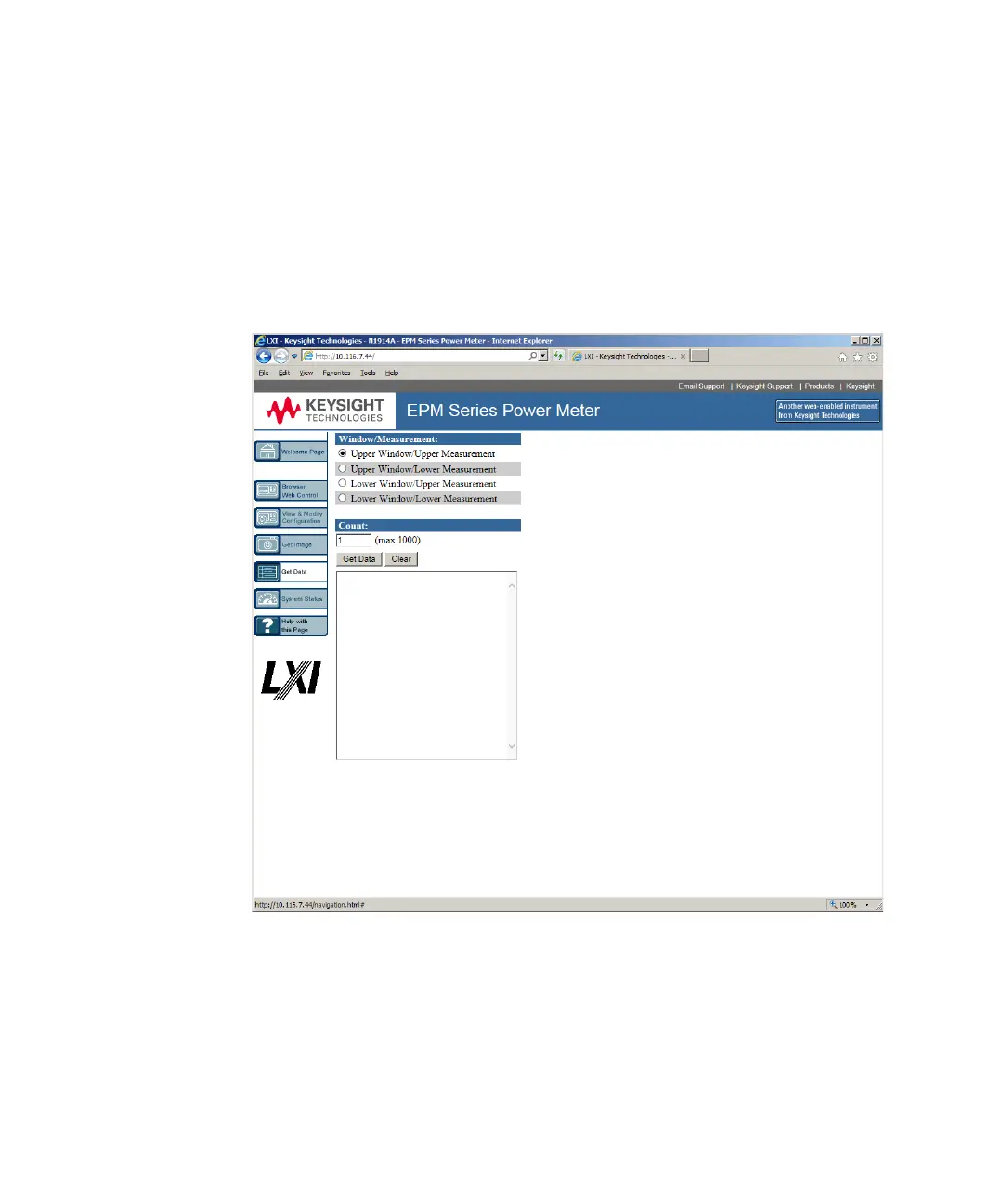
To get the instrument data:
1 On the left of the Welcome Page, select Get Data. The Get Data Web page will
be displayed.
2 Select the window/measurement type of the instrument.
3 Enter your desired count value (up to 1000 only) of the data and click Get
Data. The data will be displayed in a text box.
4 Copy and paste the data in your intended PC application.



 To Next Page