2 General Power Meter Functions
112 Keysight N1913/1914A User’s Guide
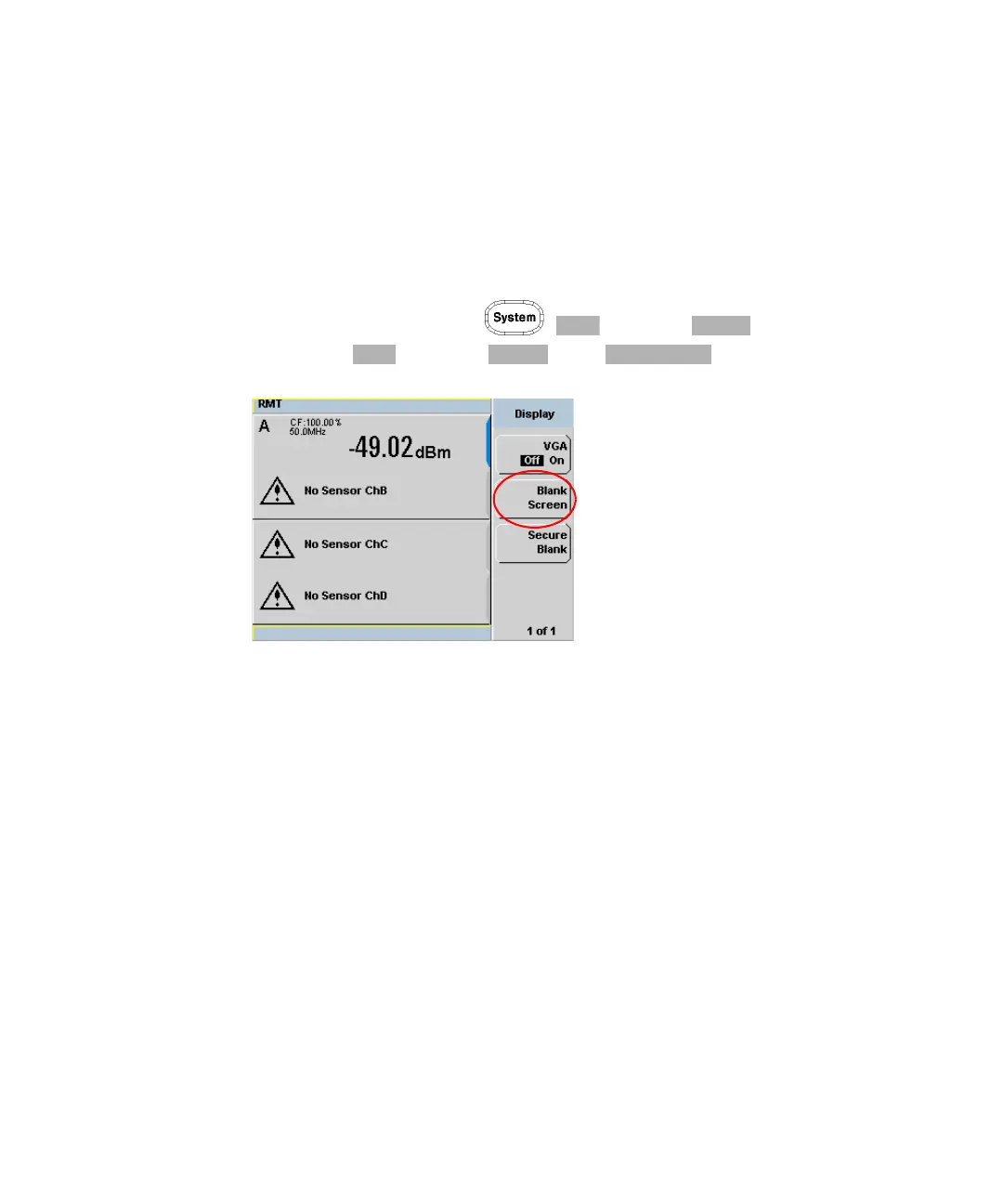
Blank Screen
The blank screen feature enables you to blank the whole display screen. The
feature ensures that the meter’s display is not shown to casual observers.
To restore the display, press any buttons on the front panel.
To access this feature, press , and select . In the Service
menu, press and select . Press .
Figure 2-45 Blank screen



 To Next Page