6 Using N8480 Series Power Sensors
186 Keysight N1913/1914A User’s Guide
6 Connect the power sensor to the POWER REF output.
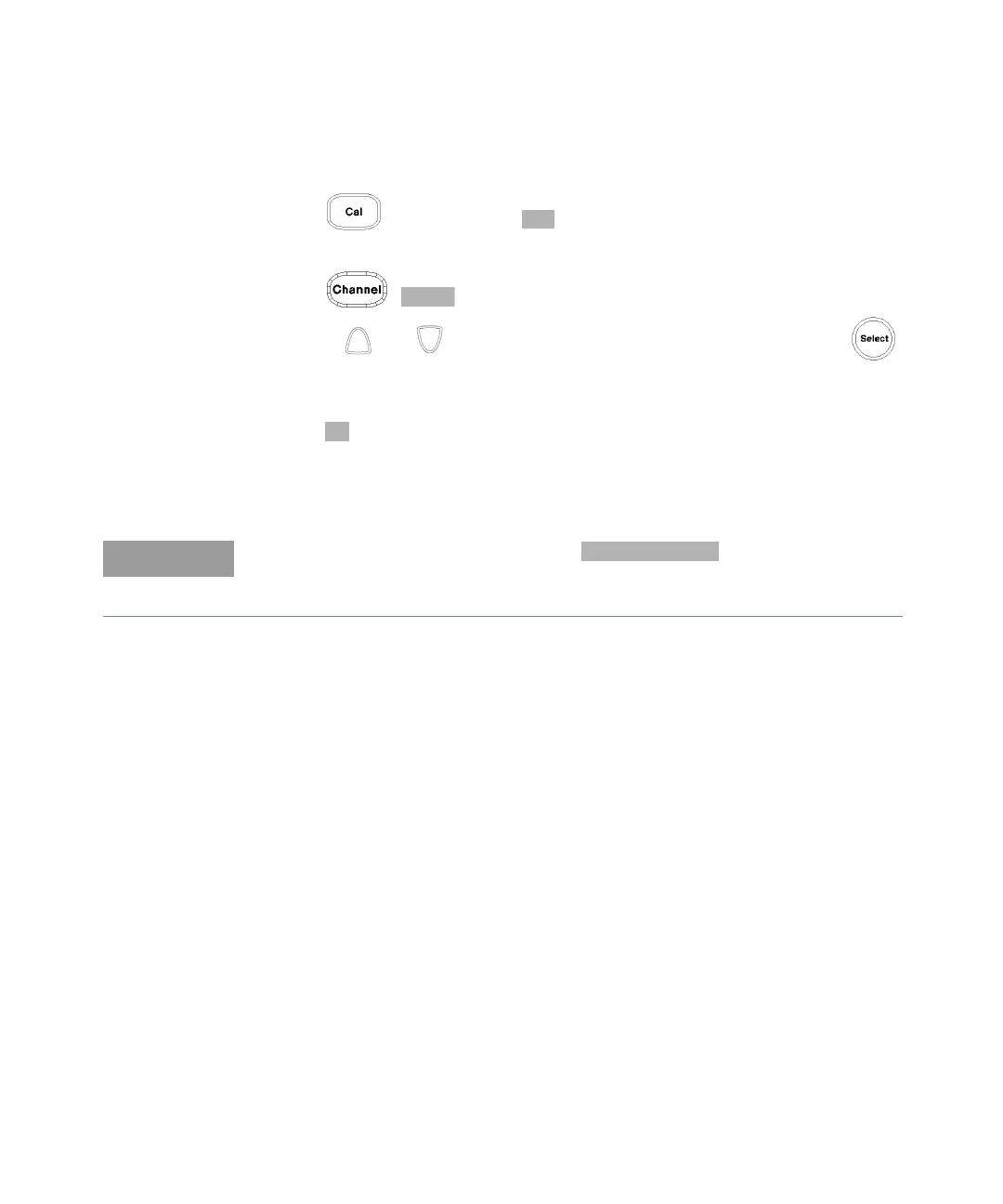
7 Press and the channel softkey to start the calibration routine. The
Calibrating pop-up is then displayed.
8 Press , . The value is displayed on the Cal Fac field.
9 Use the and keys to highlight the Cal Fac value field and press
to display the Cal Factor pop-up. Use the numeric keypad to enter 97.6 in the
Cal Factor pop-up window.
10 Press to complete the entry.
11 Connect the power sensor to the signal to be measured.
12 The corrected measurement result is displayed.
When no sensor tables are selected and display mode is
chosen, the calibration factor used for the measurement is displayed in the
upper window as shown in Figure 6-7.



 To Next Page