Using U2000 Series USB Power Sensors 7
Keysight N1913/1914A User’s Guide 201
Now, set the frequency of the signal you want to measure. The power meter
automatically selects the appropriate calibration factor.
4 Press . On dual channel meters select the required channel.
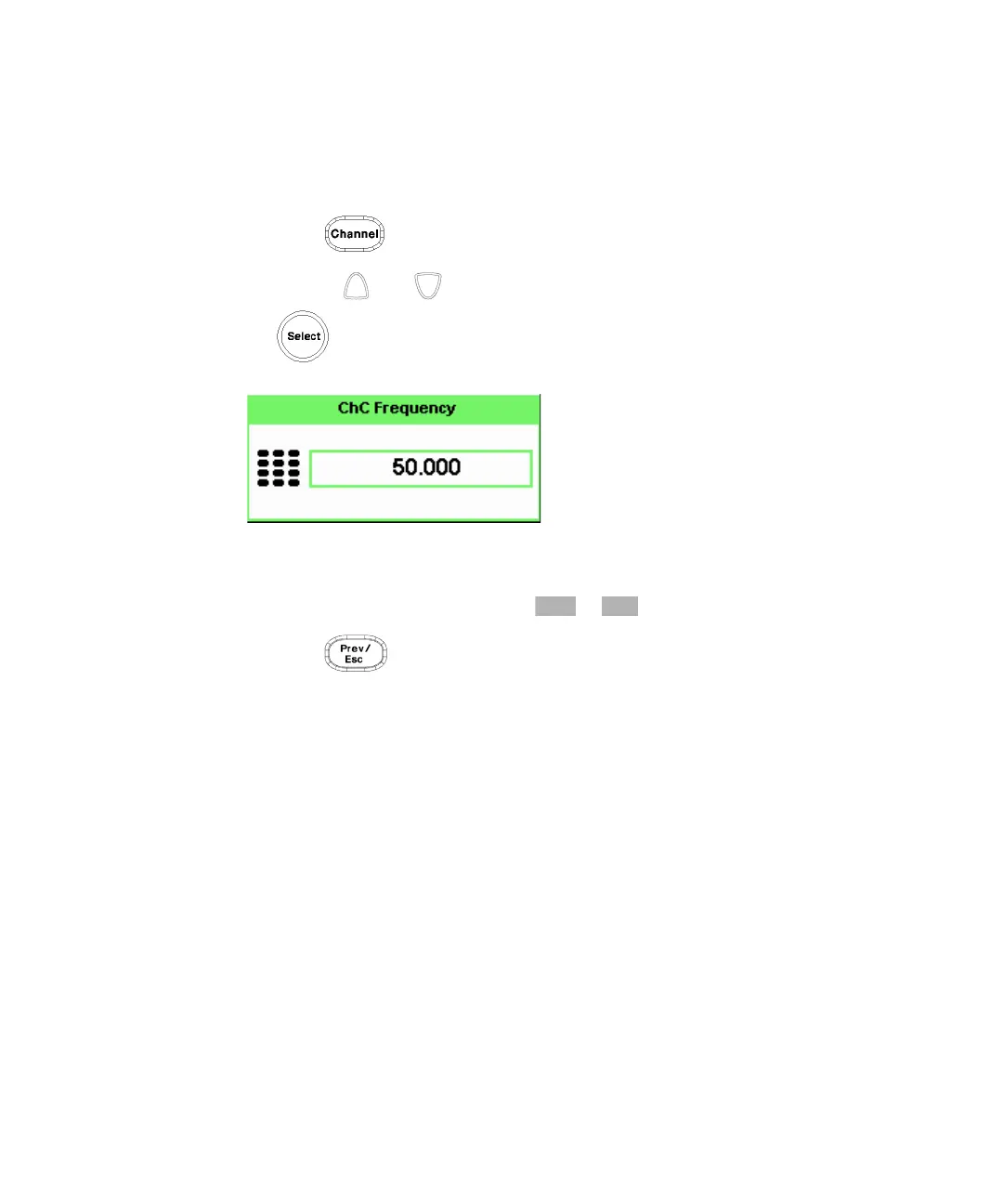
5 Use the and keys to highlight the Frequency value field and press
to display the Frequency pop-up. Use the numeric keypad to enter the
required value in the Frequency pop-up window.
Figure 7-3 Frequency pop-up
6 Confirm your choice by pressing or .
7 Press key to close the Channel Setup screen.
8 Proceed to make the measurement.
9 Reconnect any required attenuators or adaptors and connect the power sensor
to the signal to be measured.
The corrected measurement result is displayed.



 To Next Page