Introduction 1
Keysight N1913/1914A User’s Guide 31
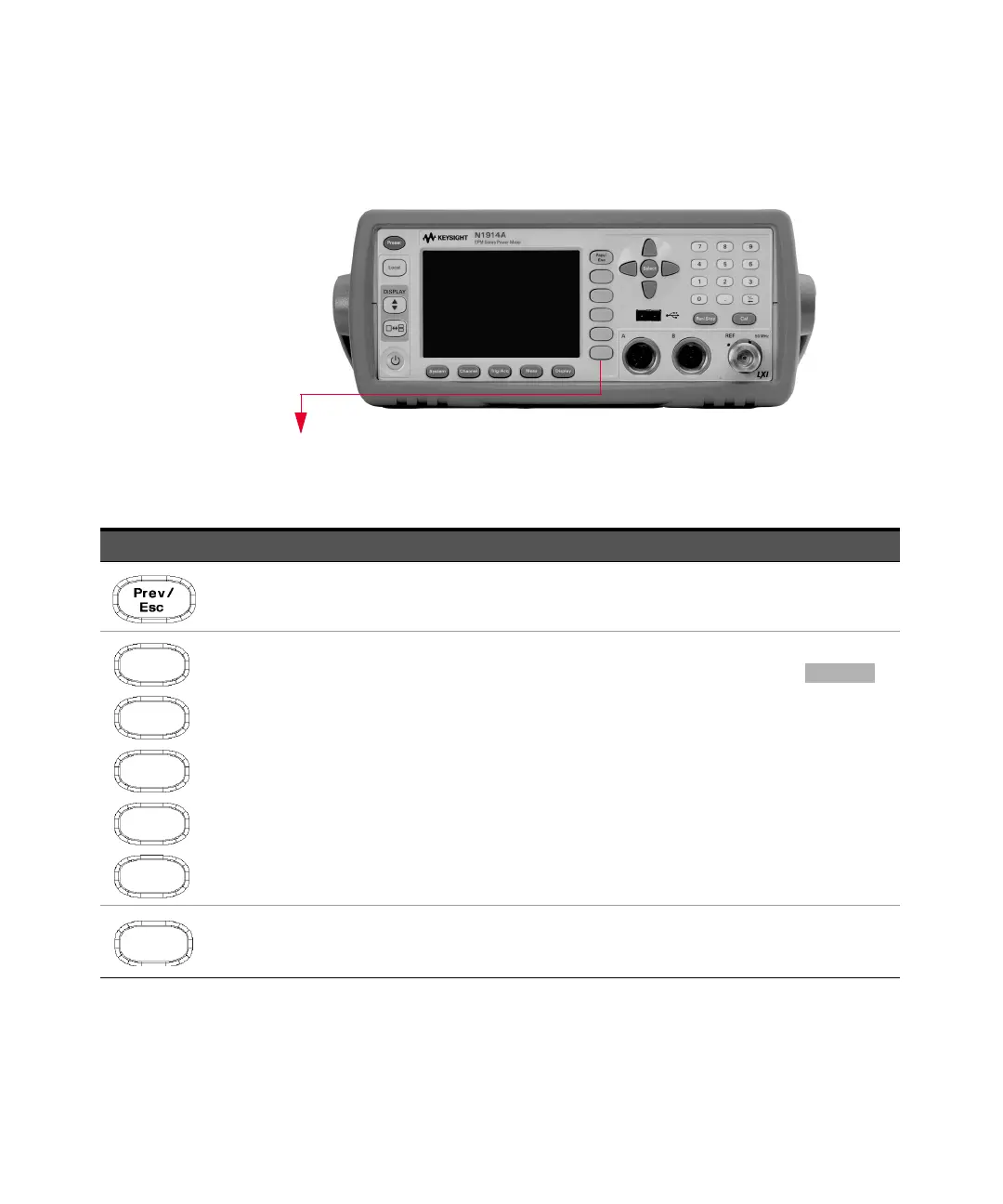
These keys are all associated with the menu labels and data entry. They are
located to the right of the display.
Key Function
Press this key to return to the previous screen. This key also cancels pop-up entry.
These unmarked keys are called ‘softkeys’ and are referred to by the text on the display next to them.
For example, during a Preset, you are given an option to confirm the command. Press to
continue, that is, press the softkey beside the displayed word ‘confirm’.
The lowest of the unmarked softkeys is used when there is a two page menu to be displayed. For
example, a 1 of 2 is displayed beside the key indicating the first page of a two page menu. Press the
key to access the next page or second page. (A 2 of 2 is displayed).



 To Next Page