DETAILED CONTROLS AND GAUGES OPERATION
3-40
Operations on Camera 1 Image Display Screen
The following explanation describes the method of operation when it is desired to display only one camera screen
on the monitor.
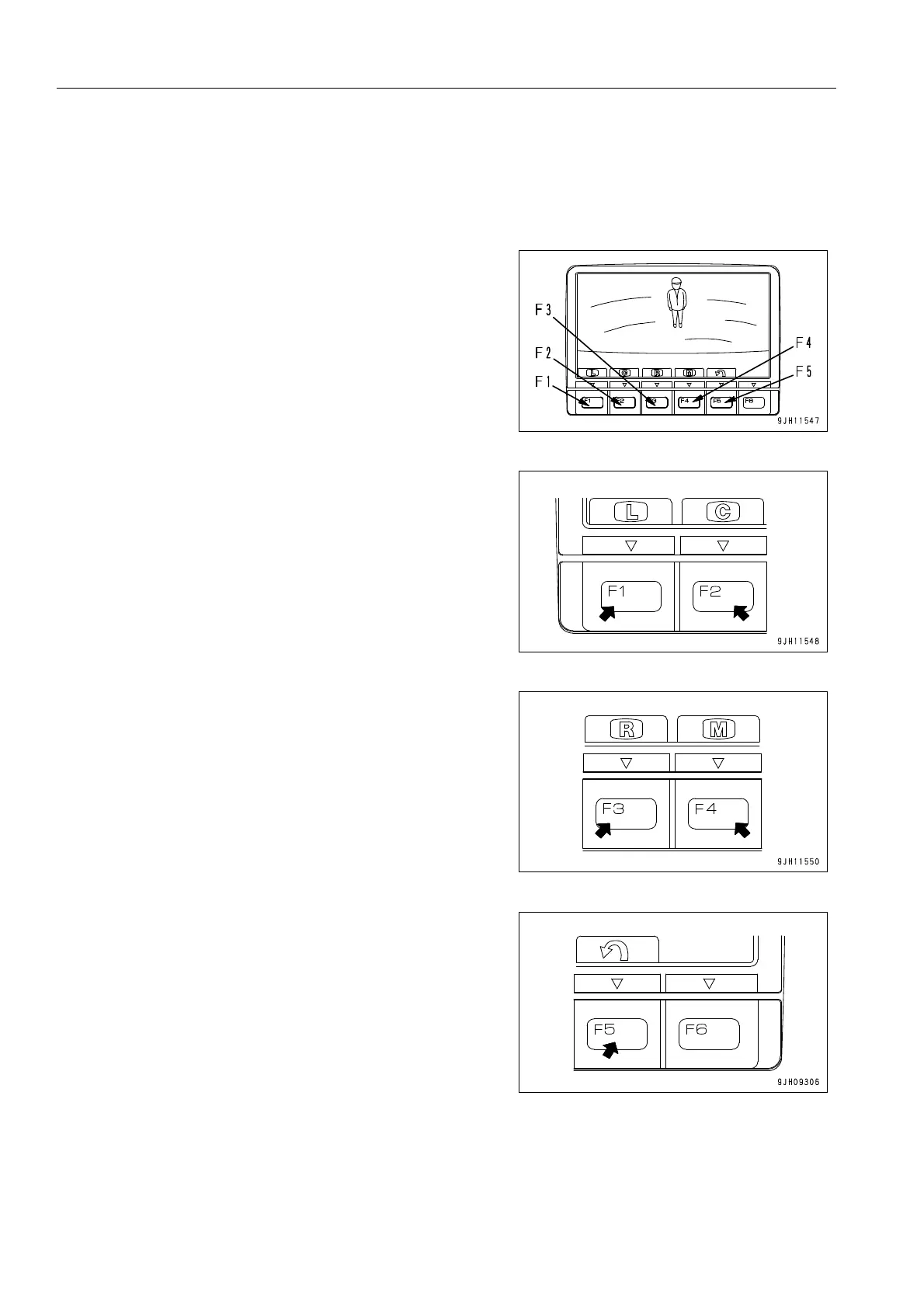
q On the standard screen, if switch F3 is pressed, the image
display screen is displayed.
q When function switch F1 is pressed, the whole screen
shows the screen for the camera at the rear left of the
machine.
q When function switch F2 is pressed, the whole screen
shows the screen for the camera at the rear center of the
machine.
q When function switch F3 is pressed, the whole screen
shows the screen for the camera at the rear right of the
machine.
q When function switch F4 is pressed, the screen shows the
screens for the cameras at the rear left and rear right of the
machine at the same time.
q Press switch F5 to return to the standard screen.











 To Next Page