OPERATION DETAILED CONTROLS AND GAUGES
3-41
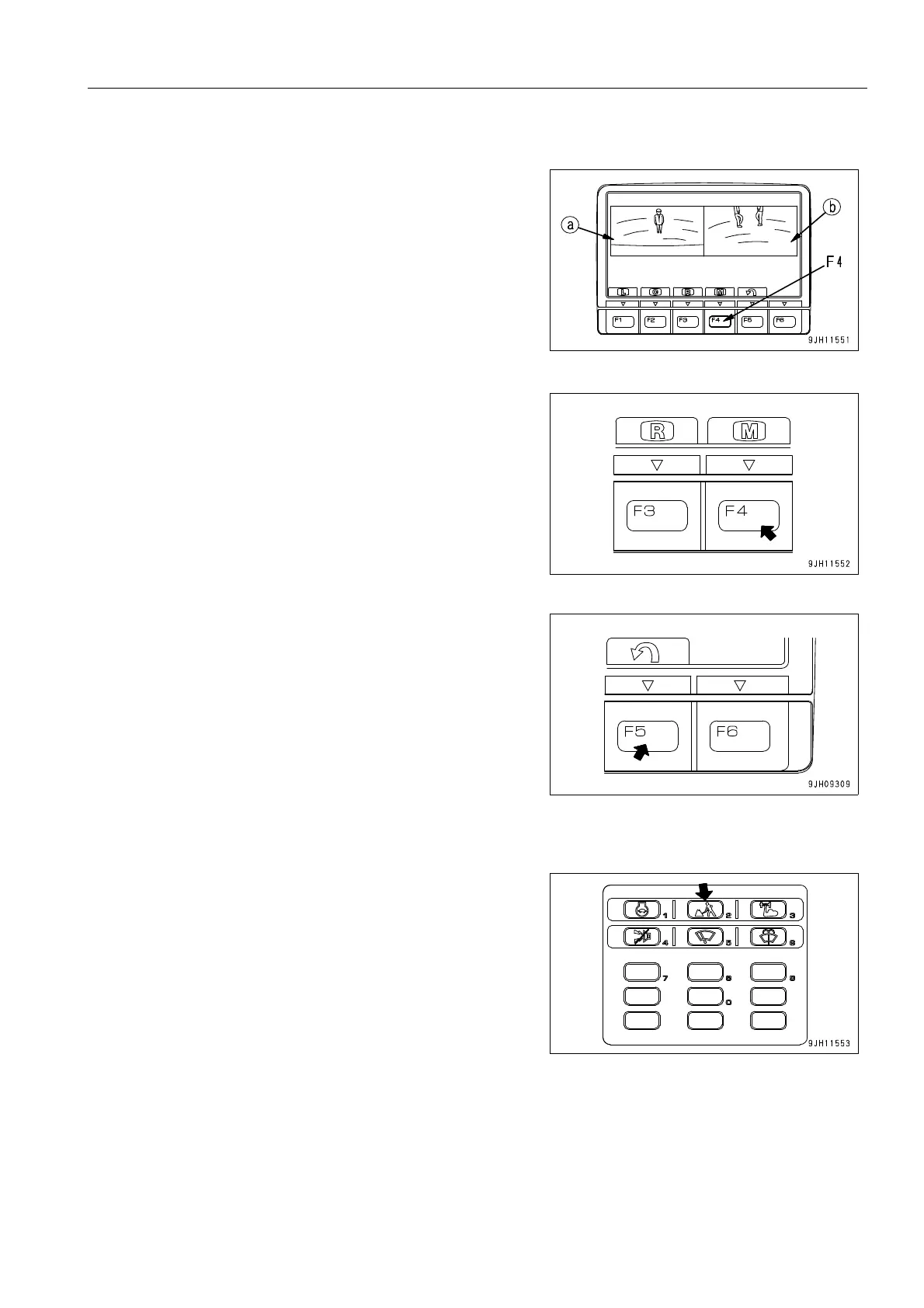
Operation of Image Display Screen When Two Camera Screens are Shown Simultaneously.
q When function switch F4 is pressed on camera 1 screen
display screen, screen (a) for the camera at the rear left of
the machine and screen (b) for the camera at the rear right
of the machine are displayed.
q Only the screens for the camera at the rear left of the
machine and the screen for the camera at the rear right of
the machine can be displayed at the same time.
q When two screens are displayed at the same time, the dis-
play changes more slowly than when only one screen is
displayed.
q Press switch F4 to return to the single image display.
q Press switch F5 to return to the standard screen.
Other Mode Operations When Displaying Camera Image
q It is possible to change the working mode by pressing the
working mode selector switch.
For details of the working mode selector switch, see “Work-
ing Mode Selector Switch (3-31)“.











 To Next Page