DETAILED CONTROLS AND GAUGES OPERATION
3-42
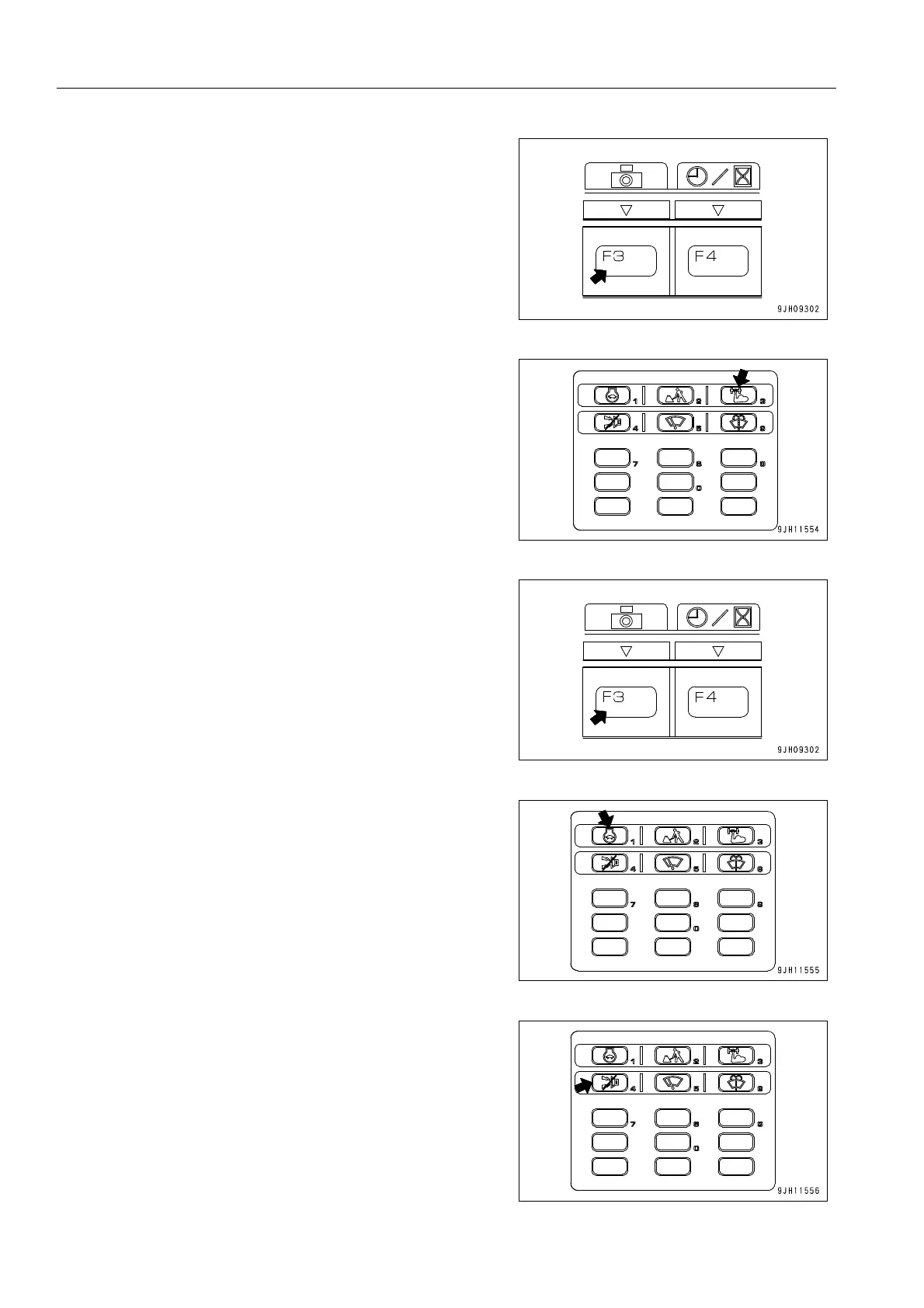
If the working mode is changed, the screen returns to the stan-
dard screen.
Press switch F3 again to return to the camera image display.
q When the heavy lift switch is pressed, the boom lifting
power is increased when the boom RAISE is being oper-
ated independently.
For details of the heavy lift switch, see “Heavy Lift Switch
(3-35)“.
When the heavy lift switch is pressed, the screen returns to the
standard screen. To display the camera screen, press function
switch F3 again.
q Press the auto-deceleration switch to turn the auto-decel-
eration function ON/OFF.
Even if the auto-deceleration switch is pressed, the camera
image display screen does not switch to another screen or
return to the standard screen display.
q It is possible to press the buzzer cancel switch to stop the
alarm buzzer for the warning item where there is an abnor-
mality.
Even if the buzzer cancel switch is pressed, the camera
image display screen does not switch to another screen or
return to the standard screen display.











 To Next Page