OPERATION DETAILED CONTROLS AND GAUGES
3-71
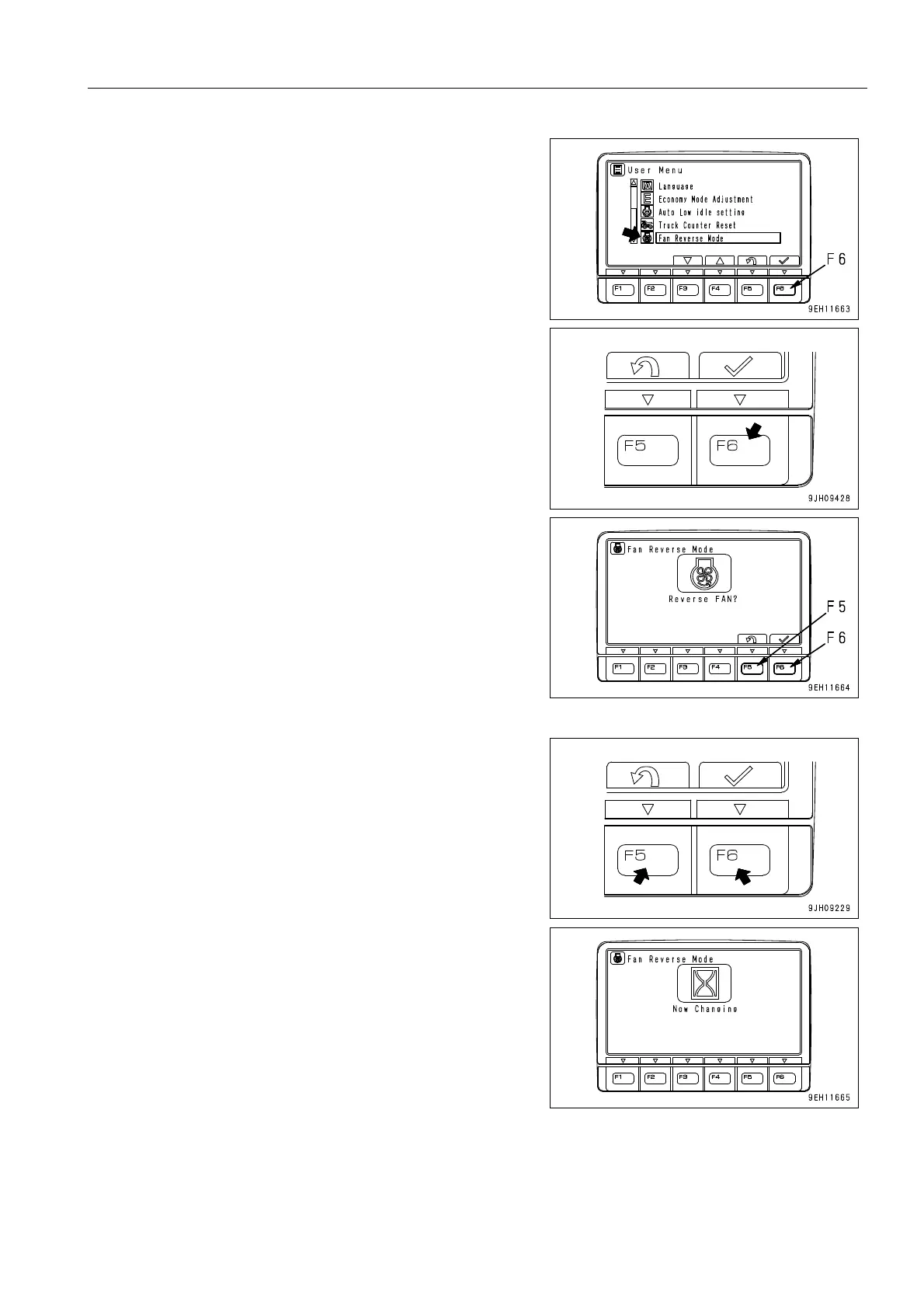
3. Select “Fan Reverse Mode“ on the user menu, then press
function switch F6. The screen switches to “Reverse FAN
?“ on the Fan Reverse Mode screen.
4. To reverse the direction of the fan, press function switch
F6. The screen switches to “Now Changing“ on the action
screen.
q If function switch F5 is pressed, the screen returns to
the previous screen.











 To Next Page