DETAILED CONTROLS AND GAUGES OPERATION
3-72
5. When the screen changes to “Now Changing“ in the opera-
tion in Step 4, the engine speed is automatically reduced to
low idling, and after approx. 25 seconds, the fan rotates in
reverse.
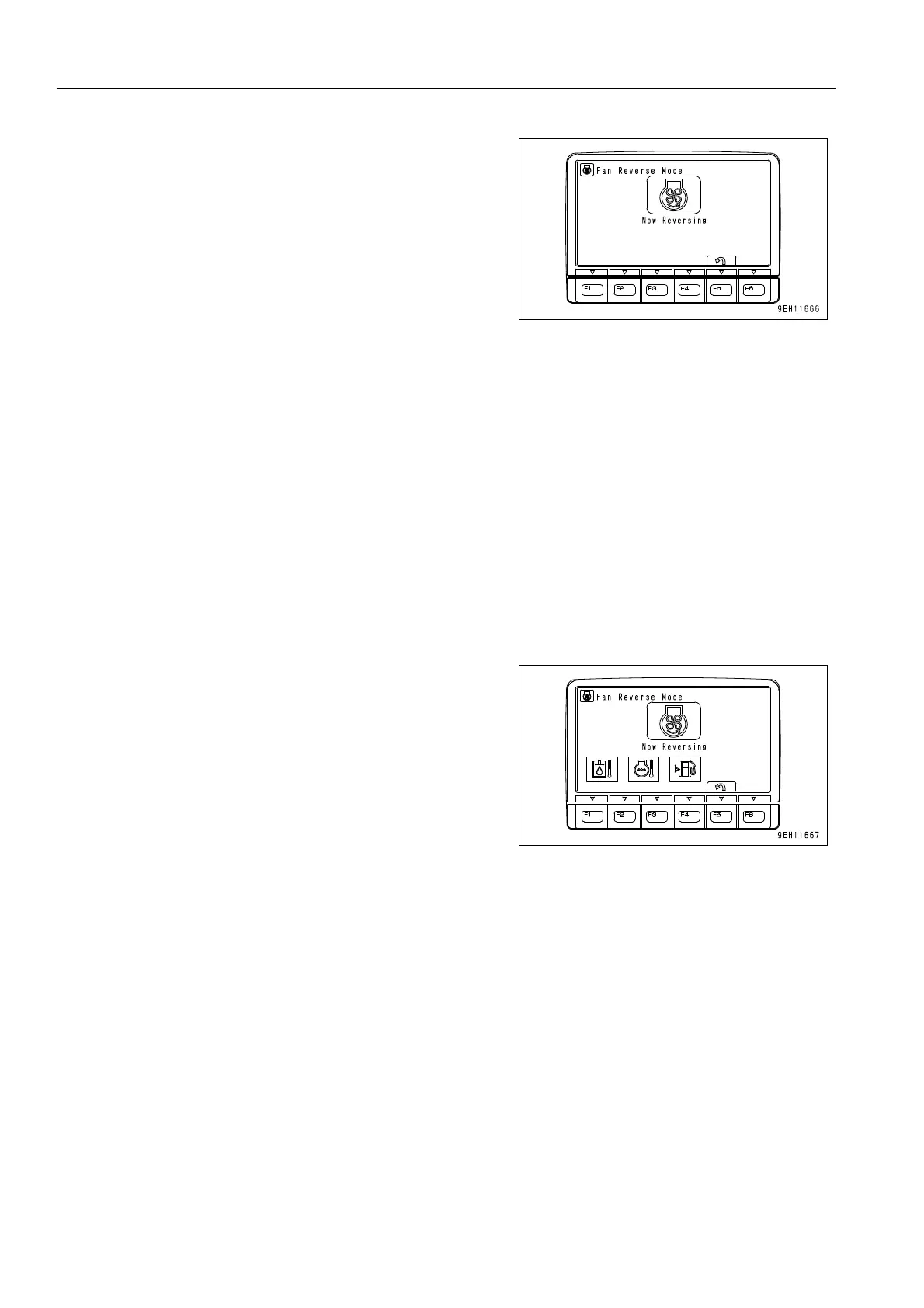
q When the fan rotates in reverse, the screen automati-
cally switches to the screen on the right (yellow dis-
play). After a further approx. 5 seconds, the engine
speed returns to the original speed. This screen is
kept while the fan is rotating in reverse.
q The fan speed is related to the engine speed. When the engine is running at low idling, the fan speed
is also the minimum speed. If it is desired to raise the fan speed, use the fuel control dial to raise the
engine speed.
q When rotating the cooling fun in reverse while the engine is not running, switch the display to this
screen with the engine starting switch in ON position and then turn the switch to the START position.
This screen does not change until after the engine starts up, so in order to cancel it, turn the engine
starting switch to the OFF position, wait for approx. 10 seconds and then turn the switch to the START
position.
q When rotating the cooling fan in reverse while the engine is not running, do not start up the engine
again for approx. 30 seconds, holding the engine starting switch at the OFF position. This is to wait for
the cooling fan to come to a full stop.
6. If any abnormality occurs when the fan is rotating in
reverse, a warning monitor is displayed as shown in the
diagram on the right. If the warning monitor is displayed,
see “MONITORING SYSTEM (3-7)“ and follow the instruc-
tions.











 To Next Page