DETAILED CONTROLS AND GAUGES OPERATION
3-114
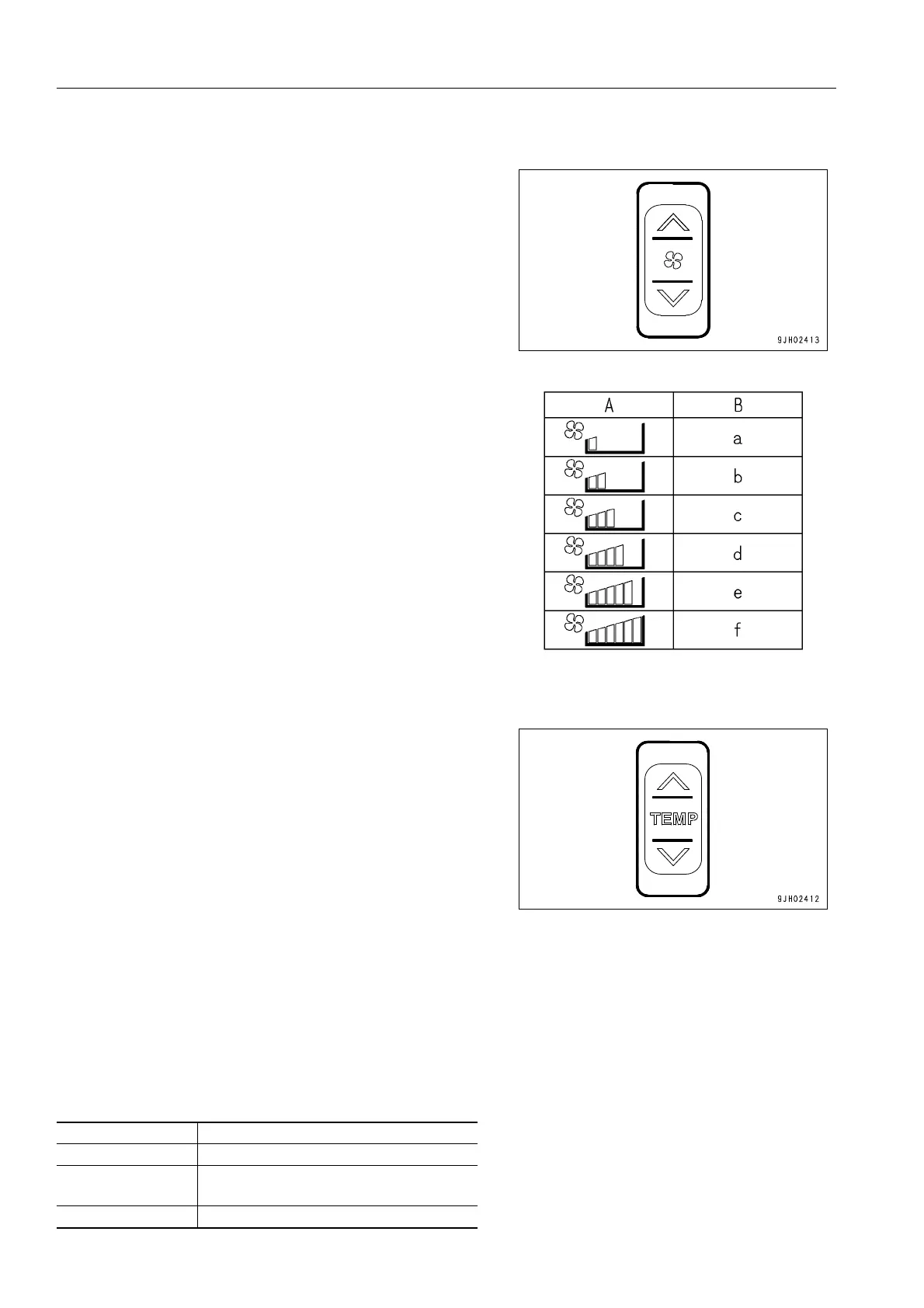
Fan Switch
Switch (2) is used to adjust the air flow.
The air flow can be adjusted to six levels.
q Press the ∧ switch to increase the air flow; press the ∨
switch to reduce the air flow.
q During auto operation, the air flow is automatically
adjusted.
Monitor display and air flow
A: Liquid crystal dispiay
B: Air flow
a: Air flow “low“
b: Air flow “medium 1“
c: Air flow “medium 2“
d: Air flow “medium 3“
e: Air flow “medium 4“
f: Air flow “high“
Temperature Control Switch
Switch (3) is used to control temperature inside the cab. The
temperature can be set between 18°C and 32°C.
q Press the ∧ switch to raise the set temperature; press the ∨
switch to lower the set temperature.
q The temperature is generally set at 25°C.
q The temperature can be set in stages of 0.5°C.
q The sensors for the temperature inside the cab are set at
the recirculation air intake port of each air-conditioning unit,
so the temperature can be set for each air-conditioning
unit.
q Set the temperature on the two sets of air conditioner con-
trol panels to the same temperature. If there is a big differ-
ence in temperature, the cooling efficiency will drop.
q In addition, the air flow from the 2 air conditioner units may
be different, but this does not indicate any failure.
<Monitor display and the function>
Monitor display °C Set temperature
18.0 Max. cooling
18.5 to 31.5
Adjusts temperature inside cab to set
temperature
32.0 Max. heating











 To Next Page