DETAILED CONTROLS AND GAUGES OPERATION
3-120
Stopping Automatic Operation
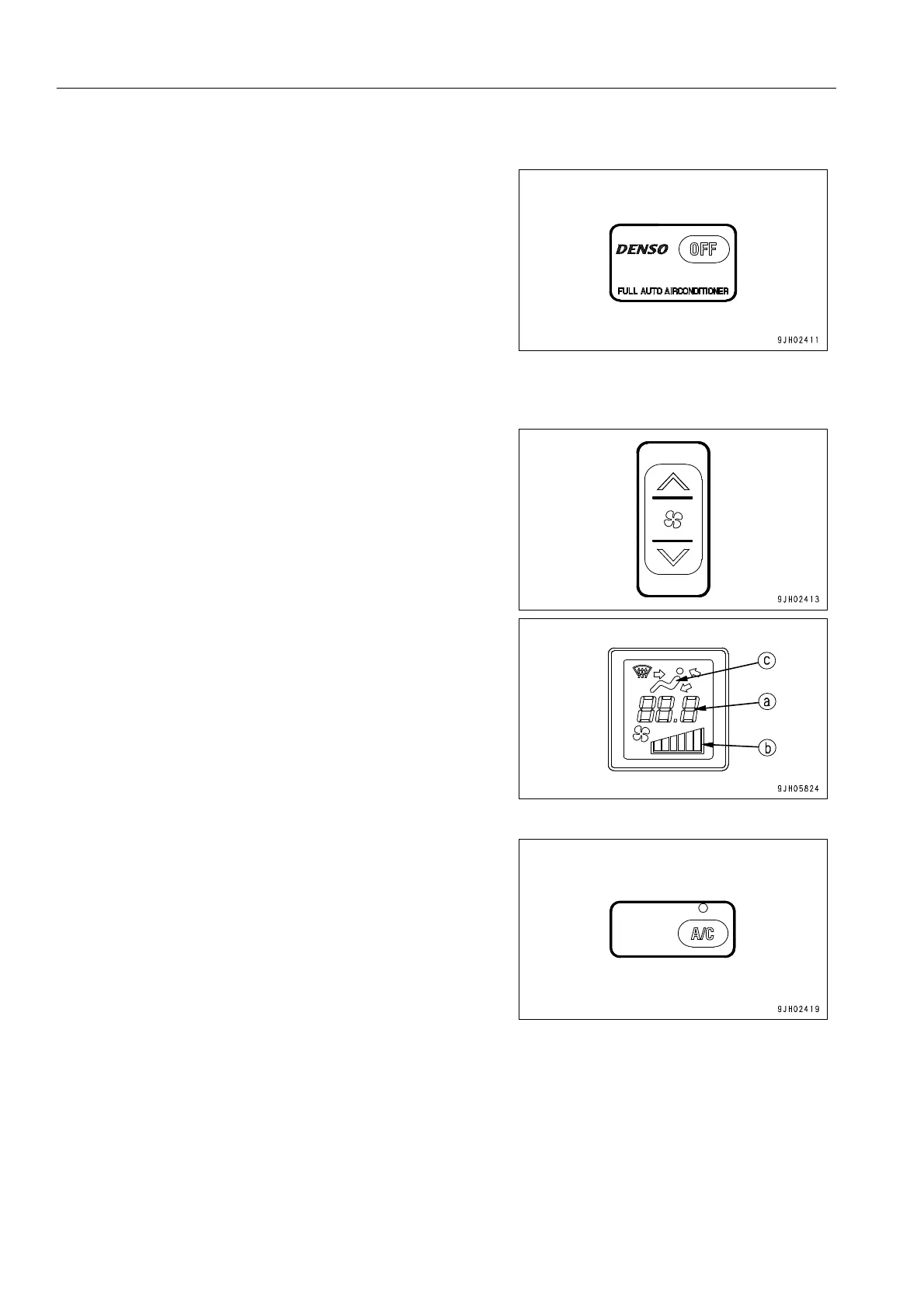
Press OFF switch (1). Set temperature (a) and air volume (b)
disappear from the monitor display, and the lamps above auto
switch (8) and air conditioner switch (7) go off, stopping the
operation of the air conditioner.
Manual Operation
1. Press fan switch (2) and adjust the air flow. When doing
this, check that temperature setting (a) and air flow (b) are
displayed on monitor (7).
2. Turn air conditioner switch (7) ON. When this is done, the
lamp above the air conditioner switch lights up.











 To Next Page