OPERATION DETAILED CONTROLS AND GAUGES
3-121
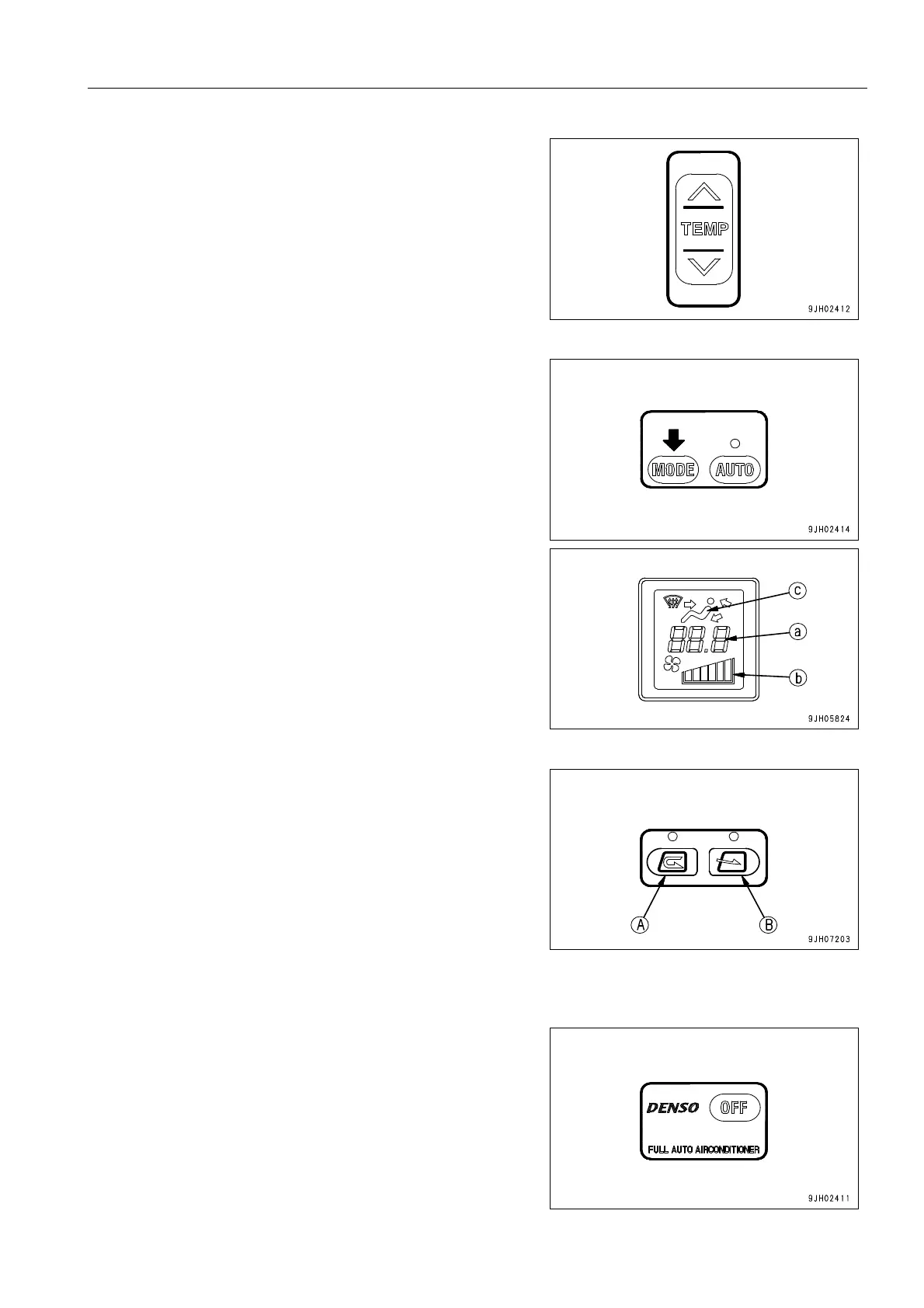
3. Press temperature setting switch (3) and adjust tempera-
ture inside the cab.
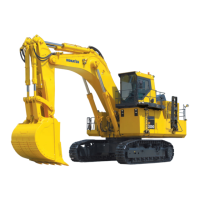
4. Press vent selector switch (4) and select the desired vents.
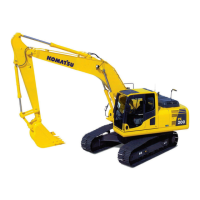
When this is done, the display for vent (c) of the display
monitor changes according to the selection.
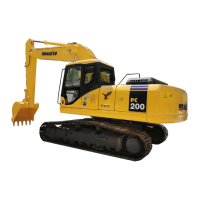
5. Press RECIRCL (A) or FRESH (B) on air source selector
switch (5).
Stopping Manual Operation
Press OFF switch (1). The display of temperature setting (a)
and air flow (b), and the lamp above the air conditioner switch
(7) go out, and operation stops.




 To Next Page