MAINTENANCE MAINTENANCE PROCEDURE
4-25
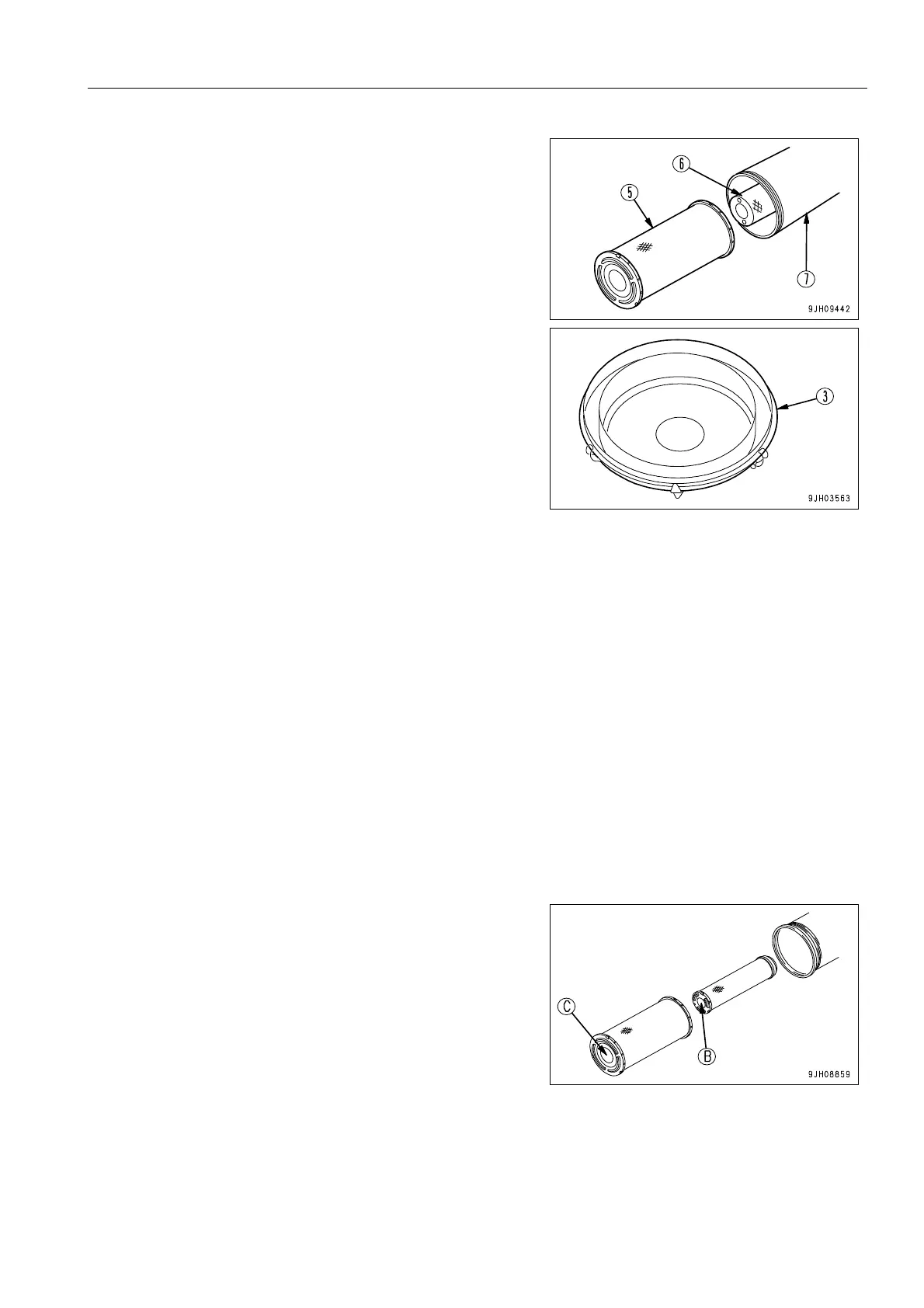
2. Hold the outer element (5), rock it lightly up and down and
to the left and right, and rotate the element to the left and
right to pull it out.
Do not remove inner element (6) when doing this.
3. When the outer element (5) has been removed, check that
the inner element has not come out of position and is not at
an angle. If is is at an angle, insert your hand and push it in
straight.
4. Wipe off or brush off the dirt stuck to cover (3) and the
inside of the air cleaner body (7).
q The inner element must not be cleaned and used again. When replacing the outer element, replace the
inner element at the same time.
q If the inner element is not installed properly and the outer element and cover are installed, there is
danger that the outer element will be damaged.
q The seal portion on imitation parts lacks precision, and allows the entry of dust, which leads to dam-
age of the engine. Do not use such imitation parts.
5. Remove inner element (6), then quickly install the new inner element.
Insert the inner element securely so that it does not move.
6. Push the new outer element (5) in straight with your hand when installing it to the air cleaner body.
If the element is held and rocked lightly up and down and to the left and right while pushing it in, the element
can be inserted easily.
Be sure to install the air cleaner element facing in the cor-
rect direction.
Install so that the bottom of the air cleaner element cylin-
der (face where no hole is drilled) (B), (C) is at cover (3)
end. If the direction of installation is mistaken, there is
danger that it will cause breakage of the air cleaner ele-
ment or serious damage to the engine.











 To Next Page