DETAILED CONTROLS AND GAUGES OPERATION
3-24
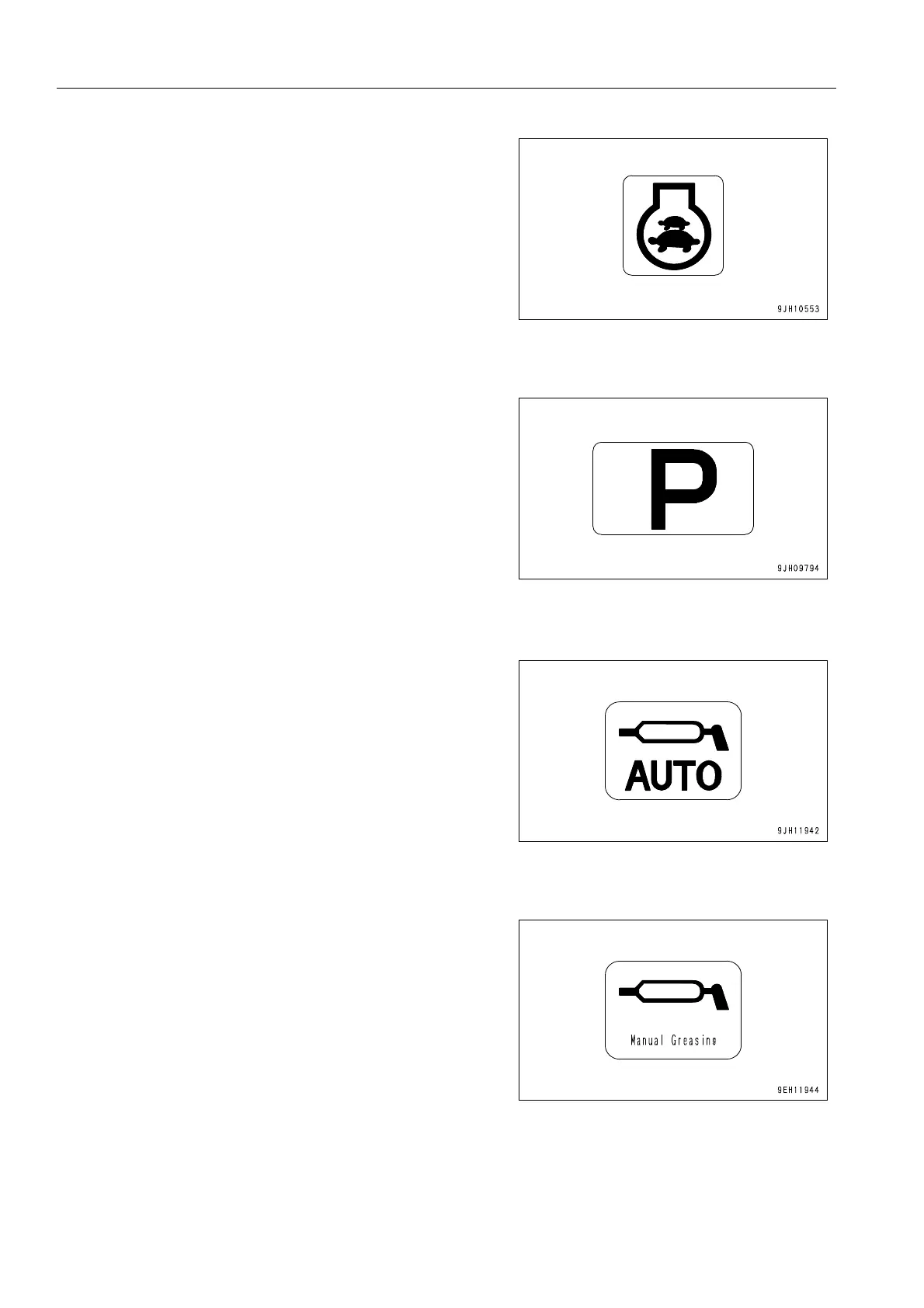
q When the auto low idle setting is ON on the user menu, the
following displays are given.
Auto low idle lighted up: Auto low idle ON
Auto low idle out: Auto idle OFF
q For details of the setting of the auto low idle, see “Auto
Low Idle Setting (3-61)“.
Working Mode Monitor
This monitor (5) displays the mode for setting operations.
The monitor displays for the operation of the working mode
switch are as follows.
P: P mode (heavy-duty operation)
E: E mode (operation with emphasis on low fuel consumption)
q For details of the positions of the working mode switch, see
“CONTROLS AND GAUGES (3-3)“.
Auto Greasing Actuation Monitor
This monitor (17) shows the actuation of the auto-greasing
pump.
Manual Greasing Actuation Monitor
This monitor (18) is displayed when the greasing mode selec-
tor switch is set to MANUAL.











 To Next Page