Specifying printer driver settings
5
IC-206 5-39
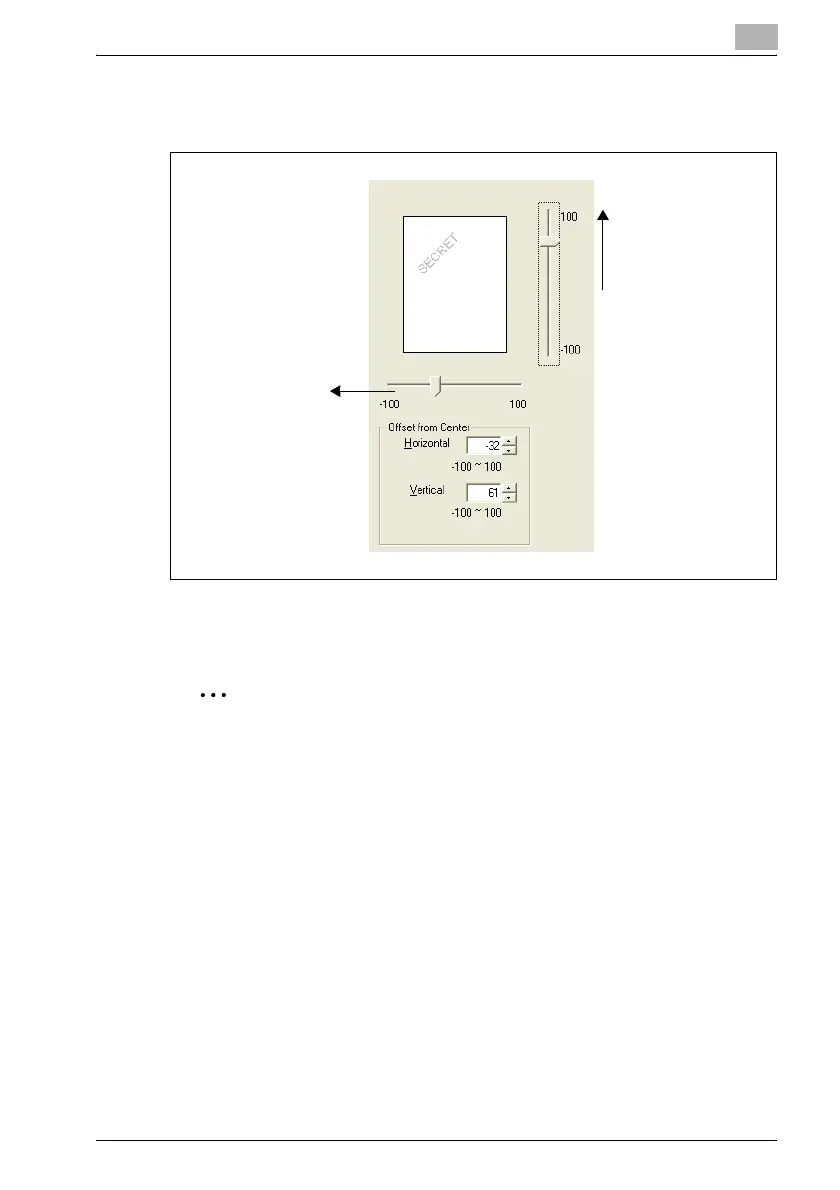
– The position can also be changed by using the sliders below and to
the right of the preview image.
5 Click the [OK] button.
The watermark is changed.
2
Note
To delete a registered watermark, select the watermark from the list, and
then click the [Delete] button.
Horizontal direction:
Reducing the number
moves the text to the
left.
Vertical direction:
Increasing the number
moves the text up.












 To Next Page