16 WEB BROWSER
179
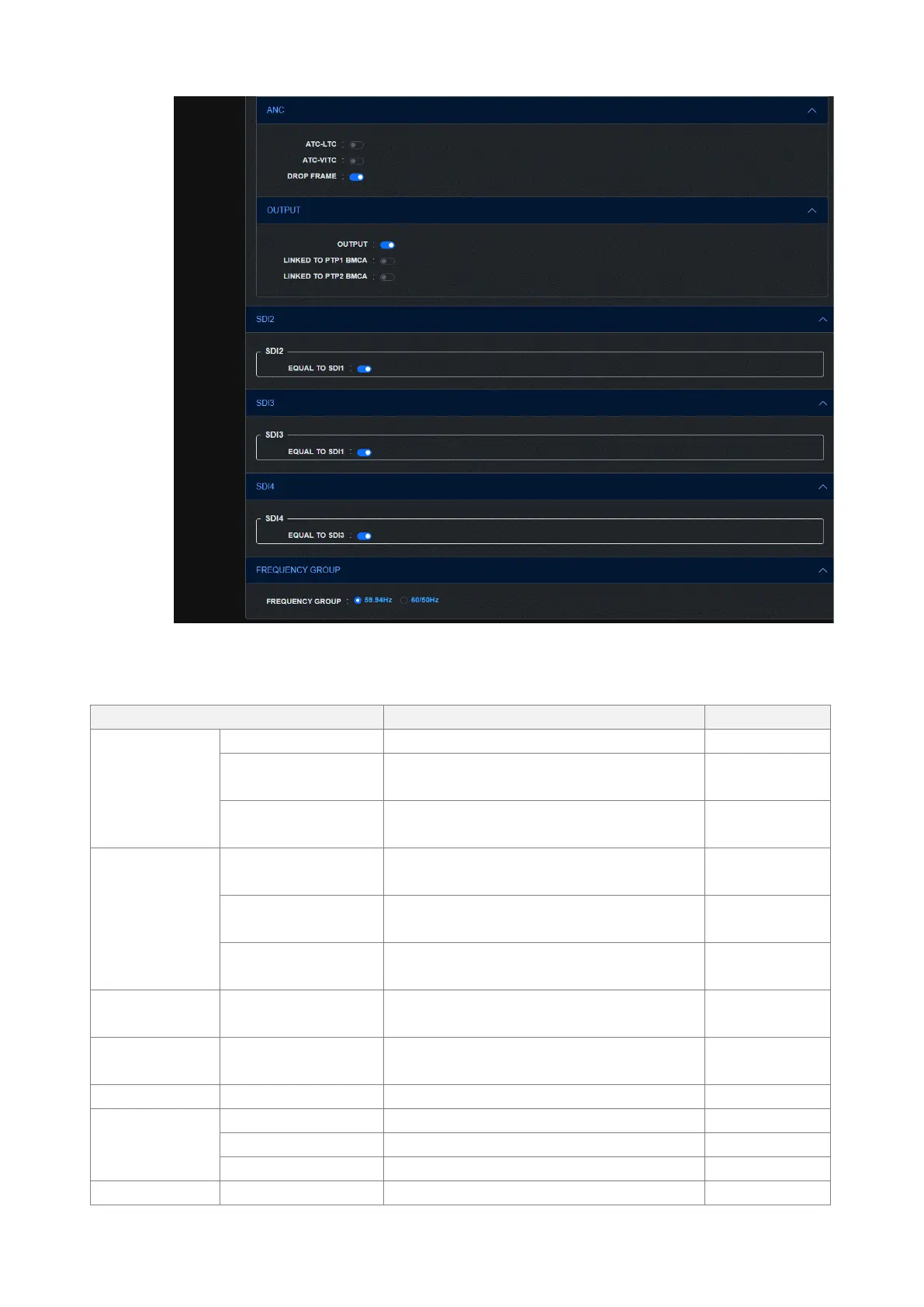
Figure 16-13 | SDI screen
Table 16-6 | Description of SDI screen
Select the color system and quantization
accuracy.
Select the frame (field) frequency.
Select the reference timing for the SDI output
and black output.
TIMING VERTICAL
(future support)
Set the SDI output timing relative to the
reference signal in lines.
TIMING HORIZONTAL
(future support)
Set the SDI output timing relative to the
reference signal in dots.
Turn the output signal on or off for each
component.
Turn the safety area marker on or off.
Turn the scroll on or off.
Set the vertical scroll speed and direction.
Set the horizontal scroll speed and direction.
Turn pattern change on or off.



 To Next Page