X75HD/X75SD Installation and Operation Manual 93
Chapter 5: Initial Configuration
f. Select Use the following IP address, and in the IP address
box, type a new computer IP Address to match the first three
octets of the IP Address of the X75HD/X75SD, and then add a
different fourth octet.
(For example, if the X75’s IP Address is 192.168.100.50, you
could type 192.168.100.181).
g. In the Subnet Mask field, type:
255.255.255.0
This value applies to Class C IP addresses; confirm the number
with your network administrator.
h. Enter the same Default Gateway number as the one on the
X75HD/X75SD, or leave blank.
i. Click OK to close the TCP/IP Properties box, and then close
the two Local Area Connection boxes.
2. Verify the network settings were accepted by following the ipconfig
procedure, as described below:
a. Click Start, point to Programs>Accessories and then click
Command Prompt to open the Command Prompt window
on the PC.
b. Type the following at the MS-DOS command prompt, and then
press ENTER:
ipconfig
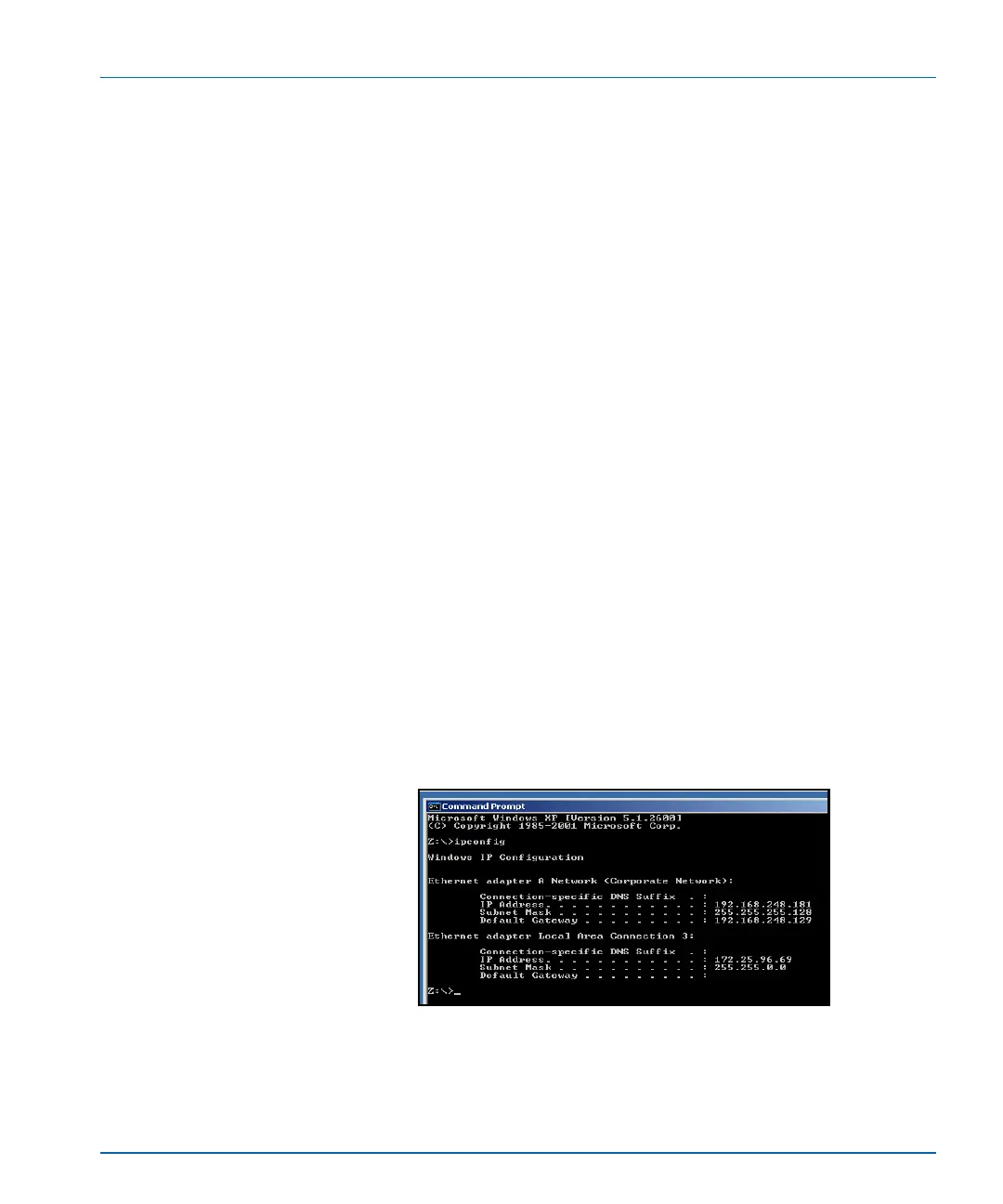
The IP Address, Subnet Mask, and Default Gateway of the PC
appear. (In some situations, the Default Gateway value is not
shown. See Figure 5-2.)
Figure 5-2. IP Address, Subnet Mask and Default
Gateway of PC



 To Next Page