56 X75HD/X75SD Installation and Operation Manual
Chapter 3: Module and Back Panel Descriptions
Special Control Considerations
For the AES input signals on DB-26 and DB-44 connectors, you can
select either an Unbalanced or Balanced input from the Audio Setup
submenu (accessed from the Main menu). For coaxial connections,
select the default setting Unbalanced. For XLR connections, select the
Balanced setting.
X75OPT-AS-16 or X75OPT-AS-8-L Audio Limiters
Audio limiters are available as software options on both the 16-channel
and 8-channel versions of the X75OPT-AS audio synchronizers. The
audio limiters have the following available options:
• Soft Limit Level
•Slope
• Attack Rate
• Attack Time
• Decay Rate
• Decay Time
• Noise Gate Level
• Noise Gate Time
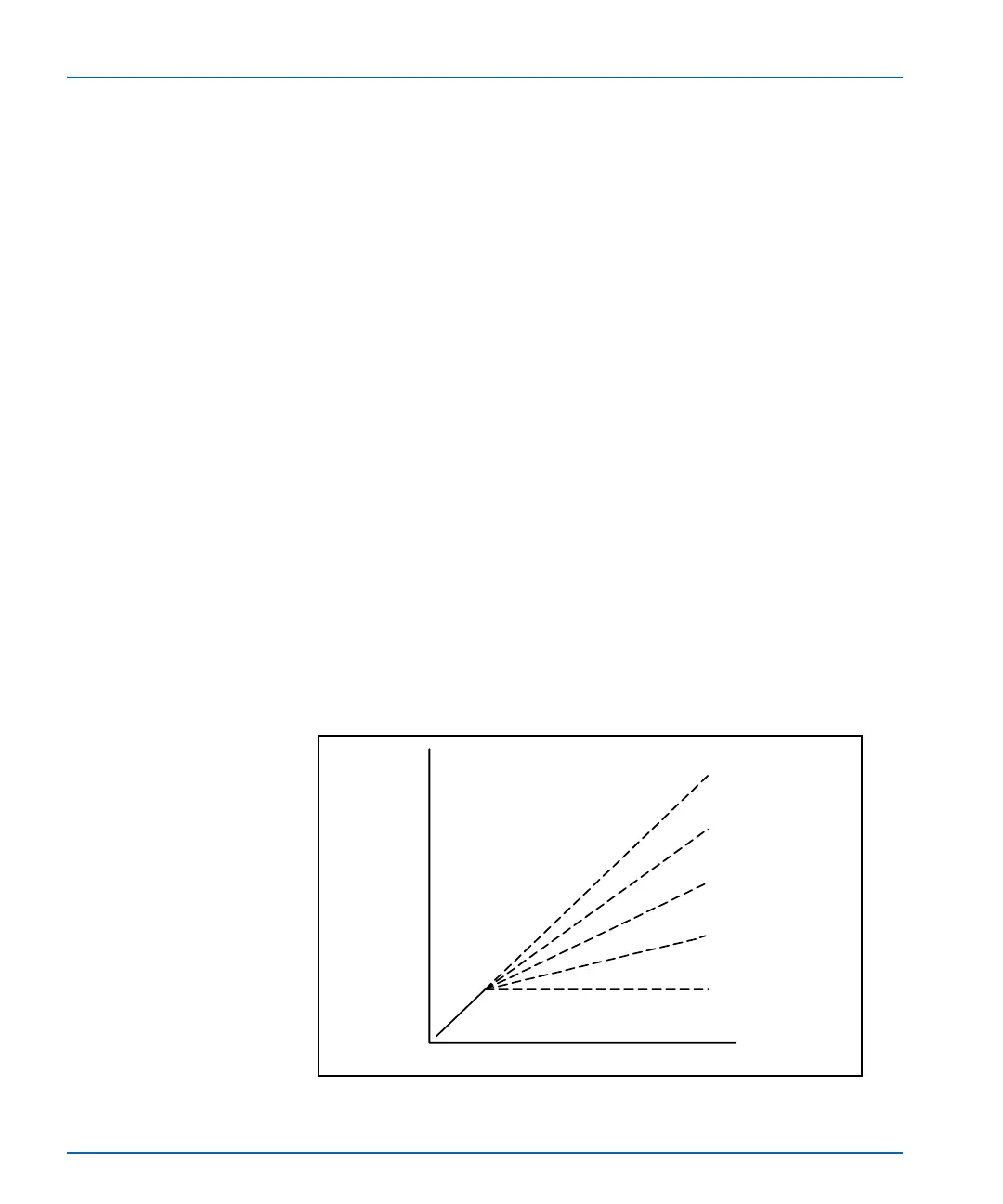
Figure 3-4 shows the transfer function of the audio limiter. Table 3-2 on
page 57 describes the various options of the audio limiter.
Figure 3-4. Audio Limiter Transfer Function
Input (dB)
Output (dB)
Threshold
Slope = 1.0
Slope = 0.5
Slope = 0.0
Slope = 0.75
Slope = 0.25



 To Next Page