148 X75HD/X75SD Installation and Operation Manual
Chapter 8: Video Configuration
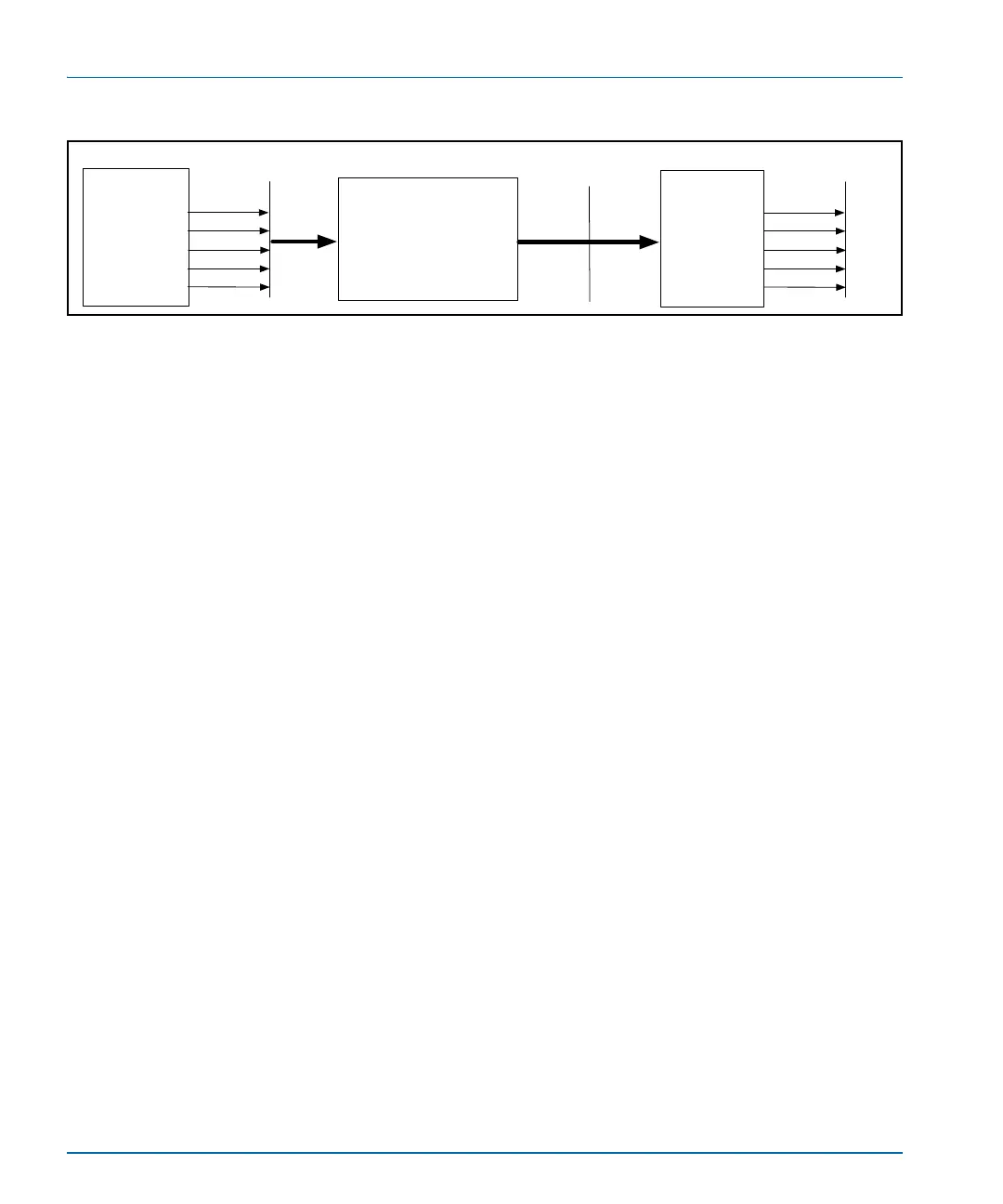
Figure 8-2. X75OPT-V2A Video/Audio Timing Feature
Transmitter
Firmware versions 1.7 or later are capable of transmitting a special V2A
video/audio test pattern. This pattern may be used directly to measure a
system's relative video/audio timing delays, or recorded for later use. To
manually configure an X75HD/X75SD unit to output this test pattern,
follow these steps:
1. If an X75HD sub-module is present, perform the following steps to
enable the HD TSG:
i. Navigate to the Video Setup>Processing>HD TSG &
Slide menu.
ii. Set the HD-TSG Select parameter to Color Bars 100%.
iii. Set the HD-TSG Enable parameter to On.
2. Enable the SD TSG by performing the following steps:
i. Navigate to the Video Setup>Processing>SD TSG &
Slide menu.
ii. Ensure that the Keyer/TSG Insert parameter is configured
to the correct video path.
iii. Set the SD-TSG Select parameter to Bars 100%.
iv. Set the SD-TSG Enable parameter to On.
3. Set all audio left-channel outputs to Tone 3 and all audio
right-channel outputs to Tone 4.
4. Navigate to the Video/Audio Timing menu and set the V2A Tx
Enable parameter to Enable.
To disable the V2A blank insertion, set the V2A Tx Enable parameter
to Disable.
X75
transmitting
test mode
(transmitting capability
is standard with every
X75 using v 1.7 or later
firmware)
Analog< >digital
up< > down < >cross
encode/decode
Video and audio
untimed
X75
receiving test
mode
(requires X75OPT-
V2A software key)
Video and audio
zero timed
HD
SD
AES
Analog video
Analog audio
Video and audio
zero timed
HD
SD
AES
Analog video
Analog audio



 To Next Page