126 X75HD/X75SD Installation and Operation Manual
Chapter 6: Operation via Front Panel Controls
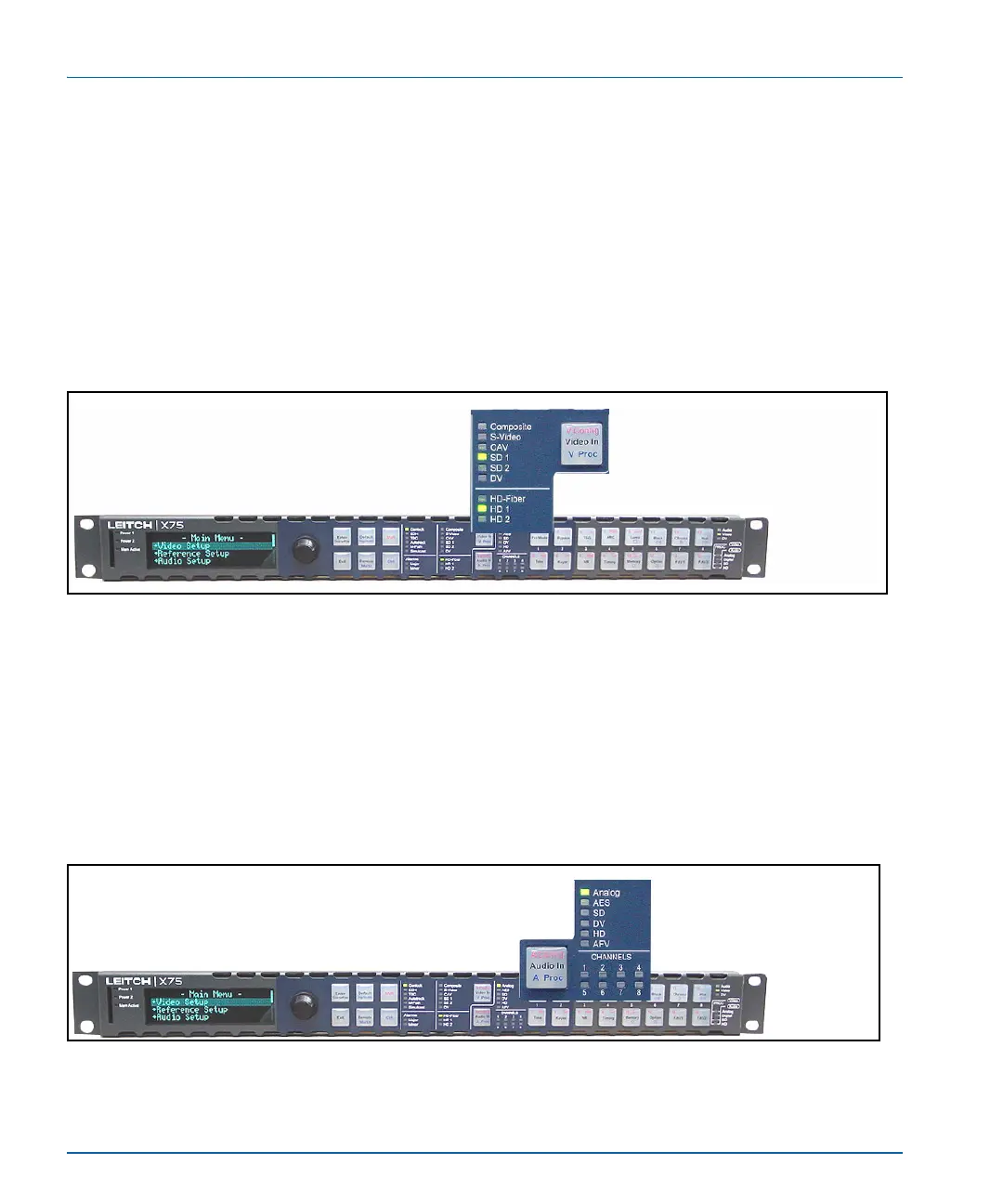
Video Input LEDs
Directly press the Video In button to select a video source manually
and to send out to all outputs. The LEDs to the left side of this button
indicate which input is currently selected. The M-Path selection allows
any output group to be assigned with the video input sources. When
more than one video source is selected and mapped to multiple output
groups, the M-Path and corresponding video input source LEDs will
light. When the selected input signal is absent, the LED flashes.
See “Video Configuration” on page 143 for more information.
Figure 6-5. Video Input LED Area
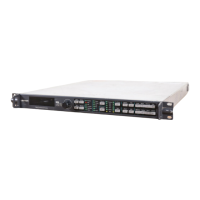
Audio Input LEDs
Directly press the Audio In button to select any one set of audio inputs
to be sent out to all multiple audio output sets. The LEDs to the top,
right side of this button indicate which input is currently selected. When
the selected input signal is absent, the LED flashes.
See “Audio Configuration” on page 151 for more information.
Figure 6-6. Audio Input LED Area


 To Next Page