106 X75HD/X75SD Installation and Operation Manual
Chapter 5: Initial Configuration
Using the Video Switch Delay parameter in the Video Setup>Routing
Setup>Auto Detect Setup menu, you can enter the delay value in
seconds to prevent inadvertent switching of the input video sources.
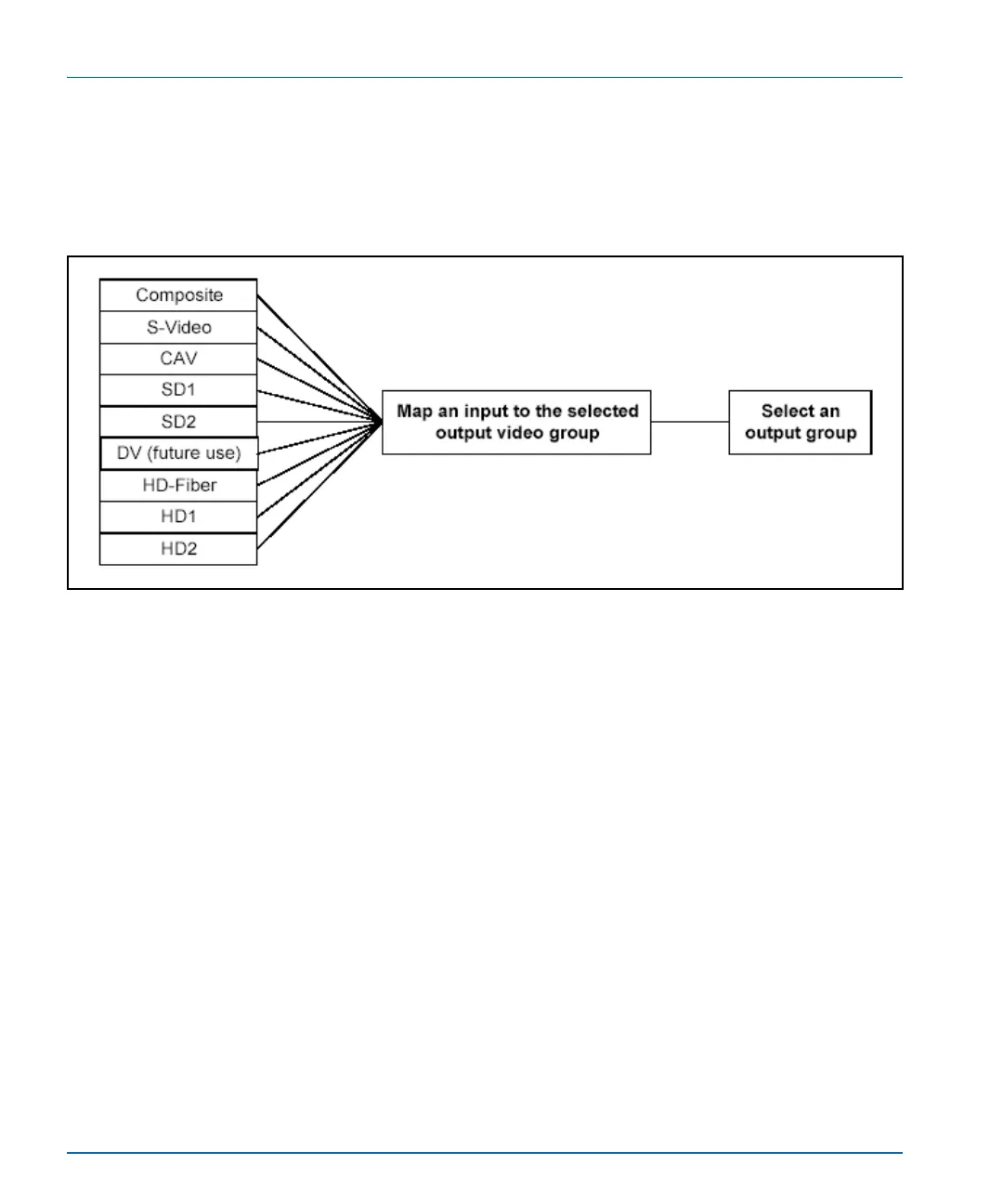
Figure 5-5 graphically illustrates a single-source signal process, where
one selected video input is fed to all outputs.
Figure 5-5. Single Source Processing
Adjusting Video Levels
Various control panel buttons provide quick access to the video
processing parameters of a selected video source. Simply press a button
and use the control knob to change the selection. For more information
on configuring video, see “Video Configuration” on page 143.
For more information on using a local or remote control panel, see
“Chapter 6: Operation via Front Panel Controls” on page 115 or refer to
the Control Panels for X75 Systems Installation and Operation Manual.



 To Next Page