50 X75HD/X75SD Installation and Operation Manual
Chapter 2: Applications
Simulcast Switching
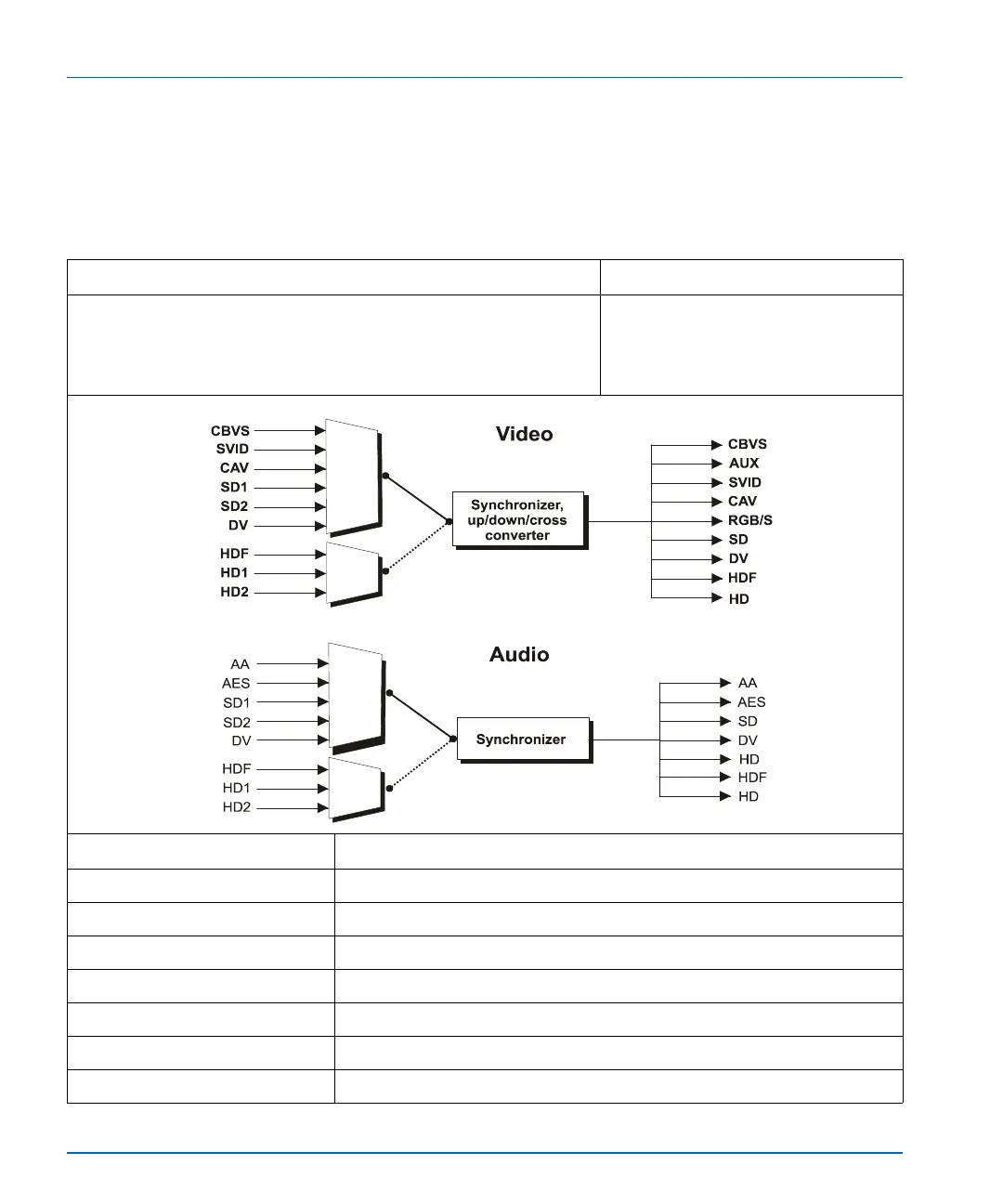
Table 2-11 describes a common application for simulcast switching of
SDTV and HDTV signals.
Table 2-11. Simulcast Switching of Standard and High Definition Signals
Description Products
You can configure the X75HD to do an A/B switch using any two
inputs; all inputs are provided simultaneously. In this example,
A=HD, and B=SD. Simultaneous HD and SD outputs are available.
You can perform the A/B switch manually or by GPI.
X75HD-AV
Required Settings Navigation Path
I/P Video Mode Video Setup>Routing Setup>Simulcast
Input A Video Setup>Routing Setup>Simulcast>HD1
Input B Video Setup>Routing Setup>Simulcast>SD1
Simulcast Sel Video Setup>Routing Setup>Simulcast>Input A
Ch1-Aud Follows Vid Audio Setup>Routing>Audio Follow Video>SRC 1>On
Ch1-AFV-HD1 Audio Setup>Routing>Audio Follow Video>SRC 1>HDX1/2
Ch1-AFV-SD 1 Audio Setup>Routing>Audio Follow Video>SRC 1>AES1a/1b



 To Next Page