222 X75HD/X75SD Installation and Operation Manual
Appendix B: Troubleshooting
Network Connectivity
Forgotten IP address
Problem
You can’t remember the set IP address for a specific X75HD/SD unit
and are having a problem communicating with it on the network.
Solution
Temporarily set the unit into the factory default IP Address. Follow
these steps to set the default IP address:
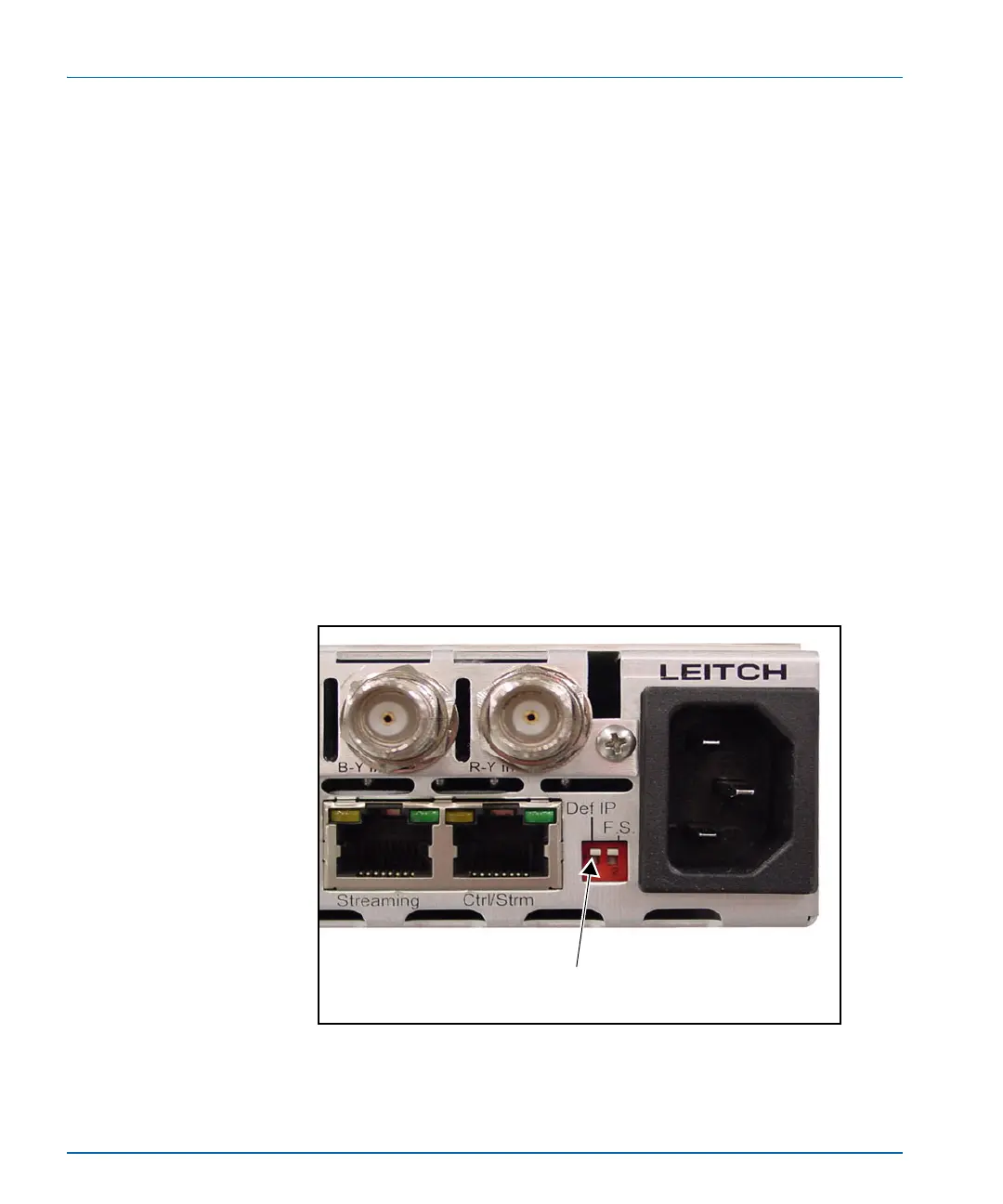
1. Push the Def IP DIP switch on the back of the unit to the down
position (see Figure B-1).
This resets the unit to the following default network addresses:
• Device IP: 192.168.100.250
• Subnet mask: 255.255.255.0
• Gateway: 192.168.100.250
Figure B-1. Location of DEF IP DIP Switch
Push this tab down to enter the
Default IP mode



 To Next Page