X75HD/X75SD Installation and Operation Manual 225
Appendix B: Troubleshooting
Front Panel Display
Control panel display is blank
Problem
Even though the unit has been powered up, no information appears on
the VFD screen. However, the LEDs on the control panel seem to be
functioning.
Solution 1
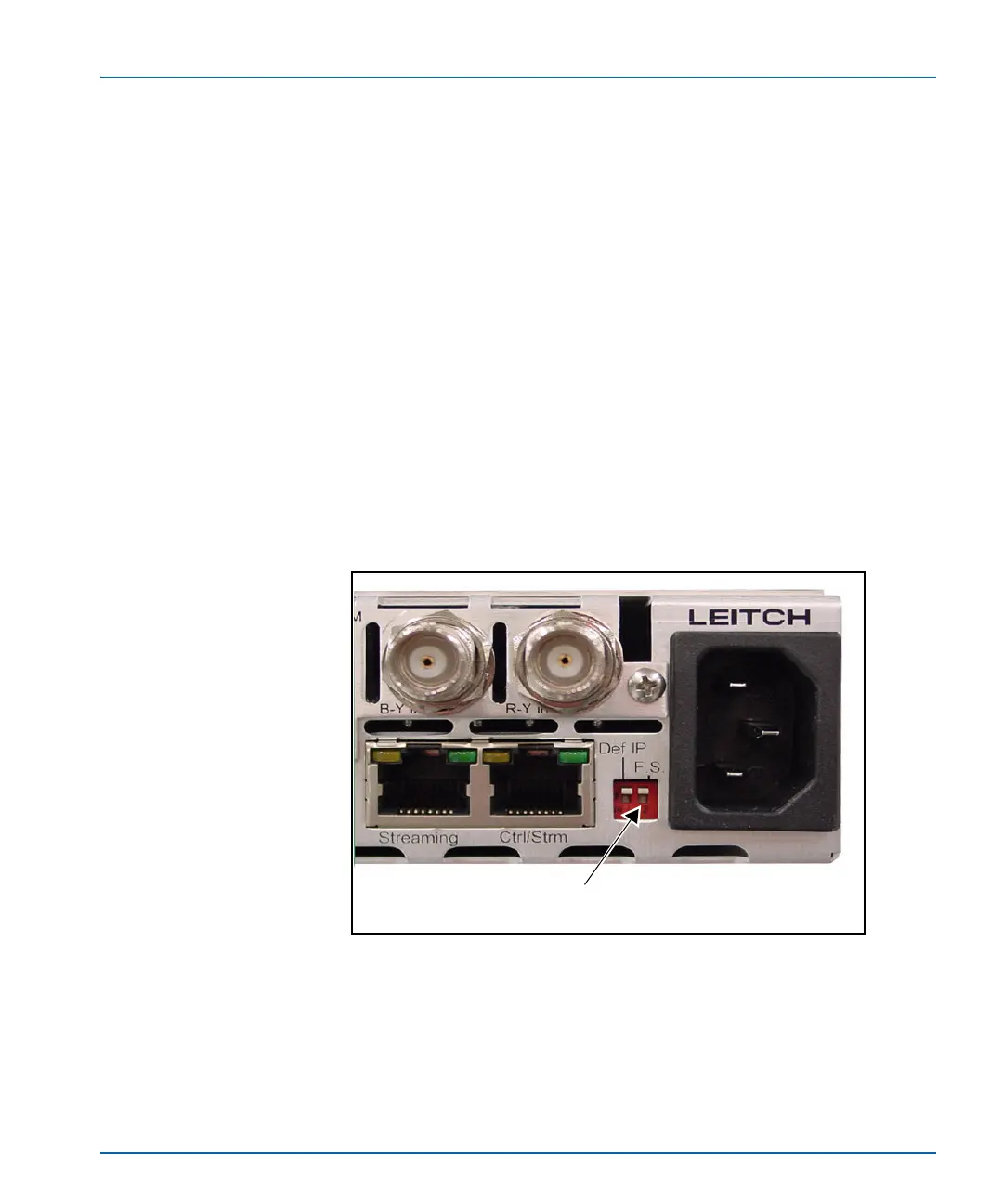
The F.S. (fail-safe) switch at the back of the X75 is in the down position
(see Figure B-2); this is preventing the unit from booting up properly.
When the switch is down, the runtime code is suspended, and only the
FTP port is opened for the file transfer.
Restore the switch to the up position, and then re-power the unit to see
if it reboots correctly.
Figure B-2. Fail-safe Switch
Ensure the F.S. switch is in
the up position



 To Next Page