X75HD/X75SD Installation and Operation Manual 229
Appendix B: Troubleshooting
Power LEDs are off and there is no display on the LCP
Problem
The local control panel appears to be “dead.” There are no functioning
LEDs, no buttons are lit, and the VFD is blank.
Solution 1
The unit is not receiving power. The AC cord(s) have become loose.
Ensure the power cords are firmly pressed into the unit.
Solution 2
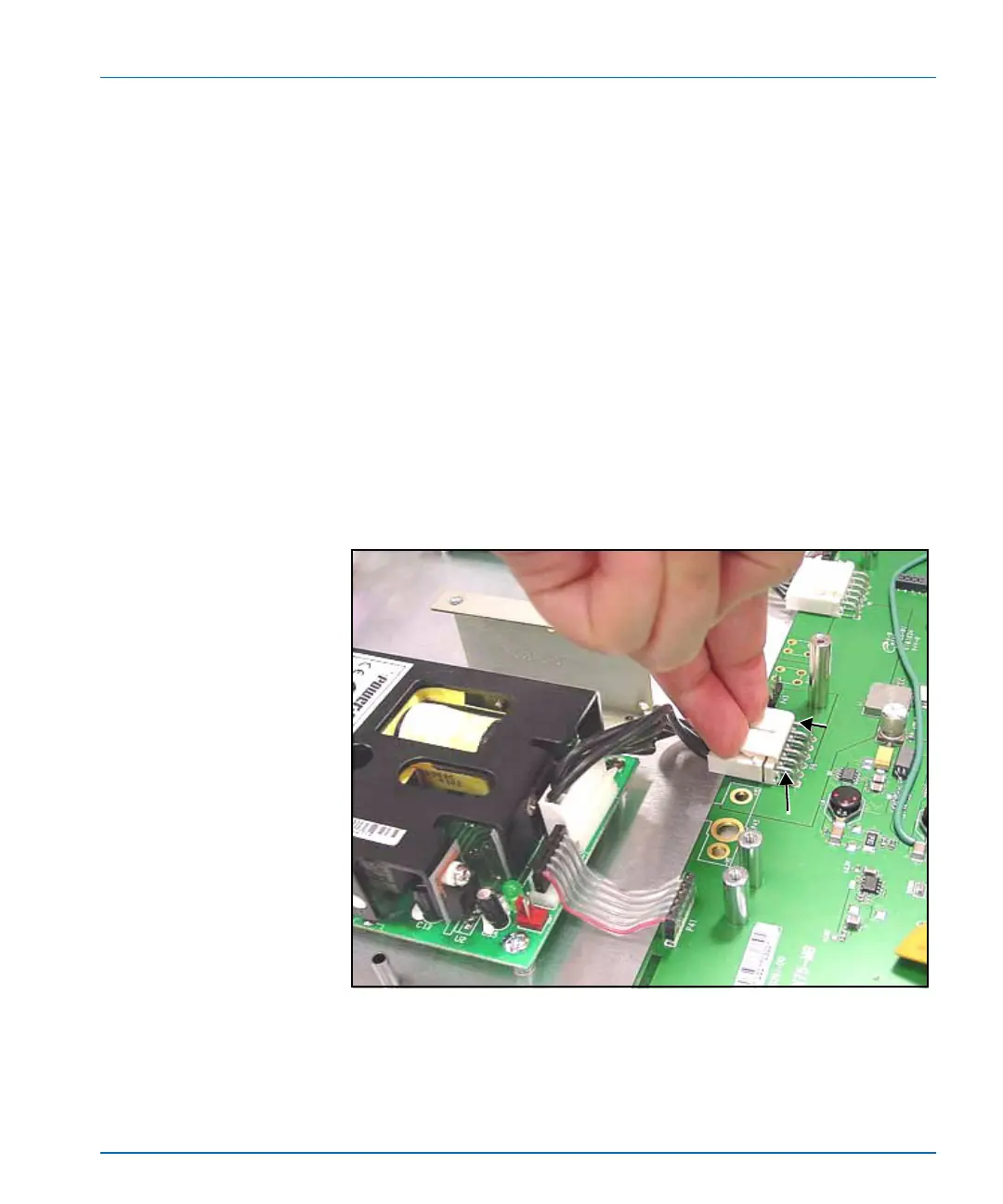
The internal power supply is defective. Open the lid of the X75HD/
X75SD, and using a voltage meter, determine if the power supply is
producing +24VDC on the main DC cable(s). See Figure B-4 for the
location of the power supply and Table B-1 on page 230 for pinout
information.
Figure B-4. Location of Power Supplies DC Cables
P
i
n
6
P
i
n
1



 To Next Page