X75HD/X75SD Installation and Operation Manual 115
Chapter 6
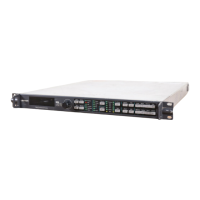
Operation via Front Panel Controls
Overview
This chapter describes the main areas of the front panel, and provides
the following general descriptions:
• “Front Panel Description” on page 116
• “Using the Control Knob and Menu Control Buttons” on page 117
• “Getting Visual Feedback: Status and Alarm LEDs” on page 122
• “Video Input LEDs” on page 126
• “Audio Input LEDs” on page 126
• “Control Mode Status LEDs” on page 127
This chapter does not give specific descriptions about available menus,
submenus, parameters, or options. See the X75HD Control Options
html file available from the Leitch Web site at www.leitch.com
or on
the accompanying X75HD/X75SD CD.
Detailed information on using front panel controls can be found in the
Control Panels for X75 Systems Installation and Operation Manual.
Some limited control information (such as information on video and
audio proc amp status LEDs, and audio proc amp channel mappings)
can be found in the following chapters:
• “Video Configuration” on page 143
• “Audio Configuration” on page 151
• “Special Function Buttons” on page 163


 To Next Page