242 X75HD/X75SD Installation and Operation Manual
Appendix B: Troubleshooting
Softkey Installation
Can’t activate softkeys
To activate software options that you have purchased (including Dolby
decoding) you must enter a softkey code into the License Key menu.
The code, consisting of fourteen hexadecimal digits, will be provided
when you purchase the option. Enter the softkey using either an
X75HD/X75SD control panel, the X75HD/X75SD Web Browser, or a
CCS software application. (The valid key character sets are numbers
2~9 and letters A~Z.)
To enter a softkey number using the control panel, follow these steps:
1. Select System Config>Setup>License Key.
2. Use the control knob and the Enter button to enter the characters.
3. Press the Exit button when completed.
To enter the softkey number using the Web Browser, follow these steps:
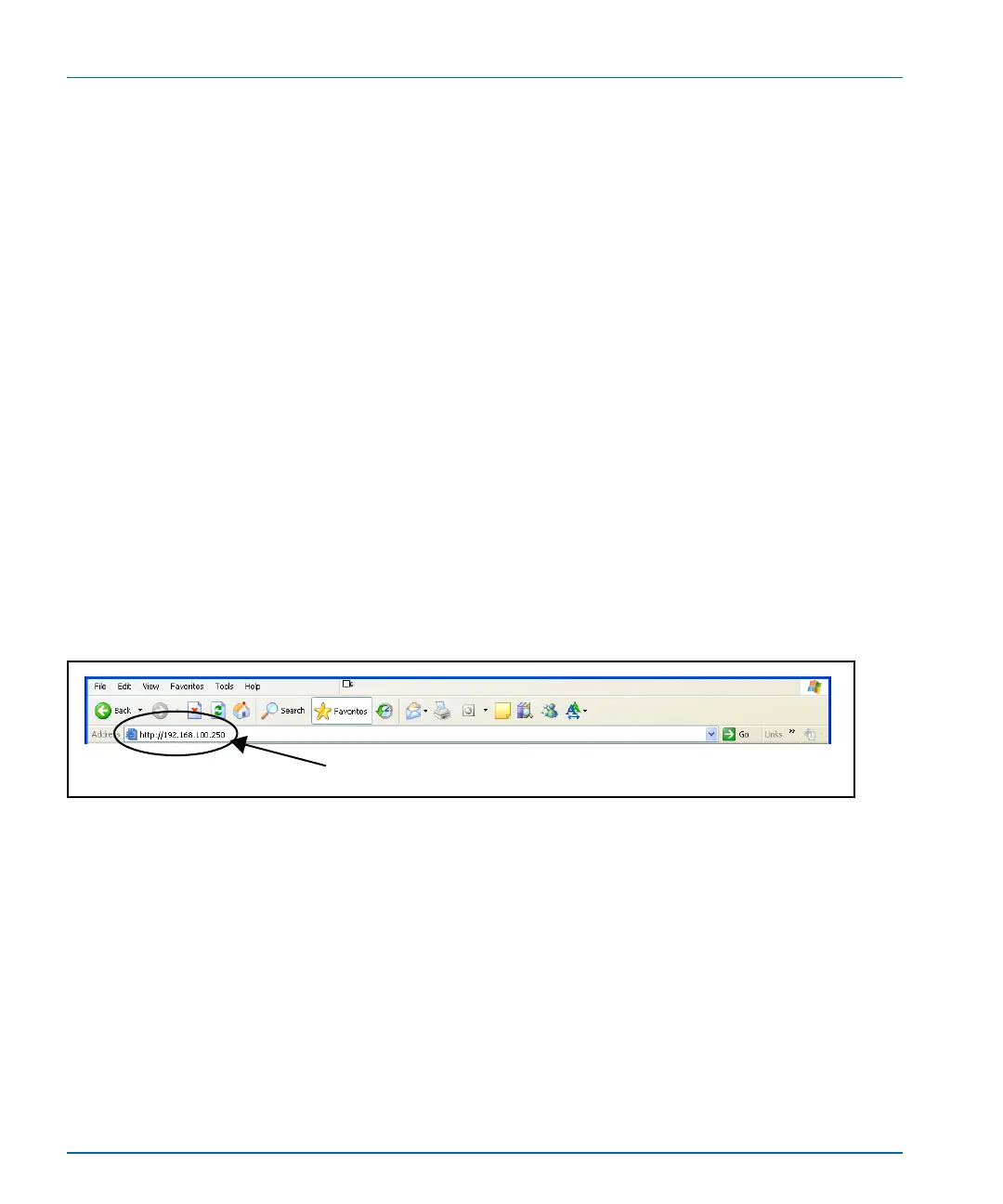
1. Type the IP address of the X75HD/X75SD unit you are upgrading
into the Address field of your browser (Figure B-9).
Figure B-9. IP Address Insertion to Add X75OPT-HDDUOCON Option
2. Navigate to System Config>Setup>License Key.
3. Type in the supplied softkey codes.
The upgrade will now take effect.
To enter the softkey number using a CCS software application, follow
these steps:
1. With your X75HD/X75SD unit selected in CoPilot, click the
Device tab in the Configuration window.
2. Type your license key in the License Key field.
Address field



 To Next Page