X75HD/X75SD Installation and Operation Manual 241
Appendix B: Troubleshooting
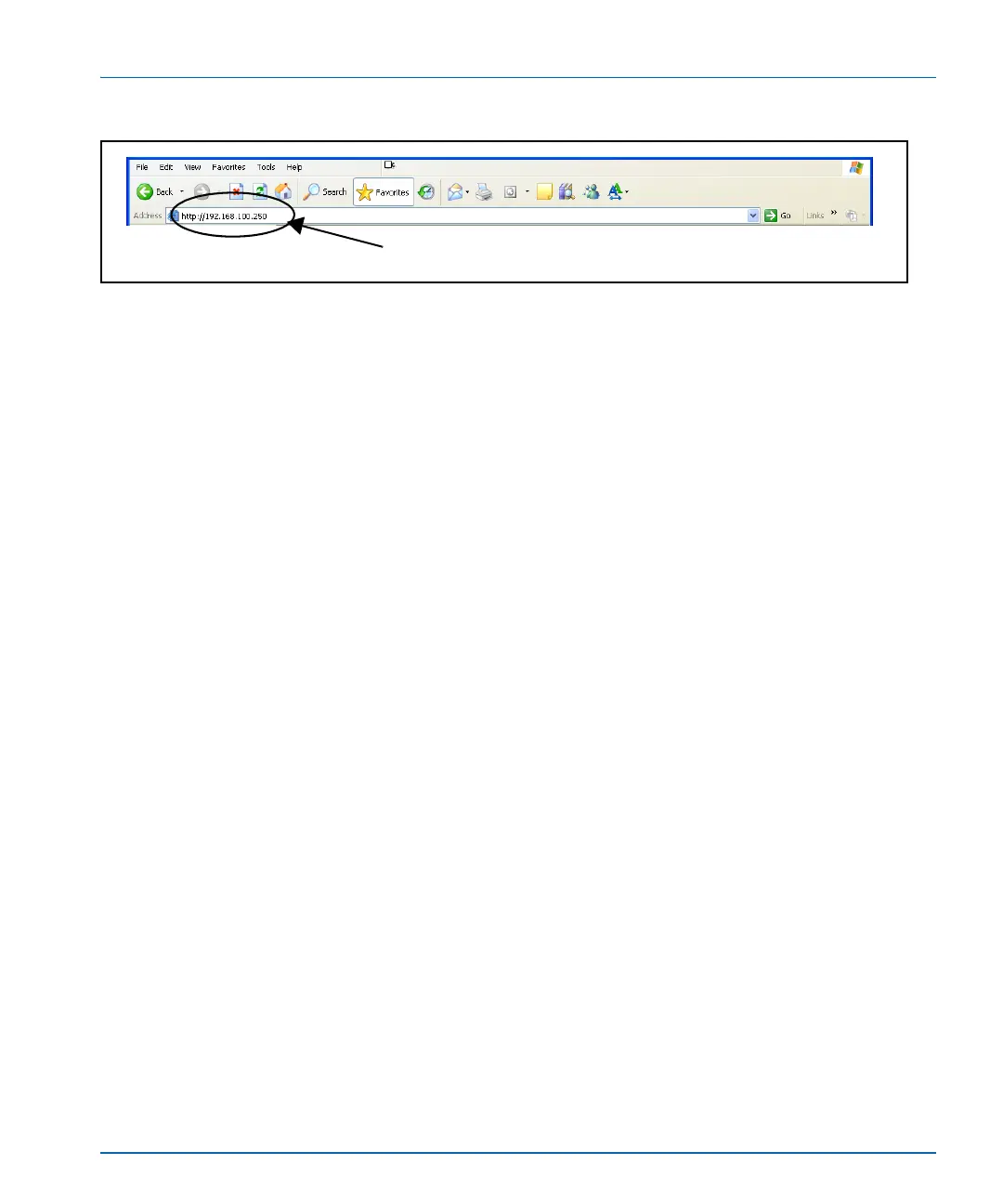
Figure B-8. IP Address Insertion to Access X75HD/X75SD Alarms
3. From the Main web page, select the Monitoring hyperlink.
4. Select the Configure Alarms hyperlink.
5. Press the Edit button corresponding to the alarm that you wish to
enable and configure it.
Address field



 To Next Page