X75HD/X75SD Installation and Operation Manual 317
Appendix D: Software
Monitoring and Control Using Leitch MIBs
Each X75HD/X75SD unit’s MIB can be fully expanded. When you
expand an X75 MIB node in the tree view, there are three sub-folders
(see Table D-5).
To view a complete list of the parameter settings on the X75, walk the
MIB for that X75, walk the X75 at an IP address, or walk the X75 type.
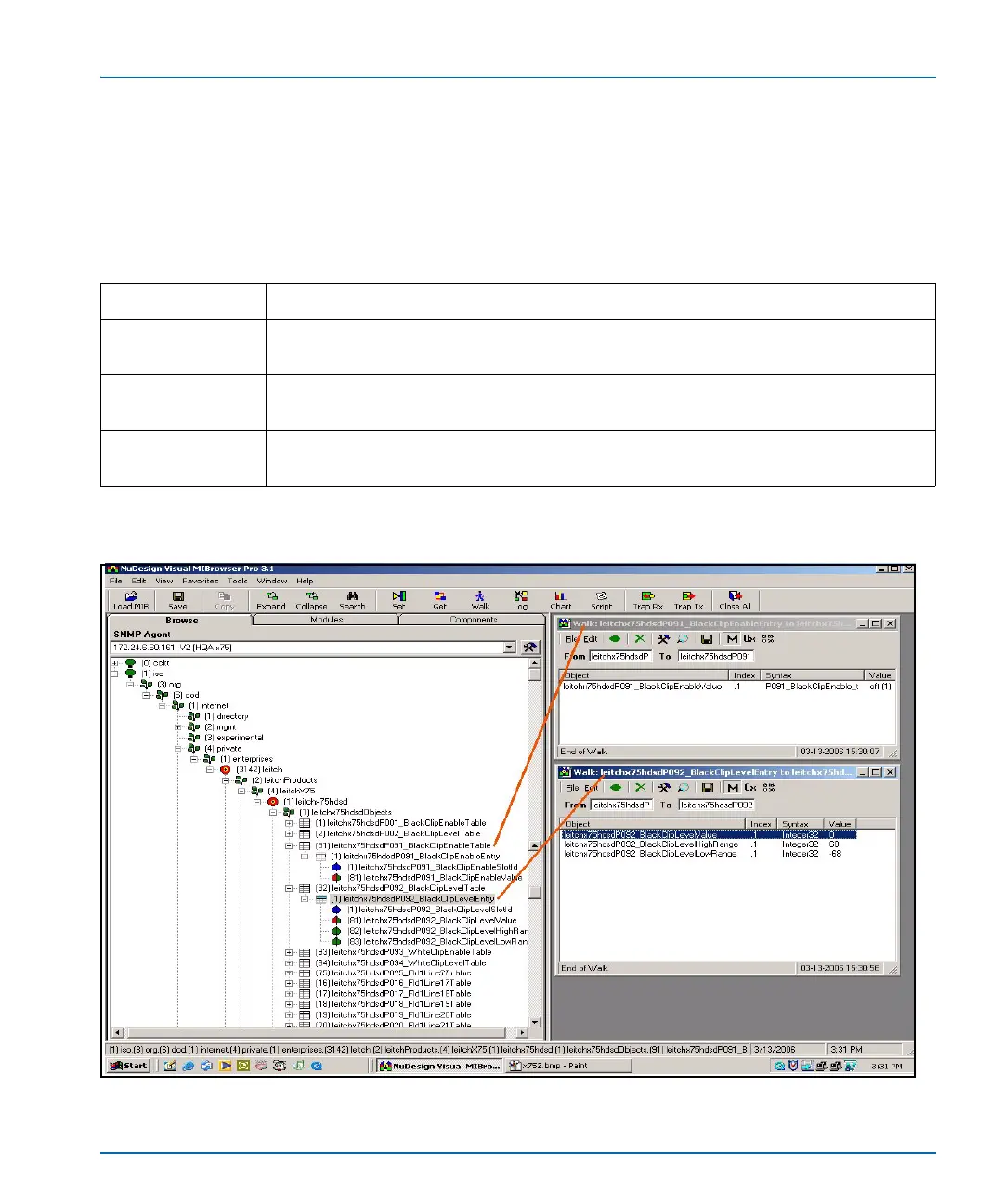
Figure D-8. Typical MIB Loaded into NuDesign MIB Browser
Table D-5. MIB Sub-Folders
Tree View Item Contents
Objects Lists the parameters for the device; all configurable and read-only parameters appear
here (see Figure D-8)
Identities Lists the alarms information for the device which is used by the MIB browser to make
trap messages more meaningful (see Figure D-9 on page 318.)
Conformities A group of standard MIB information that guarantees that the MIB conforms to standard
SNMP format



 To Next Page