318 X75HD/X75SD Installation and Operation Manual
Appendix D: Software
Navigating Parameters in a Leitch MIB
Leitch product MIBs contain functionality so that you can view a
parameter’s range, walk a device or a frame, or receive alarm traps for a
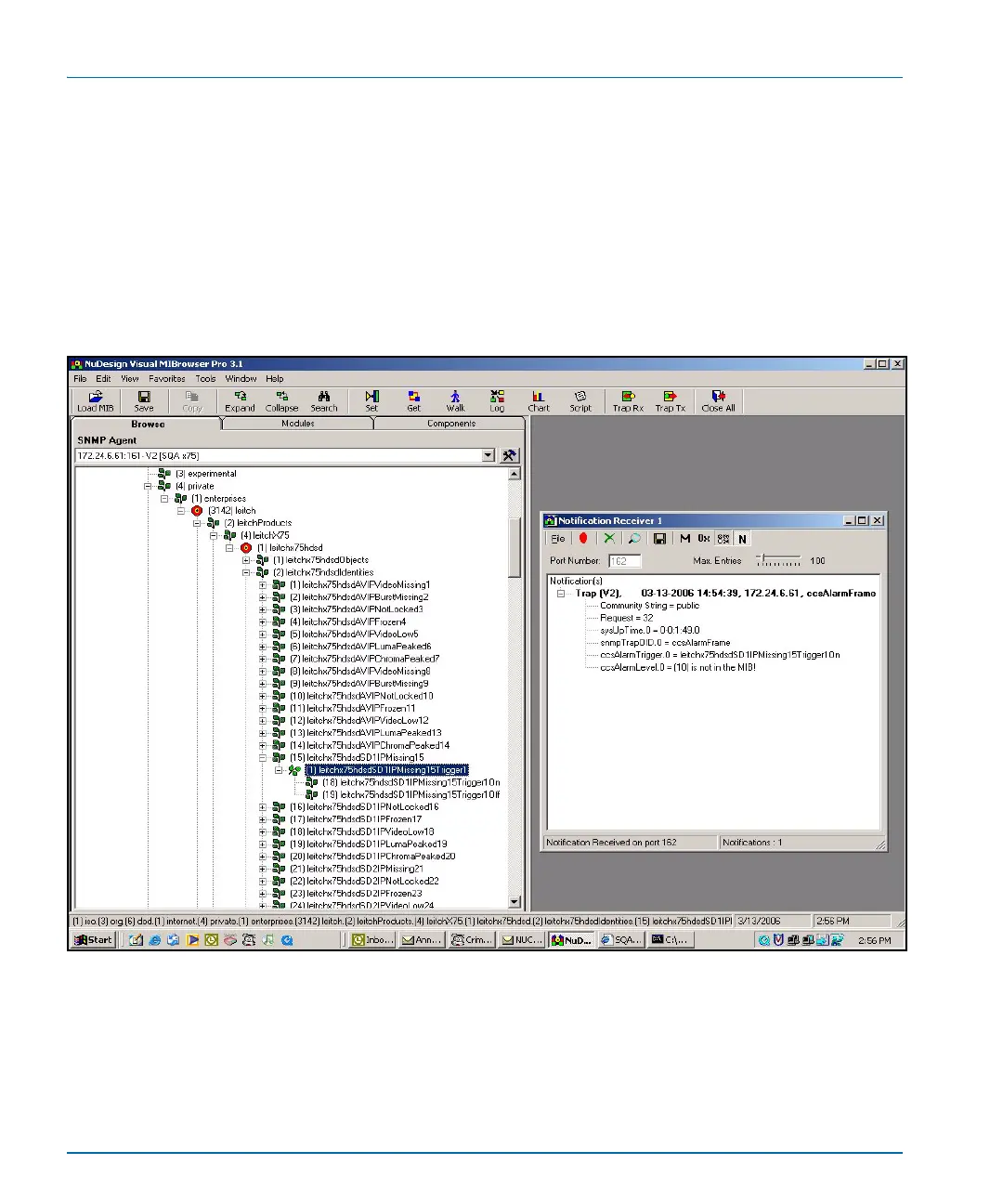
device. See Figure D-9 for an example of alarms shown in a MIB
browser.
How you can access these standard features will depend on the MIB
Browsing software you use. See the documentation that accompanies
your third-party control software for more details.
Figure D-9. Alarms in MIB Browser
Parameters that have a limited list of options have two listings under the
Entry branch of the tree. Parameters that have a range (as in a slider) of
options have four listings under the Entry branch of the tree.



 To Next Page