X75HD/X75SD Installation and Operation Manual 139
Chapter 7: Web Server Software Control
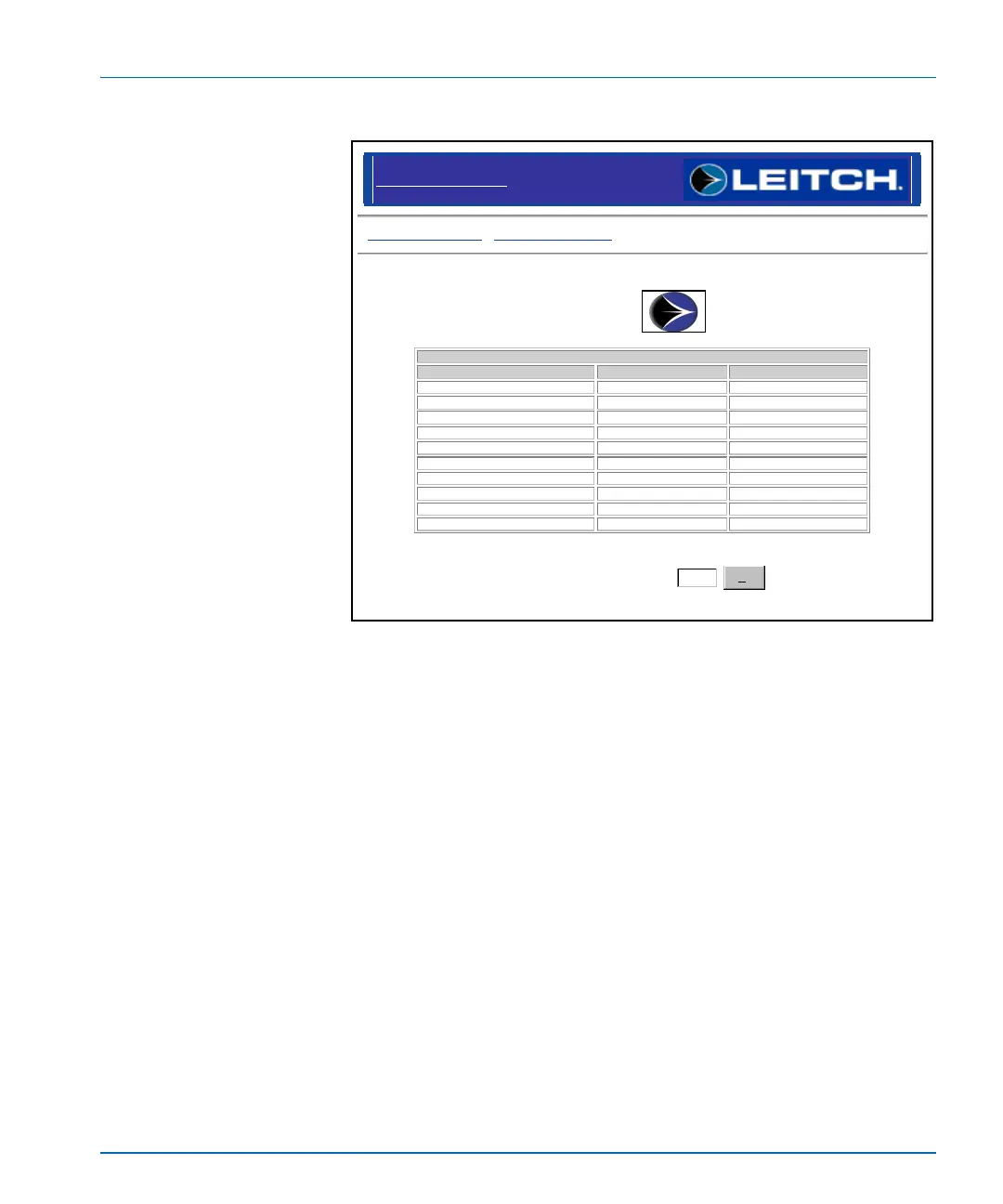
Figure 7-9. Alarm Monitoring Page
Click Configure Alarms from the Monitoring page to open up the
alarm configuration page (see Figure 7-10 on page 140). The Configure
Alarms page allows enabling of the disabled alarms and also can
change each alarm's reporting properties.
Click the Edit in the Action column to change the selected alarm's
properties (see Figure 7-11 on page 140).
Leitch X75 Control : Monitoring
Configure Alarms : Disable Streaming
Leitch X75 : Alarms
Active Alarms
Alarm Name Alarm Priority Acknowledged
AV I/P video missing Major No
AV I/P video missing Major No
SD1 I/P missing Major No
SD1 I/P frozen Minor No
SD2 I/P missing Major No
SD2 I/P frozen Minor No
HD I/P missing Major No
HDFS I/P frozen Minor No
HD I/P video low Major No
HD I/P luma peaked Major No
Refresh Rate (Seconds)
10
Set


 To Next Page