234 X75HD/X75SD Installation and Operation Manual
Appendix B: Troubleshooting
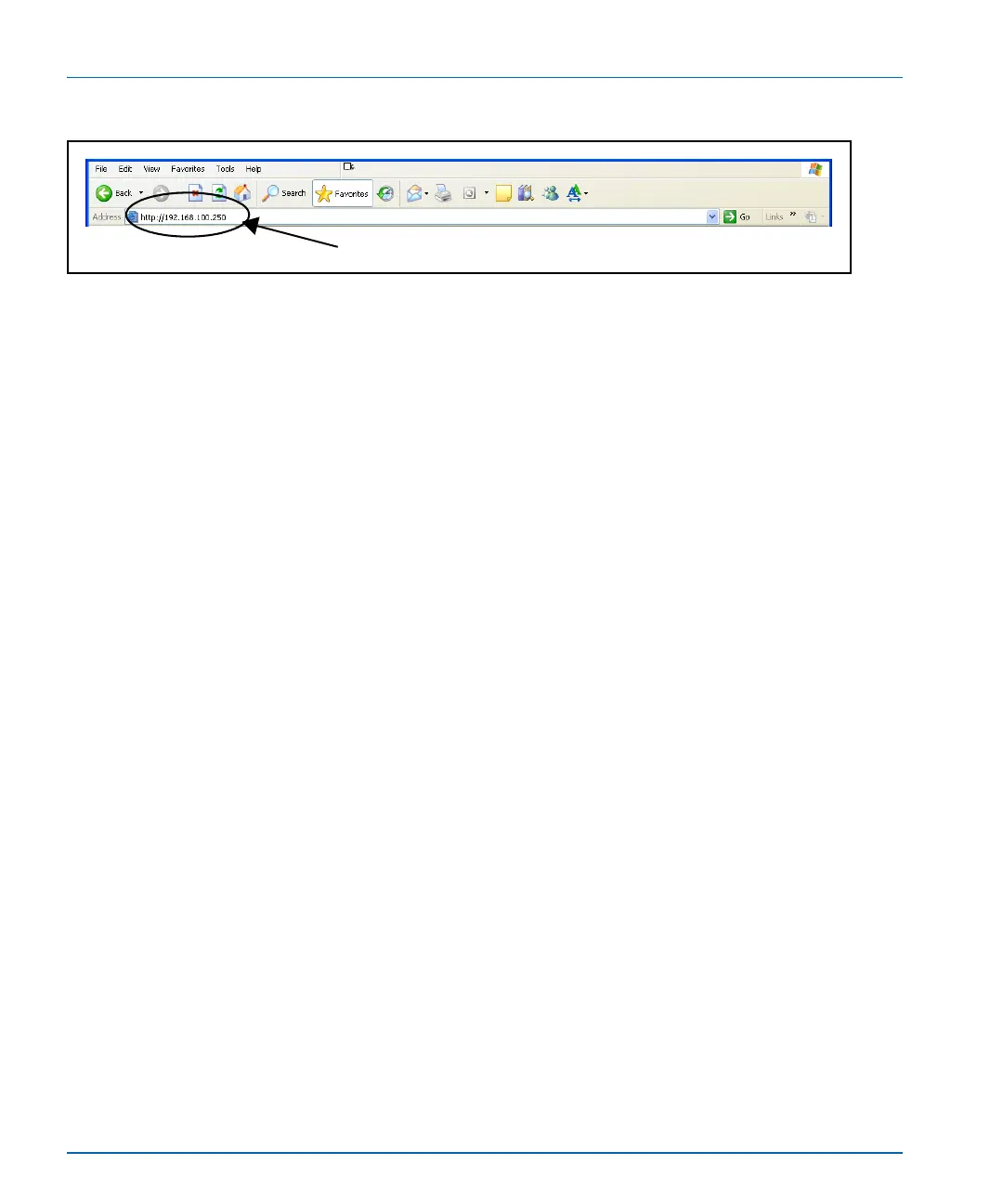
Figure B-6. IP Address Insertion to Add X75OPT-HDDUOCON Option
2. Navigate to System Config>Setup>License Key.
3. Type in the supplied softkey codes.
The option should now function.
To enter the softkey number using a CCS software application, follow
these steps:
1. With your X75HD/X75SD unit selected in CoPilot, click the
Device tab in the Configuration window.
2. Type your license key in the License Key field.
3. Click the Write and Reboot button.
The writing process includes a validation step to prevent you from
writing an invalid license key.
Address field



 To Next Page