X75HD/X75SD Installation and Operation Manual 289
Appendix C: Servicing
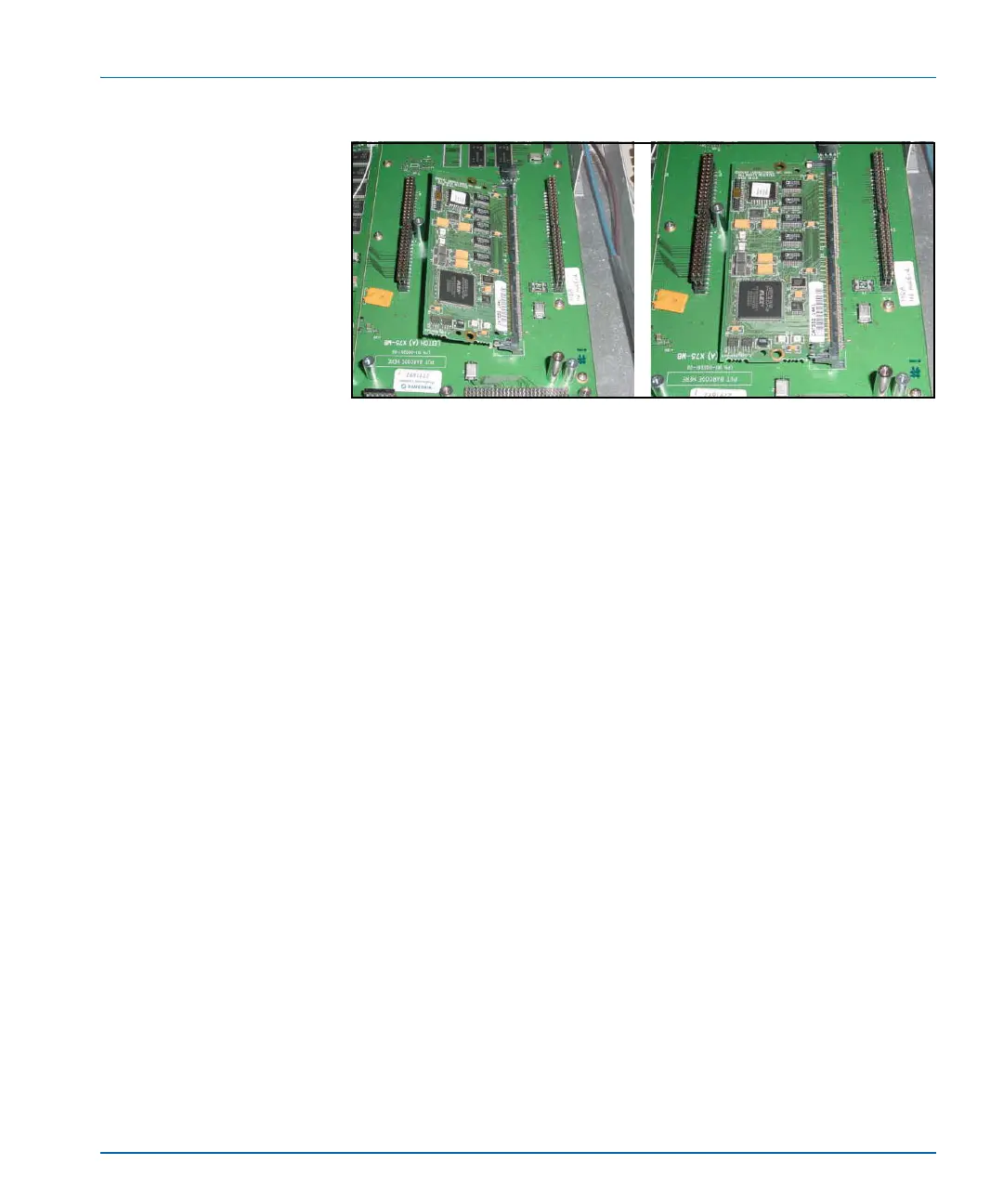
Figure C-24. Dolby Decoder Module Installation
Softkey Installation
The Dolby decoder requires a softkey code to operate. The softkey can
be entered using the control panel or the Web Server software
application. Follow these instructions to enable the softkey option:
1. Go to the System Config>Setup menu and select the License Key
parameter.
2. Enter the fourteen license key characters and then press Enter.



 To Next Page