28 X75HD/X75SD Installation and Operation Manual
Chapter 1: Introduction
• SD—Selects the demuxed audio from SDI input for processing
• DV—Selects the DV input audio for processing (future release)
• HD—Selects the demuxed audio from HD-SDI input for processing
• Dolby Dec—Selects the internally decoded Dolby audio signals for
processing
For complex audio processing applications, you can also manually
route the signal by changing the parameters. Follow this path:
Audio Setup>Routing>Input and Audio Setup>Routing>Output
Each SRC can be independently configured to accept one of the
available stereo audio inputs using the controls under the Audio
Setup>Routing>Input menu.
The controls under the Audio Setup>Routing>Output menu allow
each mono audio output to be independently derived from any of the
SRCs, audio mute, or test tones.
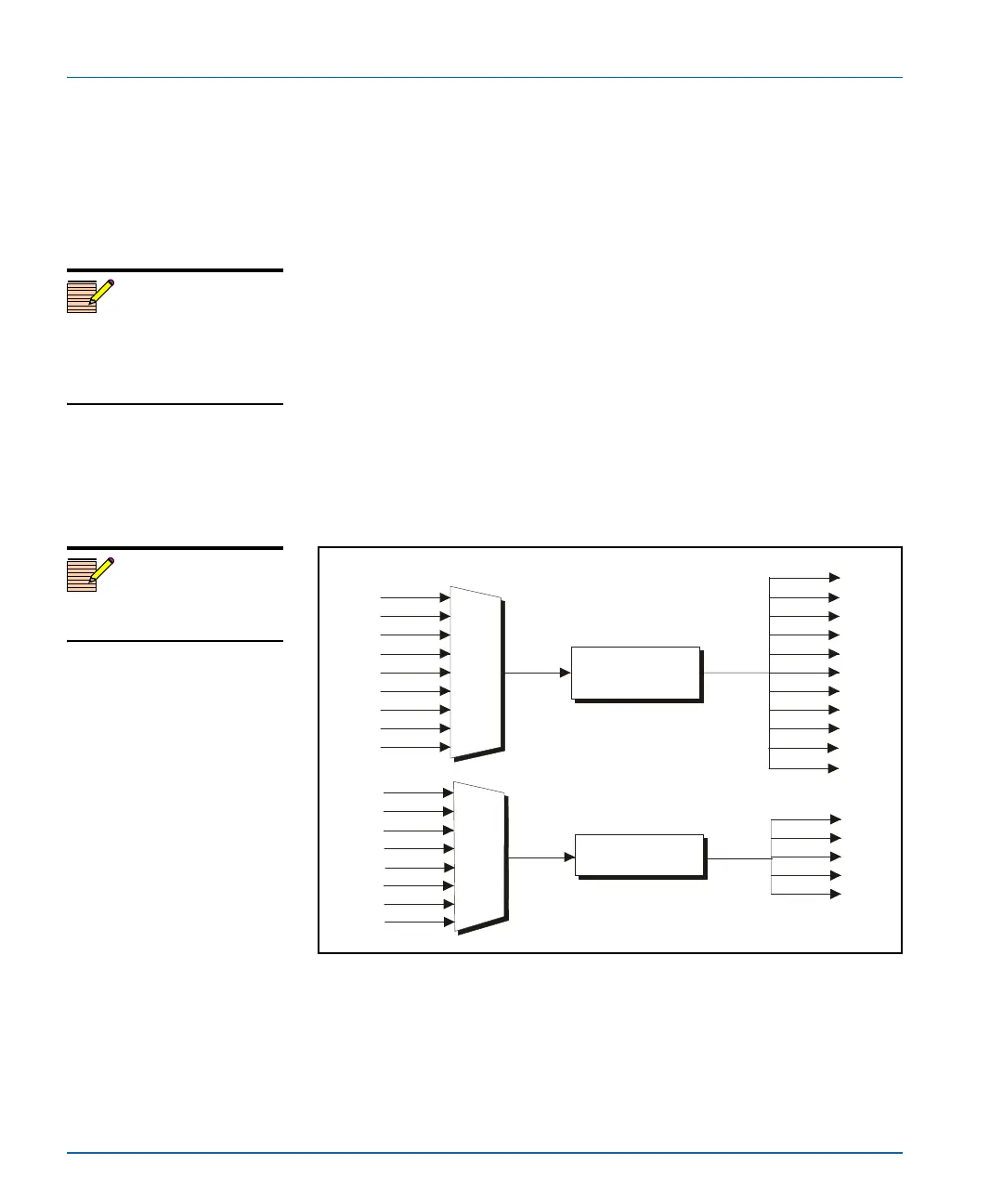
Figure 1-6. M-Path Single-Source Video and Audio Processing
Note
The Ctrl and A Proc and audio
Gain buttons provide quick
access to the Gain controls for
each SRC.
Note
DV input and output is reserved
for future use.
Audio
AA
AA
DV
DV
SD
HD
AES
AES
Synchronizer
SD1
HD1
HD2
HDF
SD2
Video
CBVS
Synchronizer,
up/down/cross
converter
SVID
SD1
HD1
HD2
HDF
SD2
DV
CAV
AUX
CBVS
SVID
RGB/
HD
ENET
DVI
HDF
SD
DV
CAV



 To Next Page