Software Version 3.05
87
CHAPTER 7:
Basic Submaster Operation
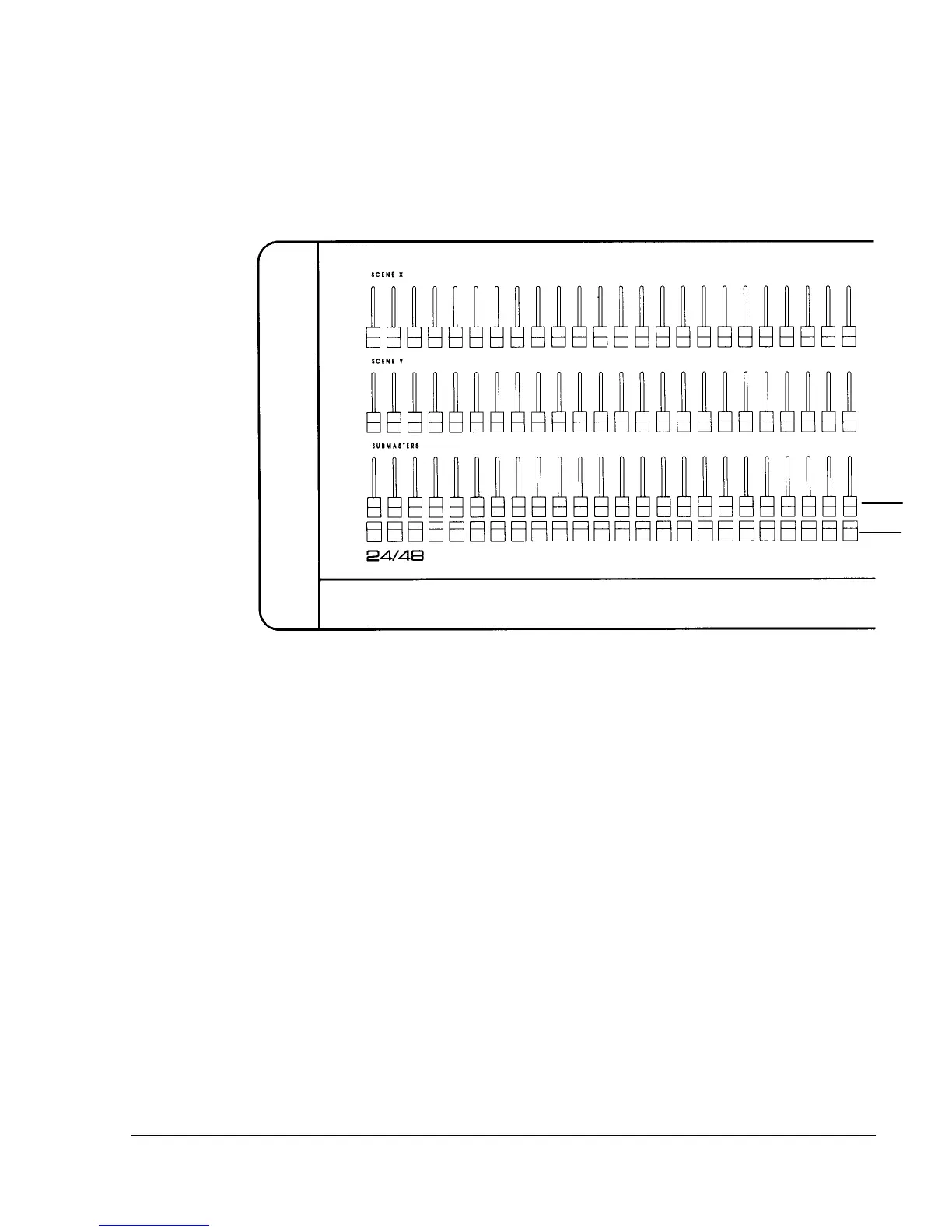
Figure 7.1, Submaster Faders and Bump Buttons
Submasters
Submasters are fader controls on the console top panel that can have multiple
channels assigned to them at different levels. In this way, you can record stage
"looks", and recall them by moving a submaster fader to restore the look at
various intensities. Submasters can also be used to play back different effects,
or to "inhibit" specific channels from going above the current level of the
submaster. Submasters are often referred to as "subs."
The Playback display contains the Submaster Fader Window, a section of the
screen that lists all the submaster fader numbers and their current levels. In the
Submaster Fader Window, submaster fader numbers are shown in different
colors according to the following code (shown on next page):



 To Next Page