Software Version 3.05
61
CHAPTER 4:
Console System Setup
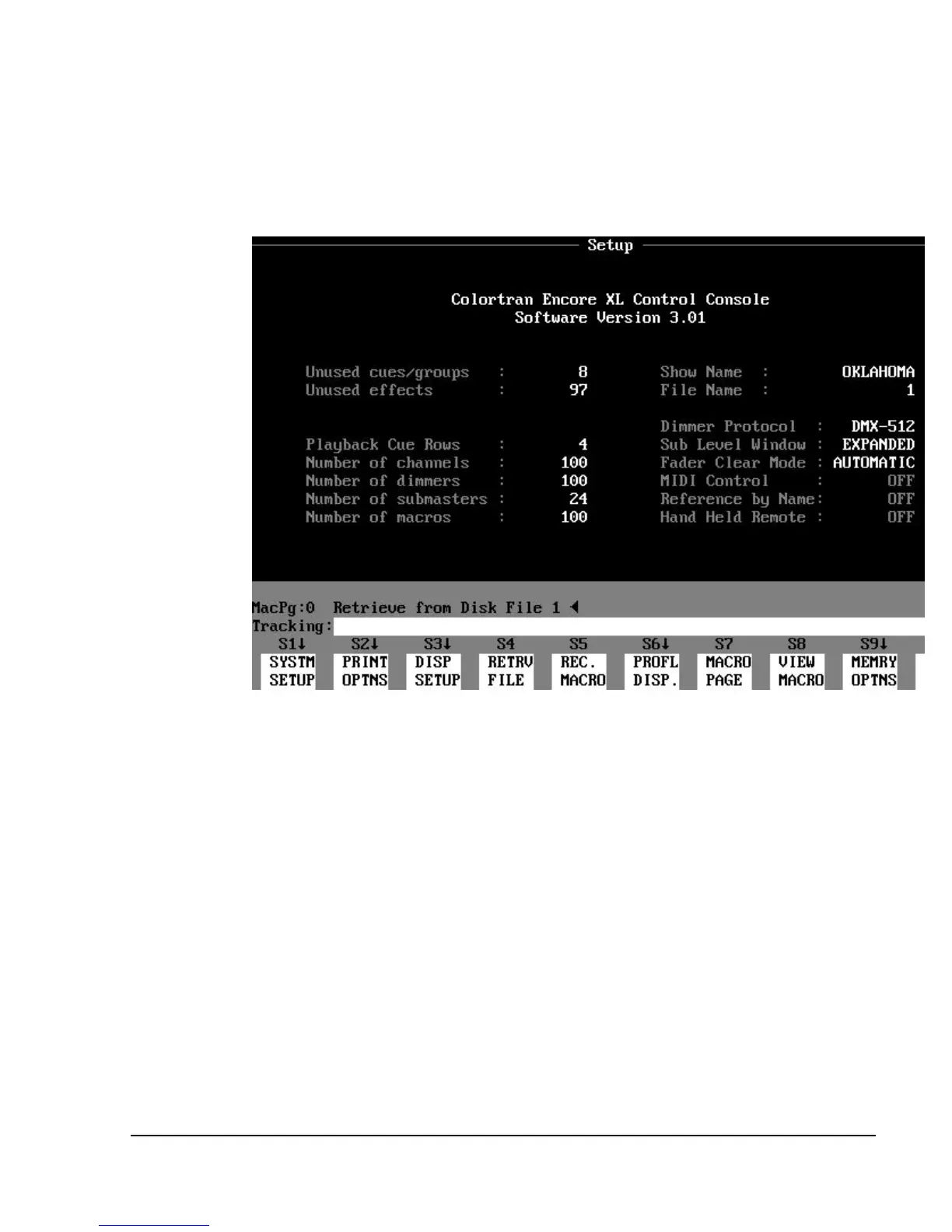
Figure 4.1 Setup Display
Using the Setup Display
The Setup display gives you a way to configure the console to match your
overall system. In the Setup display you can also change fundamental control
settings, and execute printing and file management tasks. In the Setup display,
you can perform the tasks listed below:
?? Modify system settings
(Discussed in this chapter.)
?? Modify display parameters
(See Playback and Setup Display topics in Chapter 3, Displays. )
?? Change displays on the optional auxiliary monitor
(See Appendix G, Auxiliary Monitor.)



 To Next Page