Colortran Encore Control Console
Software Version 3.05
62
?? Execute printing commands
(See Chapter 12, Utilities, Warnings, Printing, and Default Settings.)
?? View console active memory space
(See Chapter 13, Memory.)
?? Save, view, copy, delete, and retrieve show files from floppy disks
(See Chapter 13, Memory.)
?? Record macros, select the current Macro Page, and view macro contents
(See Chapter 21, Macros.)
In this chapter we discuss the options available to you under the (SYSTM
SETUP) soft key. See the appropriate chapter for information about the other
topics listed.
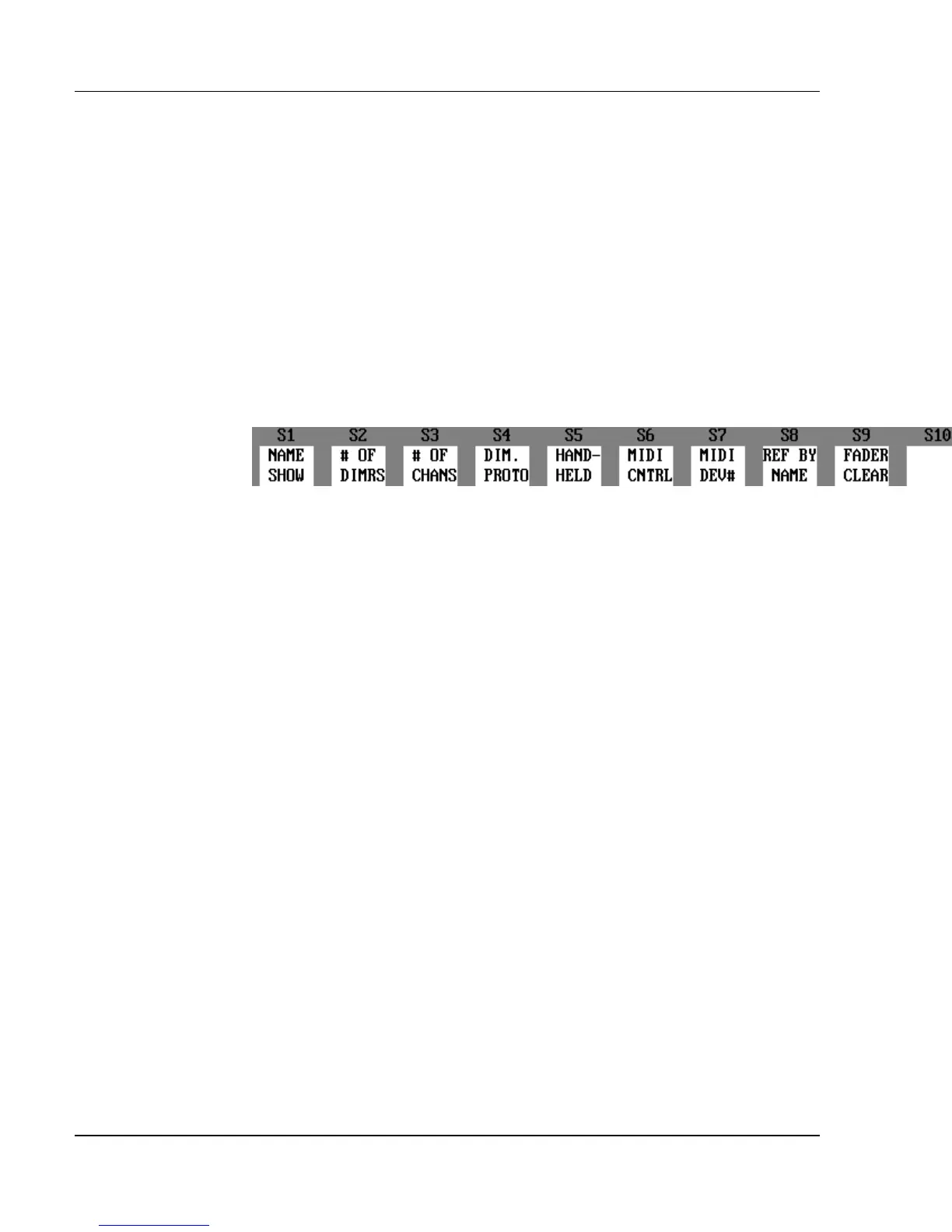
Figure 4.2 System Setup Soft Keys
System Setup
In the System Setup, you can use the soft keys shown in Figure 4.2 to define the
number of dimmers and channels used in a show, as well as enable or disable
peripheral devices such as the Hand Held Remote or the MIDI interface.
System Setup assignments remain in memory even after the console is turned
off and then turned back on again. When console memory is cleared, the
System Setup assignments are reset to the factory defaults. The dimmer
protocol selection however, always retains its assignment when the console
memory is cleared.
?
ADVANCED TOPIC: For more information about how System
Setup assignments are held in memory, see the System Settings In Memory
topic in Chapter 13, Memory.
Show Name
The (NAME SHOW) soft key provides a way to add an additional alpha-
numeric label to a show file. The Show Name is different than the show File
Name. The Show Name only appears in the Setup display, and can only be
viewed when the show is in active memory.



 To Next Page