Colortran Encore Control Console
Software Version 3.05
130
Moving (Renumbering) Cues in
Different Track Modes
The Renumber Cue command allows you to move a cue to another location in
your show. When you use a Renumber command it is equivalent to deleting the
source cue and creating a new cue. All of the levels and attributes of the source
cue are preserved under the new cue number.
Your tracking levels may take on different values in the new cue location
depending on the current Track mode when you use the Renumber command.
?
BASIC RULE: The Renumber command follows all the same rules
as the Copy command in the way soft levels are affected by the cue’s new
location in your show.
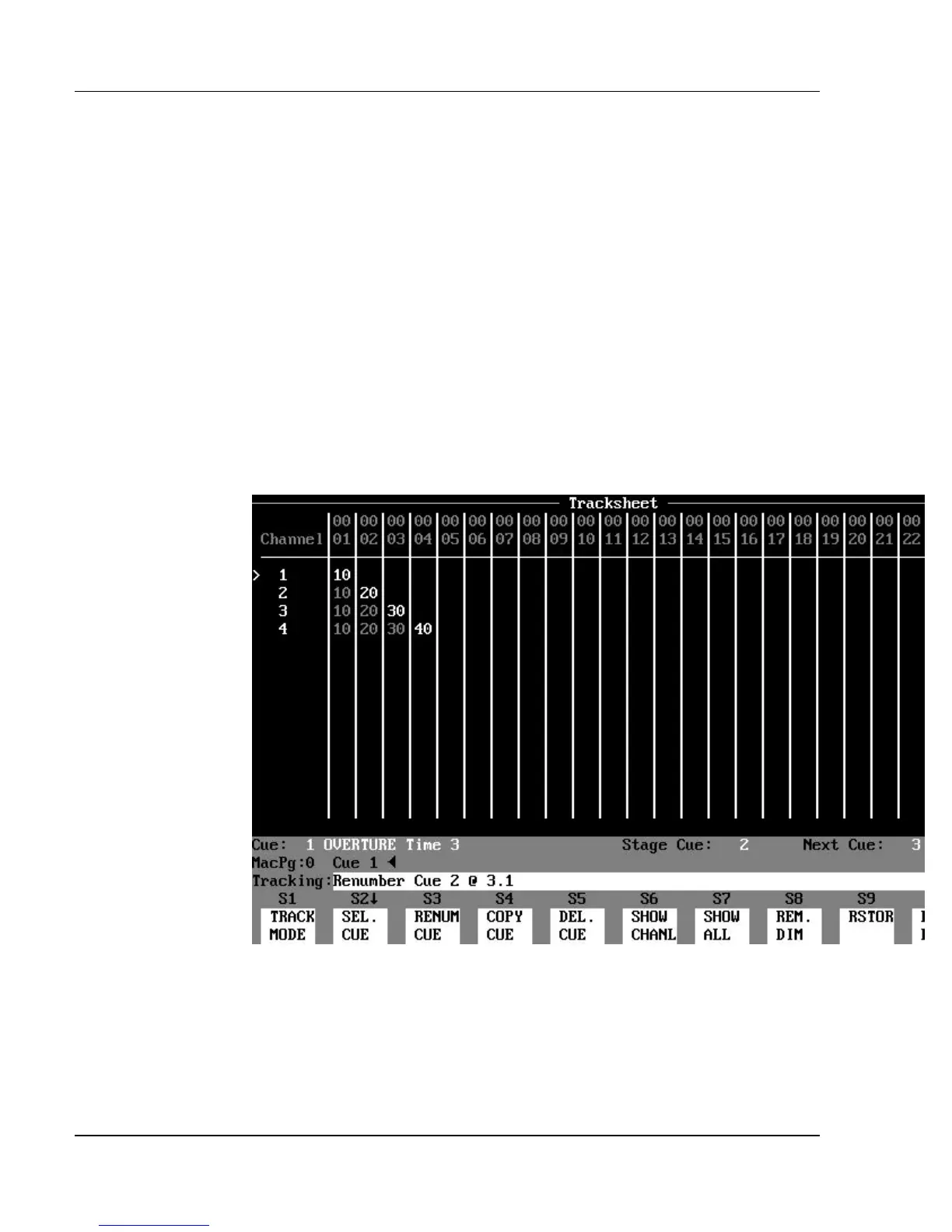
Figure 10.5.a, Renumbering Cues in Different Track Modes (before)
We will use the Tracksheet example shown in Figure 10.5.a as a starting point
to show how the renumber commands differ in the different Track modes. In
each example, we will renumber (move) cue 2 as cue 3.1.
Renumbering in Tracking Mode: (See Figure 10.5.b.) Every hard
level from the source cue remains the same in the new cue location. Soft



 To Next Page