Colortran Encore Control Console
Software Version 3.05
6
Step 6: Energizing the Console
?
WARNING!! Do not consume food or beverages while operating
the console, because lethal voltages (120V or 220V) exist inside the console.
Spills may cause a hazardous condition, or may cause damage to the console.
?
CAUTION! When the console has been stored in a cold
environment (below 40ºF ), do not turn the power on until the console warms
up, or else damage to the console may occur. You should avoid situations that
could cause condensation to occur inside the console.
Turning on the Monitor: Once the console and monitor have come to
room temperature (about 25ºC or 75ºF) the console is ready to be turned on.
Refer to the instructions provided with the monitor and turn on its power
switch. If you plug the monitor into a convenience outlet on the rear of the
console, you can leave the monitor power switch turned on because the
convenience outlet on the console is a "switched" outlet (it turns off when the
console is turned off).
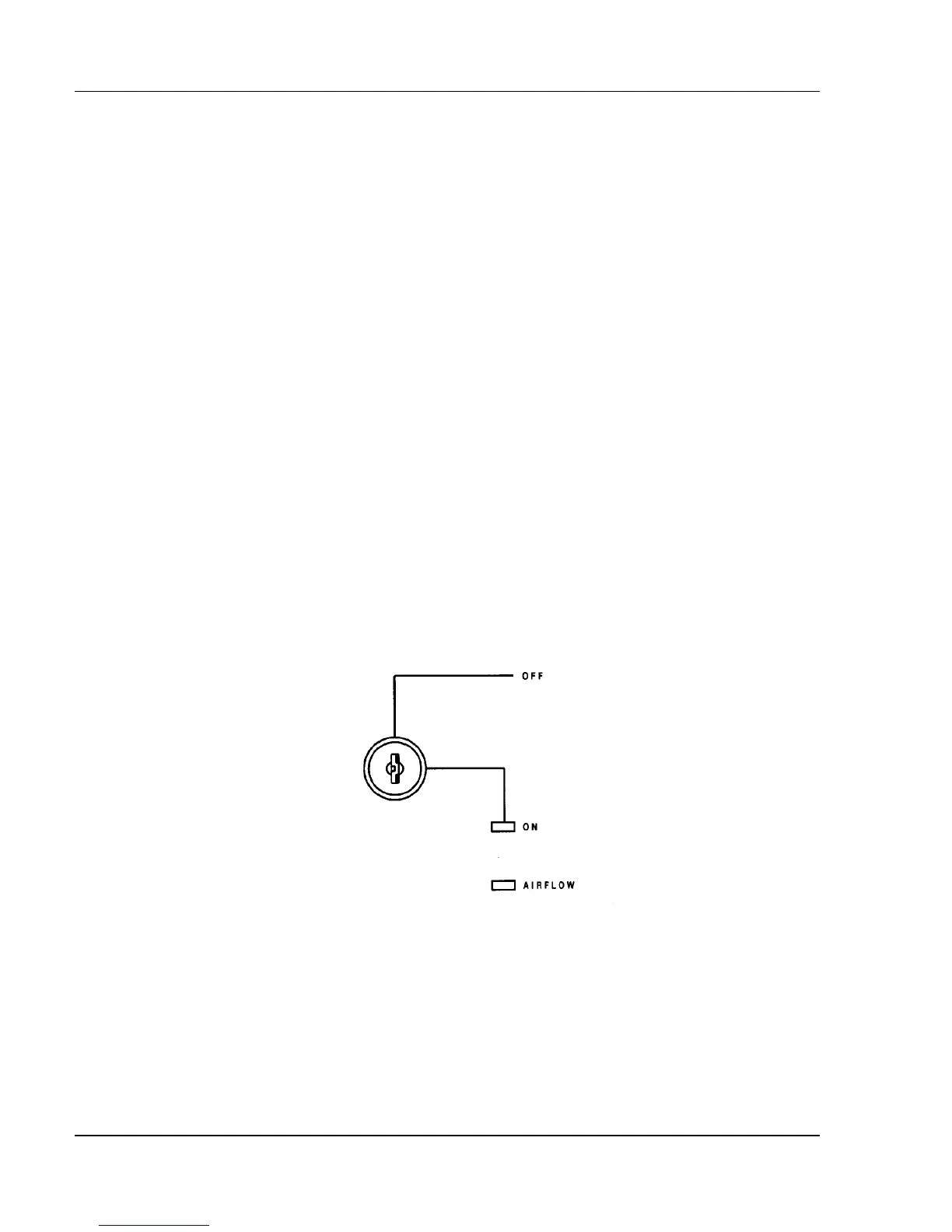
Figure 1.2, Power-On Key Switch
Turning on the Console: Next, turn on the console key switch located
on the upper right hand corner of the control panel. The ON indicator LED
should illuminate. Within about ten seconds, the monitor should warm up and
show one of the console displays. Refer to the instructions provided with the
monitor to adjust its display. You may remove the key from the Key Switch
while the switch is in either position.



 To Next Page