Chapter 9: Playing Back Cues
Software Version 3.05
103
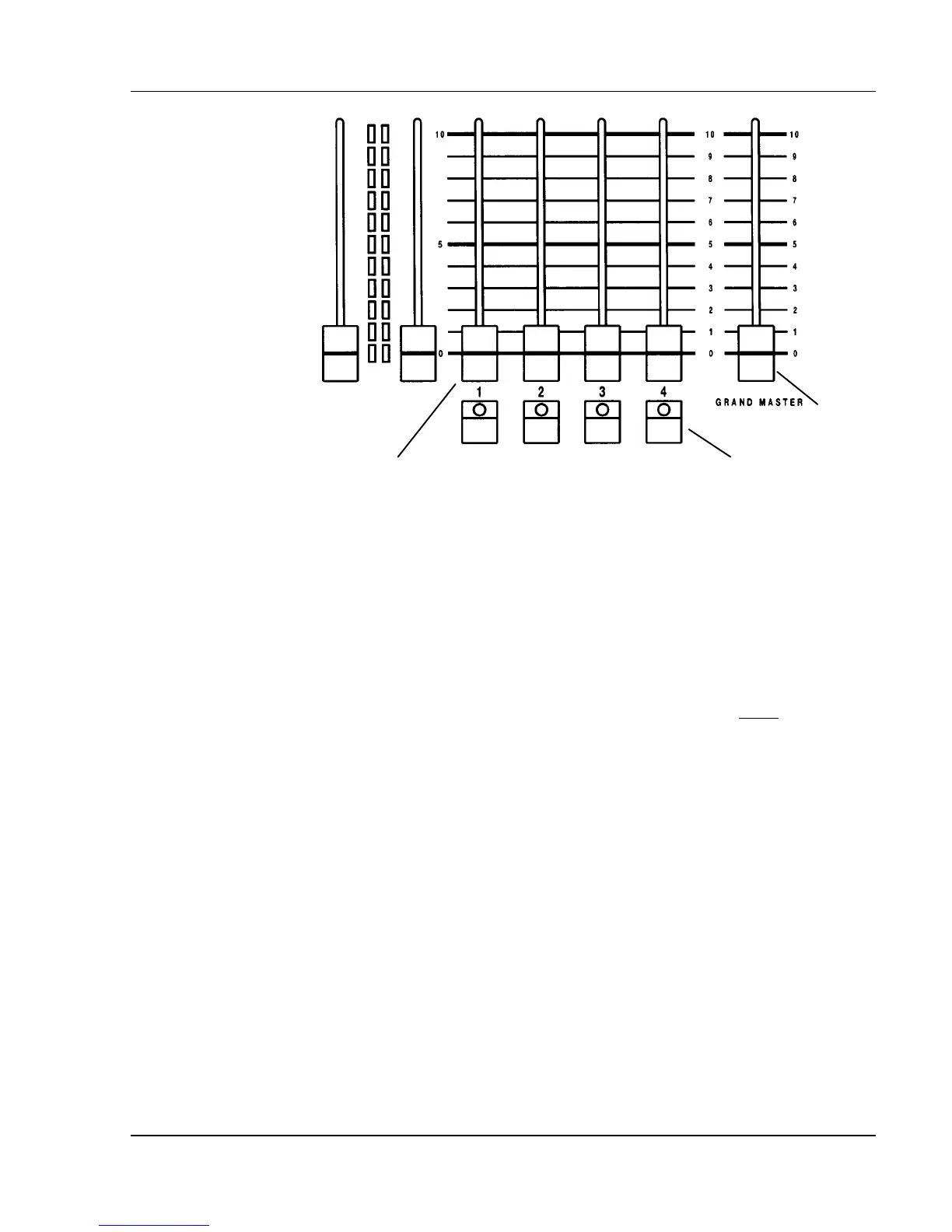
Take Control
Buttons 1- 4
Playback
Faders 1 - 4
Grandmaster
Fader
Figure 9.2, Playback Faders, Grandmaster Fader
Playback Faders
Whenever cues are played back, in or out of sequence, the cue fades are loaded
to physical playback faders, numbered 1 - 4. The playback faders can be
thought of as "conduits" through which all cue fades must pass to get to the
stage. When you press the GO button, the next cue is loaded on the lowest
numbered fader that is available. Cues assigned a numerical fade time begin to
fade automatically. When the cue fade is complete, the cue is automatically
cleared from the fader.
Moving the playback fader handle does not affect the execution of a timed cue,
unless the cue is taken over manually with the Take Control button. See
Taking Manual Control Of Timed Cues topic, later in this chapter.



 To Next Page