Software Version 3.05
231
CHAPTER 23:
Load Key Operations
Load Key
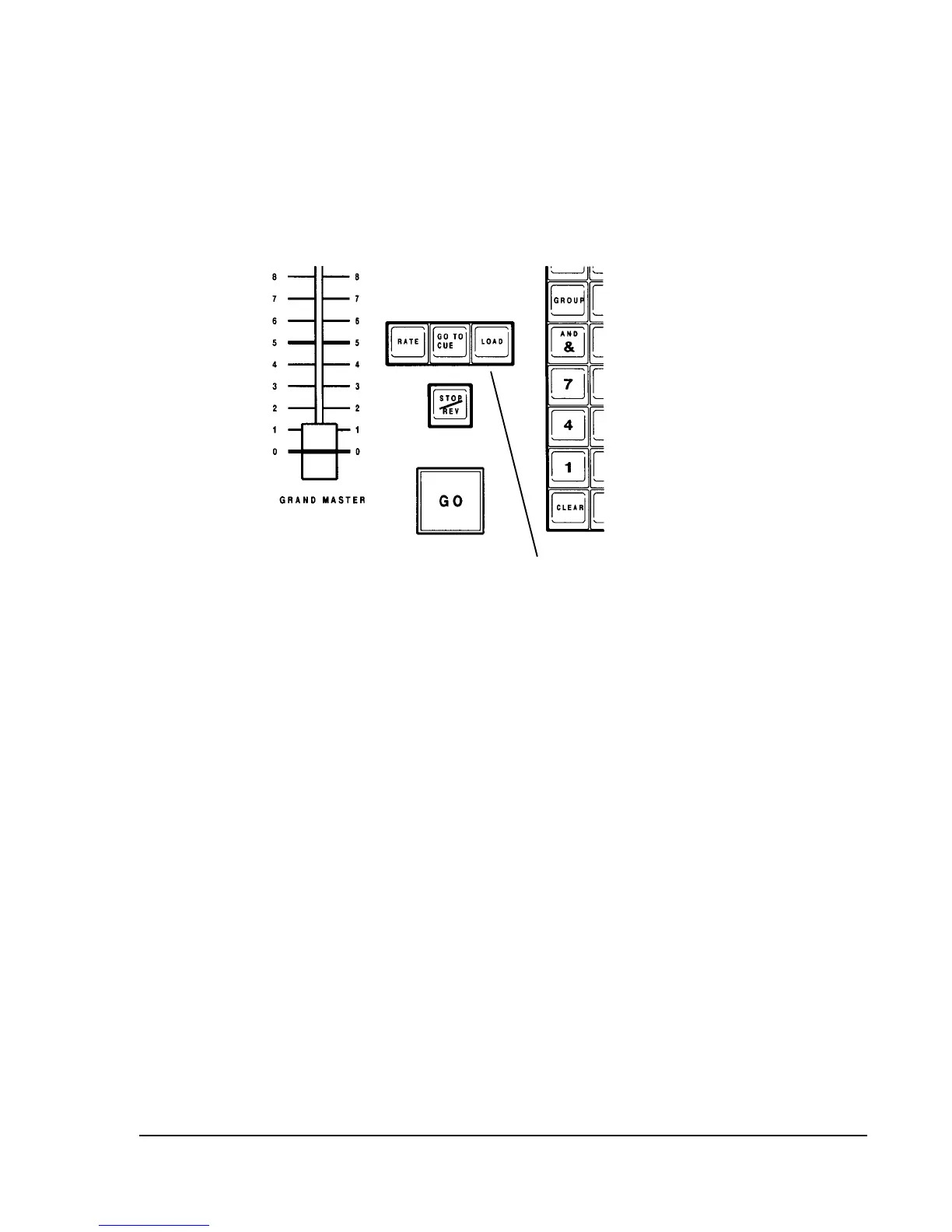
Figure 22.1, Load Key
Load Key
You can use the [LOAD] key to load existing items to submasters or Playback
Faders. A submaster can be loaded with a cue, a group, or an effect. Playback
Faders can have cues loaded to them.
There are two ways to execute load commands:
?? Aim and Load
?? Complete Command
Aim and Load: Press the [LOAD] key and the keys for the item(s) that
you want to load, followed by [ENTER]. A message box appears on the screen
instructing you to select the Bump button or Take Control button under the
submaster or playback fader to which you want the item(s) loaded.



 To Next Page