Chapter 21: Macros
Software Version 3.05
225
Macro Paging
There are ten gray macro keys, labeled [M1] - [M10], on the console top panel.
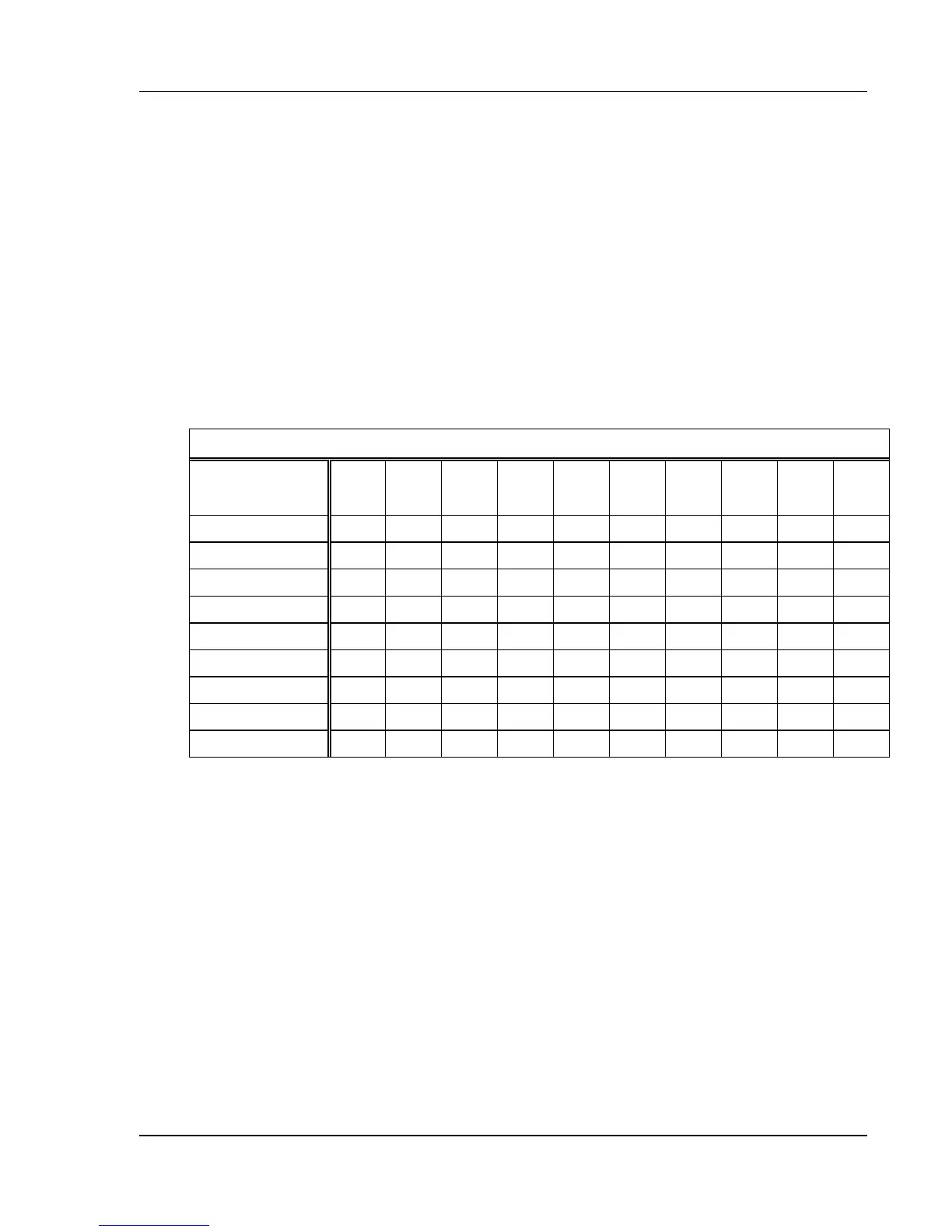
The Encore has ten pages of macros available, each with ten macros per page,
which allows you to record up to 100 macros. (See Table 20.1.) At any given
time, a single page of macros is currently accessed by the macro keys. The
current macro page is shown just to the left of the Command Line History.
? EXAMPLE: To change the current macro page to macro page 5, in
the Setup display:
[MACRO PAGE] [5] [ENTER]
MACRO PAGE 0 1 2 3 4 5 6 7 8 9
MACRO KEY
Macro #
Macro #
Macro #
Macro #
Macro #
Macro #
Macro #
Macro #
Macro #
Macro #
[M1]
1 11 21 31 41 51 61 71 81 91
[M2]
2 12 22 32 42 52 62 72 82 92
[M3]
3 13 23 33 43 53 63 73 83 93
[M4]
4 14 24 34 44 54 64 74 84 94
[M5]
5 15 25 35 45 55 65 75 85 95
[M6]
6 16 26 36 46 56 66 76 86 96
[M7]
7 17 27 37 47 57 67 77 87 97
[M8]
8 18 28 38 48 58 68 78 88 98
[M9]
9 19 29 39 49 59 69 79 89 99
[M10]
10 20 30 40 50 60 70 80 90 100
Table 20.1, Macro Key Paging



 To Next Page