Colortran Encore Control Console
Software Version 3.05
102
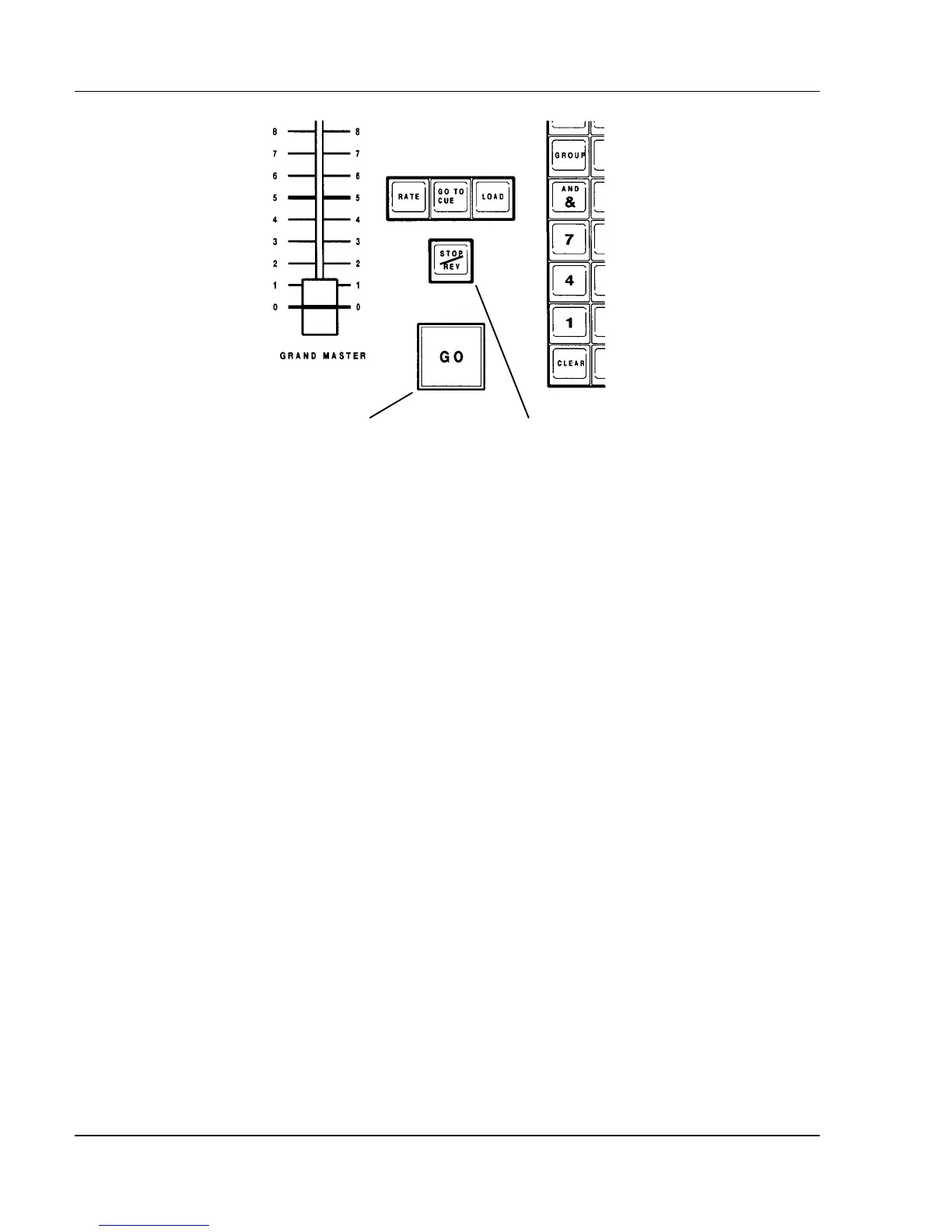
GO Button Stop/Reverse Key
Figure 9.1, GO Button and Stop/Reverse Key
Stop/Reverse Key
The [STOP / REV] key has a dual function. If any cues are currently running
in assigned fade times, you can press the Stop/Reverse key once to stop all the
fades immediately. If you stop fades in this way, "STOP" appears in the
Playback Fader Boxes on the display. Pressing the Stop/Reverse key a second
time causes a reverse fade to the previous cue in two seconds. When no fades
are currently running, pressing the [STOP / REV] key causes a fade to the
previous cue in two seconds. The [STOP / REV] key functions are summarized
below:
?? For running fades = Stops the fade
?? No running fades = Reverses (fades to previous cue)
?? For stopped fades = Reverses (fades to previous cue)
? NOTE: It is not necessary to press the [ENTER] key with
Stop/Reverse commands.
?
BASIC RULE: If timed cues are running when the [STOP / REV]
key is pressed, it stops all active fades immediately. If no timed cues are
running when the [STOP / REV] key is pressed, the console reverses and fades
to the previous cue in two seconds.



 To Next Page