Software Version 3.05
223
CHAPTER 21:
Macros
Macro Keys
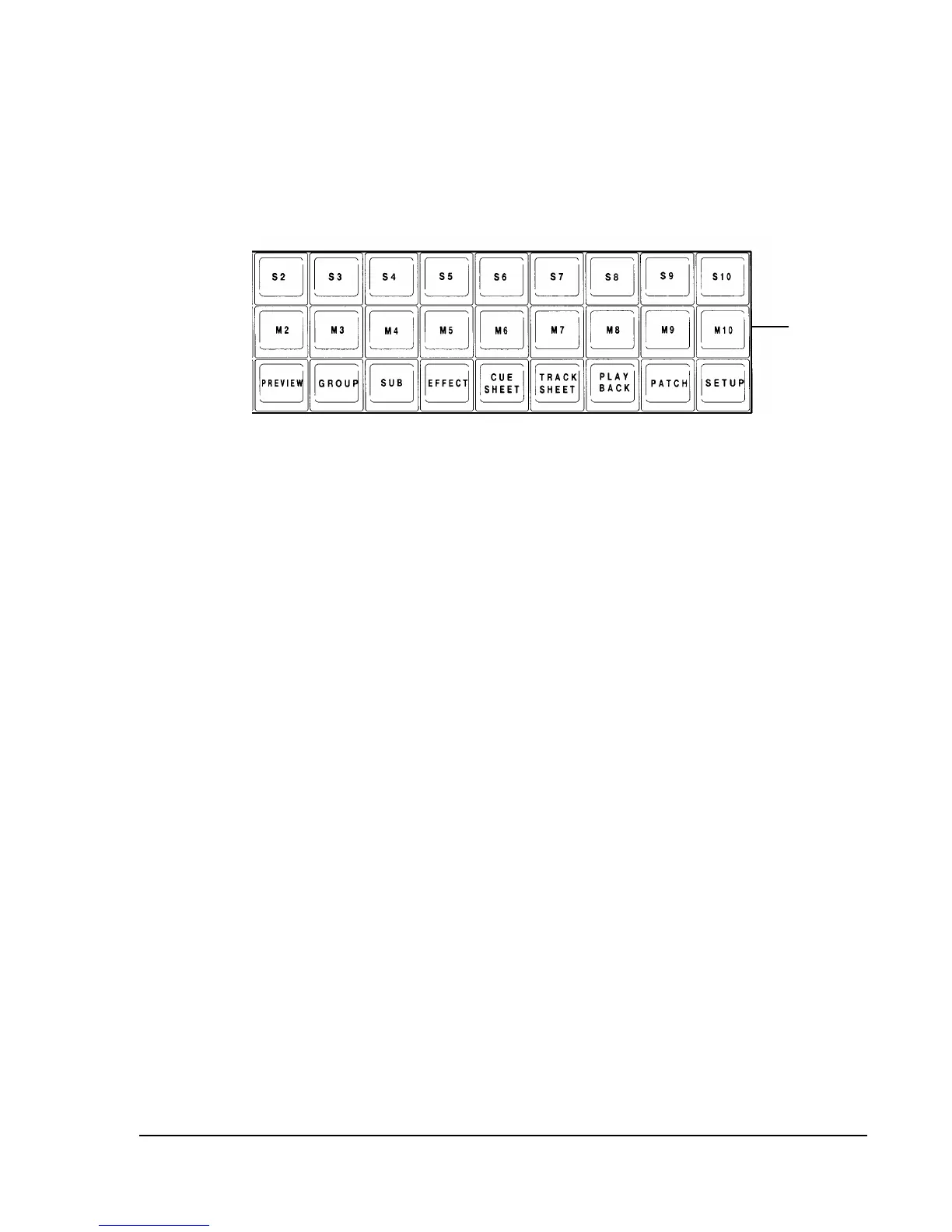
Figure 20.1, Macro Keys
A macro is a series of keystrokes that you record to perform a complex command with
the press of a single Macro key. Macros are especially useful for executing command
sequences that you repeat often. You can use a macro to go to cue zero, reload
submasters, park or unpark channels or even set a certain "look" on stage.
Recording Macros
You can create a macro "live" by pressing the (REC. MACRO) soft key in the
Setup or Stage display. A macro may contain both hard key and soft key
keystrokes, but cannot record fader, Bump button or wheel functions. A macro
may contain up to 128 keystrokes. You may "nest" macros by using another
macro inside a macro, both executed with a single keystroke.
? EXAMPLE: To create and record macro 1 "live" to execute with
[M1] key, in the Setup display:
1. (REC. MACRO) [1] [ENTER]
2. Enter keystrokes that make up the macro.
3. [M1] (Ends the Record Macro
command.)
? NOTE: You can also end the Record Macro command by using the
(REC. MACRO) soft key in the Stage and Setup displays.
? EXAMPLE: To create a Go To Cue 0 macro in the Stage or Setup
displays:



 To Next Page