Colortran Encore Control Console
Software Version 3.05
58
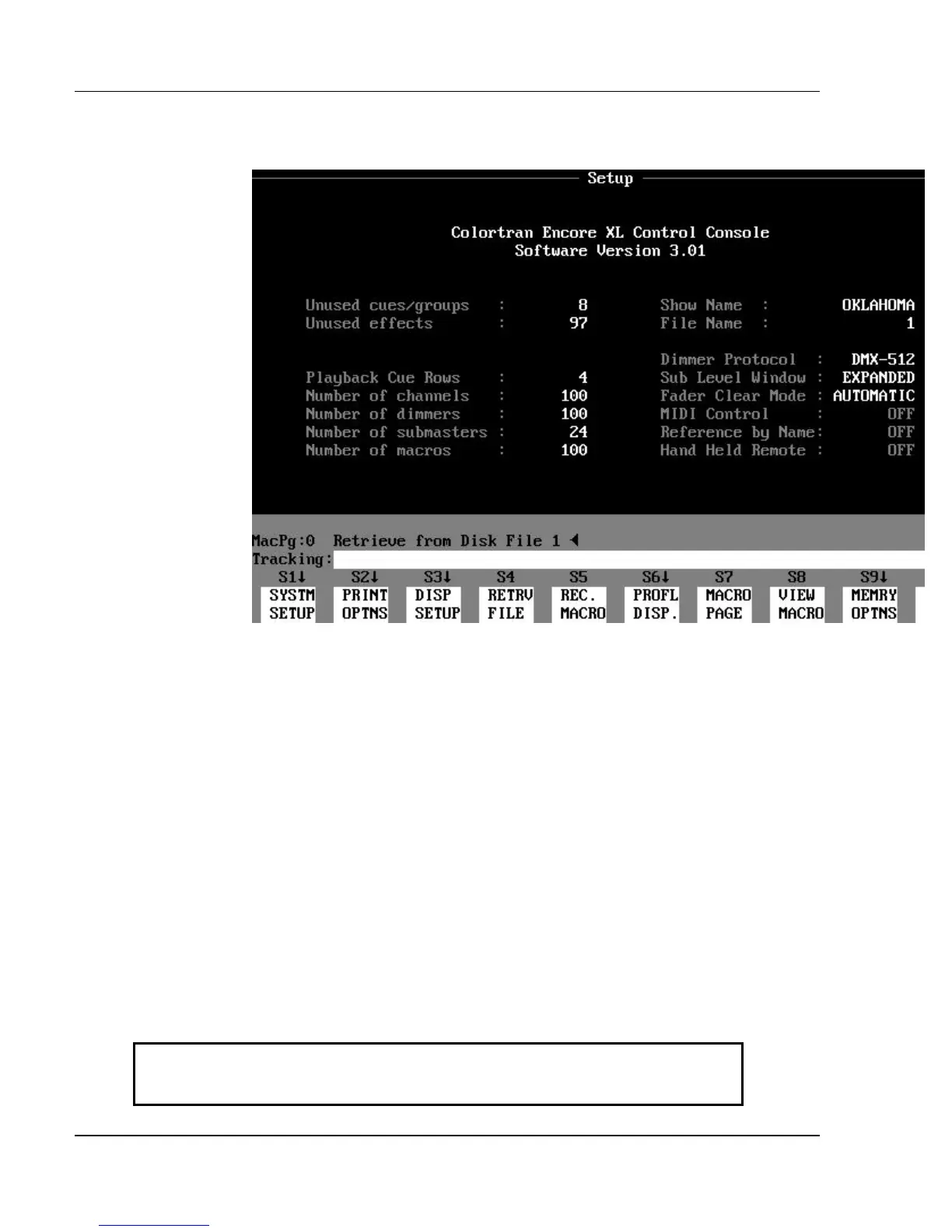
The Setup Display (a blind configuration
display)
Figure 3.18, Setup Display
Purpose of the Setup Display: The Setup display is used to
customize show parameters to suit your specific needs. All editable parameters
shown in the Setup display are edited through the soft keys available in this
display. The Setup display shows all the current setup parameters for a show.
These parameters include:
?? Show Name (this is different from the File Name)
?? Number of dimmers (total) for the show
?? Number of channels (total) for the show
?? Dimmer Protocol that is currently selected
Printing and memory functions are also performed in the Setup display.
Contents of the Setup Display: Your Encore model and software
version number are shown at the top of the Setup display. Below this are the
Show Name and File Name of the currently loaded show. The information
fields in the Setup display are summarized in Table 3.1 on the next page.
Unused cues / groups Number of cues, cue parts and groups available to record in show.
Unused effects Number of effects available to record in show.



 To Next Page